You need a landing page that converts, not just one that looks nice. Picking from thousands of generic WordPress landing page templates usually means hours of tweaking margins, swapping stock photos, and fighting with page builders that were never built for speed. That’s time you don’t have if you’re launching a campaign this week.
This list skips the noise and points you toward layouts that actually drive signups and sales, whether you want free landing page templates for WordPress to test an idea or premium designs built for client work. Every option here works with Divi, the theme built for drag-and-drop customization without touching code.
We cover six templates, breaking down who each one fits best: agencies running multiple client demos, freelancers who need a fast turnaround, and business owners building their own site without a design background. You’ll see real use cases for hero sections, opt-in pages, and full landing page layouts, plus what separates a template that just looks good from one that’s structured to turn visitors into leads.
1. DiviHat: premium Divi landing page templates
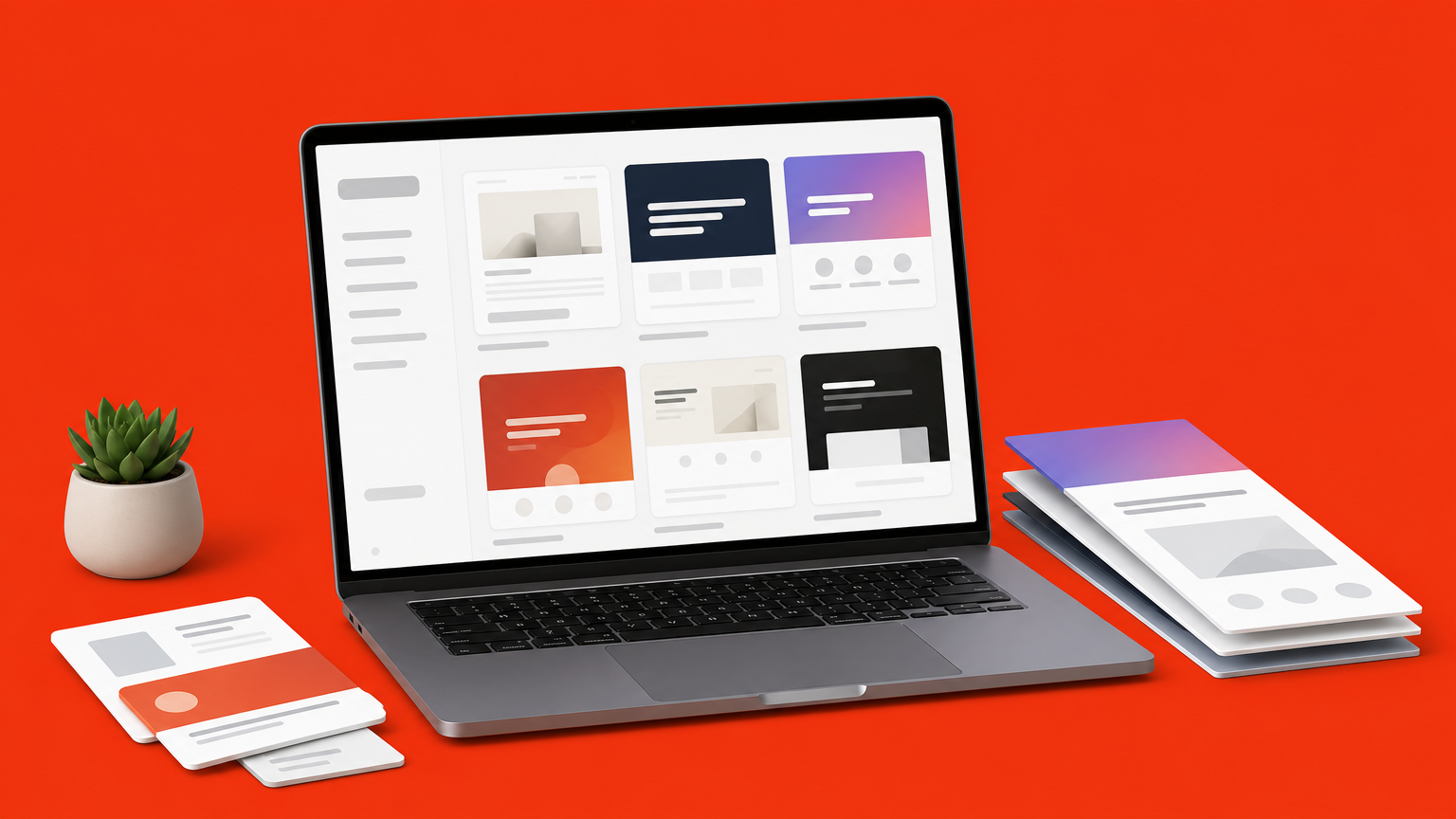
DiviHat gives you a curated library of over 100 ready-made Divi 5 layouts, hero sections, and child themes built specifically for pages that need to convert, not just look pretty. Instead of hunting through generic marketplaces for wordpress templates landing page designs that clash with your brand, you get landing page templates built for Divi that drop straight into the visual builder and start editing in minutes.
Key features
Membership unlocks the full catalog: 26+ complete landing page layouts, 75+ hero sections designed for Divi 5, and 8 child themes, each coded to work directly with Divi’s drag-and-drop editor. Every asset ships with royalty-free images and unlimited usage rights, so you can reuse the same template across as many client sites as you want without licensing headaches.
A template only earns its place on your site if it’s built to convert, not just to look good in a preview screenshot.
Best for
Agencies and freelancers running multiple client projects get the most value here, since one membership covers unlimited websites. Business owners who want a solid landing page wordpress templates option without hiring a designer also fit well, especially once they’re comfortable with Divi’s builder.
Pricing
| Plan | Price | Access |
|---|---|---|
| Single layout pack | Starting around $19 | One layout or hero pack |
| Annual membership | One flat annual fee | Full library, 100+ assets |
| Lifetime membership | One-time payment | Full library, lifetime updates |
Every purchase comes with a 30-day money-back guarantee, so testing a layout on a live campaign carries little risk. The annual membership unlocks the entire library, while single packs suit a one-off project. Check current pricing on the DiviHat membership page.
How to customize it
Importing a template comes down to three steps: pick a layout from your dashboard, import it into the Divi Library, then drag it onto your page.
- Swap headline and button copy directly in the builder
- Replace hero images with your own or keep the included royalty-free set
- Adjust colors and fonts globally through Divi’s theme customizer
Because everything is module-based, you never touch code, and priority chat support is there if you get stuck mid-build.
2. SeedProd: drag-and-drop landing page builder
SeedProd built its reputation as a dedicated landing page builder for WordPress, separate from full theme builders like Divi. It ships as a standalone plugin, so you install it on any theme and start building without touching your site’s core design.
Key features
The plugin includes over 300 pre-built templates covering opt-ins, sales pages, webinar registrations, and coming-soon pages. It also bundles conversion tools like countdown timers, spin-to-win optins, and built-in A/B testing, which most page builders charge extra for or skip entirely.
A landing page builder earns its keep when it ships conversion tools, not just pretty layouts.
Best for
Marketers running lead generation campaigns who want testing tools baked in, rather than bolted on through a third plugin, fit SeedProd well. It also suits site owners who want a lightweight builder without adopting a full theme framework like Divi.
Pricing
SeedProd offers a limited free version through the WordPress.org plugin repository, while paid plans start around $39.50 a year for the Basic tier and scale up for Pro and Elite access with more templates and integrations.
How to customize it
Once installed, pick a template from the built-in library, then edit blocks directly in the visual editor:
- Drag sections to reorder page structure
- Connect email integrations for opt-in forms
- Enable built-in analytics to track conversions
No code editing required, though customization options run narrower than a full Divi layout.
3. Astra starter templates for landing pages
Astra pairs a lightweight theme with a library of ready-made site imports called Starter Templates, and a chunk of that library targets landing pages specifically. Instead of designing from a blank canvas, you pick a demo built for webinars, product launches, or agencies, then import the whole page in one click. It’s one of the more popular routes to free landing page templates wordpress searchers land on, since the base plugin costs nothing, much like free landing page layouts for Divi.

Key features
Astra Starter Templates includes over 280 full site imports, with a filtered subset built as single landing pages rather than multi-page sites. Each template works across builders, including Elementor, Beaver Builder, and native Gutenberg blocks, so you’re not locked into one editor.
A template that works across builders saves you from rebuilding your page when you switch tools later.
Best for
Budget-conscious freelancers and small business owners who want a fast, functional page without committing to a premium theme fit Astra well. It also suits developers who prefer Gutenberg over a dedicated page builder.
Pricing
The theme and starter template library are free from the WordPress repository. Astra Pro adds premium templates and starts around $59 a year, billed through Brainstorm Force.
How to customize it
Import a template through the Astra onboarding wizard, then edit content blocks directly in your chosen builder. Colors, fonts, and spacing sync through the Astra Customizer panel, so global changes apply site-wide without hand-editing CSS.
4. Elementor landing page template kits
Elementor built its name as the most widely used page builder plugin for WordPress, and its template library reflects that scale. Beyond single templates, Elementor organizes designs into full kits, matching landing pages with headers, footers, and internal pages that share the same visual style. That matters if your landing page needs to connect to a broader site rather than stand alone.
Key features
The library includes over 300 templates plus dozens of full kits, each covering landing page templates for wordpress across niches like SaaS, real estate, and coaching. Elementor’s theme builder lets you control headers and popups site-wide, and the Pro version adds a motion effects engine for scroll animations without custom code.
A kit built around one visual identity saves you from mismatched pages once traffic starts clicking through your site.
Best for
Designers who need a landing page tied to a larger multi-page site fit Elementor well. It also suits agencies that want one builder across every client project, rather than switching tools per page type.
Pricing
Elementor’s free version, available on WordPress.org, includes basic templates. Elementor Pro starts around $59 a year for one site and scales up for agency-tier licensing across more domains.
How to customize it
Import a kit through Elementor’s Template Library, then edit each widget inline. Global colors and fonts adjust through Site Settings, applying changes across every imported page at once.
5. Unbounce landing page templates for WordPress
Unbounce takes a different approach than the plugins above. It’s a standalone SaaS platform that builds landing pages outside your WordPress install, then connects to your site through a lightweight embed or a custom domain pointing at Unbounce’s servers. If you want wp landing page templates with heavy AI copy and conversion testing baked in, and don’t mind hosting the page off your WordPress database, Unbounce earns a spot on this list.
Key features
Unbounce ships with over 100 templates sorted by industry and goal, plus Smart Builder, an AI tool that assembles a page layout from a short brief. Built-in dynamic text replacement swaps headline copy based on ad keywords, a feature most WordPress plugins charge extra for or skip.
A landing page platform that tests and rewrites copy for you does work a plugin alone never will.
Best for
Marketers running paid ad campaigns who need rapid A/B testing without touching WordPress code fit Unbounce best. Agencies managing PPC for several clients also benefit, since pages launch independent of each client’s hosting setup.
Pricing
Plans start around $99 a month for the Build tier, with higher tiers adding AI features and unlimited domains. There’s no permanently free plan, though Unbounce offers a 14-day trial.
How to customize it
Editing happens entirely inside Unbounce’s own builder: drag elements, connect your email marketing tool, then publish through a WordPress plugin or subdomain redirect.
6. OceanWP free landing page templates
OceanWP started as a lightweight multipurpose theme, but its demo library now includes several layouts built specifically as standalone landing pages. Since the theme itself is free, it’s a common stop for anyone typing free landing page templates for wordpress into a search bar and hoping to skip a paid plugin entirely, in the same way no-cost Divi layouts pull in Divi users.
Key features
OceanWP demos import through the free Starter Sites extension, pairing with Elementor or the native block editor depending on which demo you pick. The theme itself weighs in under 300KB, so pages load fast even before you optimize images, and it includes built-in schema markup for better search visibility out of the box.
A theme that loads fast before you even touch it gives every landing page a head start on conversions.
Best for
Budget-first freelancers and hobbyists building a first landing page fit OceanWP well. It also suits developers who want a bare-bones starting point they can strip down further, rather than a template loaded with extra features they’ll never use.
Pricing
The core theme and starter sites are free through WordPress.org. OceanWP Pro unlocks extra demos and page-building extensions starting around $39 a year for one site.
How to customize it
Install the theme, then import a demo through the Starter Sites panel inside your dashboard. Edit content blocks in Elementor or Gutenberg, and adjust global colors and typography through the OceanWP Customizer panel.
Picking the right template for your site
Your choice comes down to how much control you want versus how fast you need to launch. A standalone builder like SeedProd or Unbounce gets a single page live quickly, but you’ll rebuild everything from scratch on the next project. Divi-based templates give you a library you reuse across every client site, and knowing when a layout beats a full child theme pays off the moment you’re building your third or fourth landing page this month.
Skip the trial-and-error of testing plugins one by one. If you’re already running Divi, or thinking about switching, start with layouts built for conversion, not decoration. DiviHat’s library covers hero sections, full page layouts, and child themes with unlimited site usage, backed by a 30-day guarantee that removes the risk from testing a new design. Join the Divi Hat membership and get every landing page asset you need for your next project without starting from a blank page.