The best Divi themes for WooCommerce give you finished shop, product, cart and checkout designs that you can import and edit, not just a nice homepage. For a full store, Divi Cart Pro and DiviCommerce cover the most pages. For product pages alone, WooCommerce Layouts for Divi has the widest choice. On a tight budget, the $29 Divi WooCommerce child theme or the free Divi Plus niche themes get you started. If you would rather not build at all, Divi Hat can build the store for you.
Divi already ships with WooCommerce modules, so the real question is how much design work you want to do yourself. Blank Theme Builder templates eat hours. Packs differ in which pages they cover, and the counts quoted in reviews often contradict each other. This list sorts eight options by type and shows what each one includes, who it suits and what it costs, so you can compare before you spend anything.
Divi Hat has built websites with the Divi Theme for over ten years, so the picks below follow the questions a builder asks. Which pages does a shop actually need? How does licensing work across client sites? What happens when you import a layout into Divi 5? You will also find a short guide to choosing and testing a pack on a staging site.
Child theme, layout pack or Theme Builder: what to buy
Divi’s Theme Builder already includes WooCommerce modules, so a child theme or layout pack only gives you pre-designed pages built from those modules. Buy a pack when you want the design finished. Skip it when you enjoy building templates from scratch.
What Divi already includes for WooCommerce
Divi has built-in WooCommerce modules that you place in Theme Builder templates. You can design the shop page, the single product page, the cart and the checkout with them. Modules such as Woo Product Images, Woo Add to Cart, Woo Product Tabs and Woo Related Products map to the blocks of a standard product page.
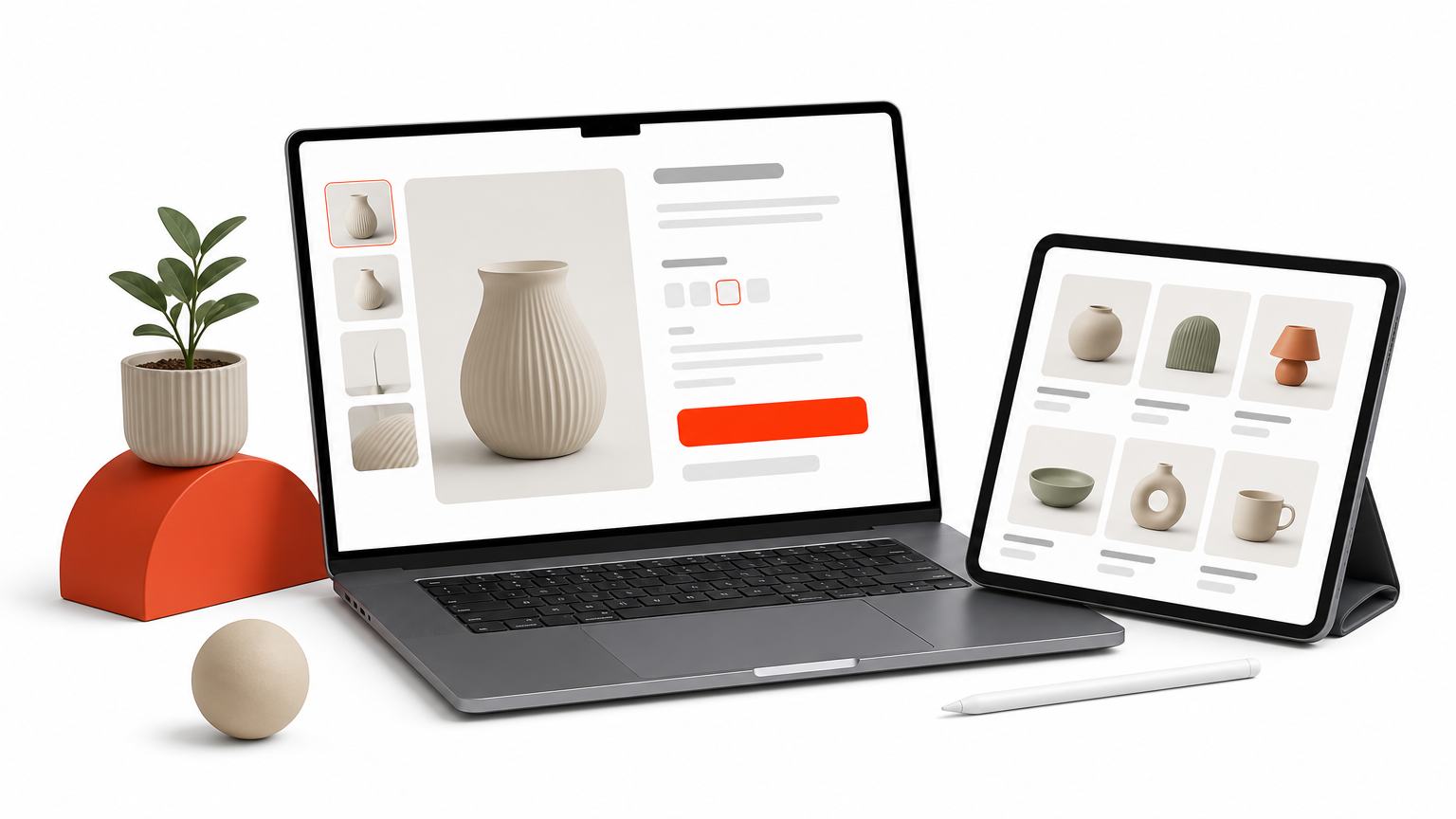
That means every product page layout, shop layout or WooCommerce template for Divi you buy is just a saved arrangement of these modules plus styling. A good pack saves you the arranging and styling, not the plumbing. A weak pack gives you a pretty demo that breaks once you add real products with variations and long titles.
A Divi WooCommerce pack sells you finished design, not new store functionality.
Three ways to design the store
You can go from nothing to a styled store in four ways. They differ in speed, control and cost.
| Option | What you get | Best for |
|---|---|---|
| Theme Builder only | Woo modules and blank templates | Designers who want full control |
| Layout pack | Ready shop, product, cart and checkout layouts you import | Existing sites that need better pages |
| Child theme | Homepages, headers, footers, shop templates and a demo importer | New stores that must launch fast |
| Done-for-you build | A store designed and set up for you | Owners with no time to build |
A layout pack suits you when your site already has a look. A child theme suits you when you are starting fresh and want one consistent package. The eight picks below include all four types.
Pick the type first, then the product. Most bad purchases are the wrong type.
1. Divi Hat ecommerce store design
Divi Hat offers a Divi web design package for an ecommerce site: unlimited pages, up to 50 products and payment integration for $1,499. It is the one pick on this list where you buy a finished store instead of templates.
If you want a store and not a template kit, paying for the build is the shortest path.
What you get
The package covers the whole build, not only the shop pages. Divi Hat’s founder, Shahzad Raza, is a top-rated Upwork professional with a decade of Divi experience.
- Unlimited pages, so About, FAQ and landing pages are not extra
- Up to 50 products set up in the store
- Payment integration so you can take orders at launch
- A design built with the Divi Builder, which you can edit afterward
If you prefer to build it yourself, the Divi Hat membership is a separate route. It includes layouts, hero sections and eight child themes for the non-shop parts of your site. The shop and product templates then come from Theme Builder or one of the packs below. A purchased child theme can also be installed and personalized for you through the child theme installation service.
Who it suits and what it costs
This fits small business owners with a catalog of about 50 products or fewer who want to sell without learning Theme Builder. It also fits freelancers who would rather sub out a store than build one.
The price is $1,499 for the package, against roughly $29 to $70 for a DIY template. You are paying for the hours, not the files. If your catalog is much larger than 50 products, agree the scope first before you order.
2. Divi Cart Pro
Divi Cart Pro is a child theme built for WooCommerce stores, and it adds four custom shop modules to the Divi Builder. Those modules are Mini Cart, Custom Shop, Product Carousel and Categories Grid.
Divi Cart Pro is the pick when you want extra shop modules as well as finished pages.
What you get
The theme is a complete package that works on native Divi without third-party plugins. A single license covers unlimited sites.
- 50+ pre-designed layouts, including 10+ homepages
- About 10 product page templates and checkout templates
- Custom headers, footers and blog templates
- One-click demo import
Who it suits and what it costs
Divi Cart Pro suits mid-size and large catalogs and agencies that reuse one base across many client stores. The mini cart and carousel modules are the main reason to choose it over a plain layout pack.
It is a paid premium theme sold through the Divi Marketplace, so check the current price on the product page. Reviews disagree on the exact homepage count, so treat 10+ as the safe figure.
3. WooCommerce Layouts for Divi
WooCommerce Layouts for Divi is the strongest pick for product page layouts. It is a layout pack, not a child theme, so it adds designs without changing your site’s look elsewhere.
If product pages are your weak spot, this pack gives you the most options to test.
What you get
Recent listings count the pack in large numbers. Older reviews cite far smaller counts, since the pack has been expanded over time, so trust the product page for the current figures.
- 70+ product page layouts
- 50 shop layouts with sidebar and hover options
- 25 cart and 25 checkout templates
- 150 extra sections for promotions and collections
- Lifetime license, unlimited websites
Who it suits and what it costs
It suits any store that already has a header and footer and needs better pages. It also suits agencies that want to A/B test several product page designs for one client.
The Divi Marketplace lists it at around $29, and licensing covers unlimited sites. Because it is cheap, it pairs well with a child theme whose product pages feel thin.
4. DiviCommerce
DiviCommerce is a large ecommerce layout kit with 250+ prebuilt designs, and it is the most modular option here. You assemble pages from sections instead of taking one fixed demo.
DiviCommerce works like a parts bin, so you get flexibility and need some taste to use it.
What you get
The kit splits into full pages and reusable sections. The 38 WooCommerce pages break down like this:
- 8 shop pages and 13 single product pages
- 7 cart pages and 5 checkout pages
- 3 homepages and 2 My Account pages
- 125+ sections: hero headers, navigation menus, footers, promo banners, product displays and category blocks
Who it suits and what it costs
It suits designers who like mixing sections and stores that want a branded My Account area, which many packs skip. A freelancer can reuse the section library across several clients.
The trade-off is decision load. With 13 product pages to pick from, you need a clear brand direction first. Check the current price on the product page, since it varies with the license you choose.
5. Luxe
Luxe is a minimalist child theme for Divi and WooCommerce that leans on white space. It is the pick for a small catalog of high-priced products.
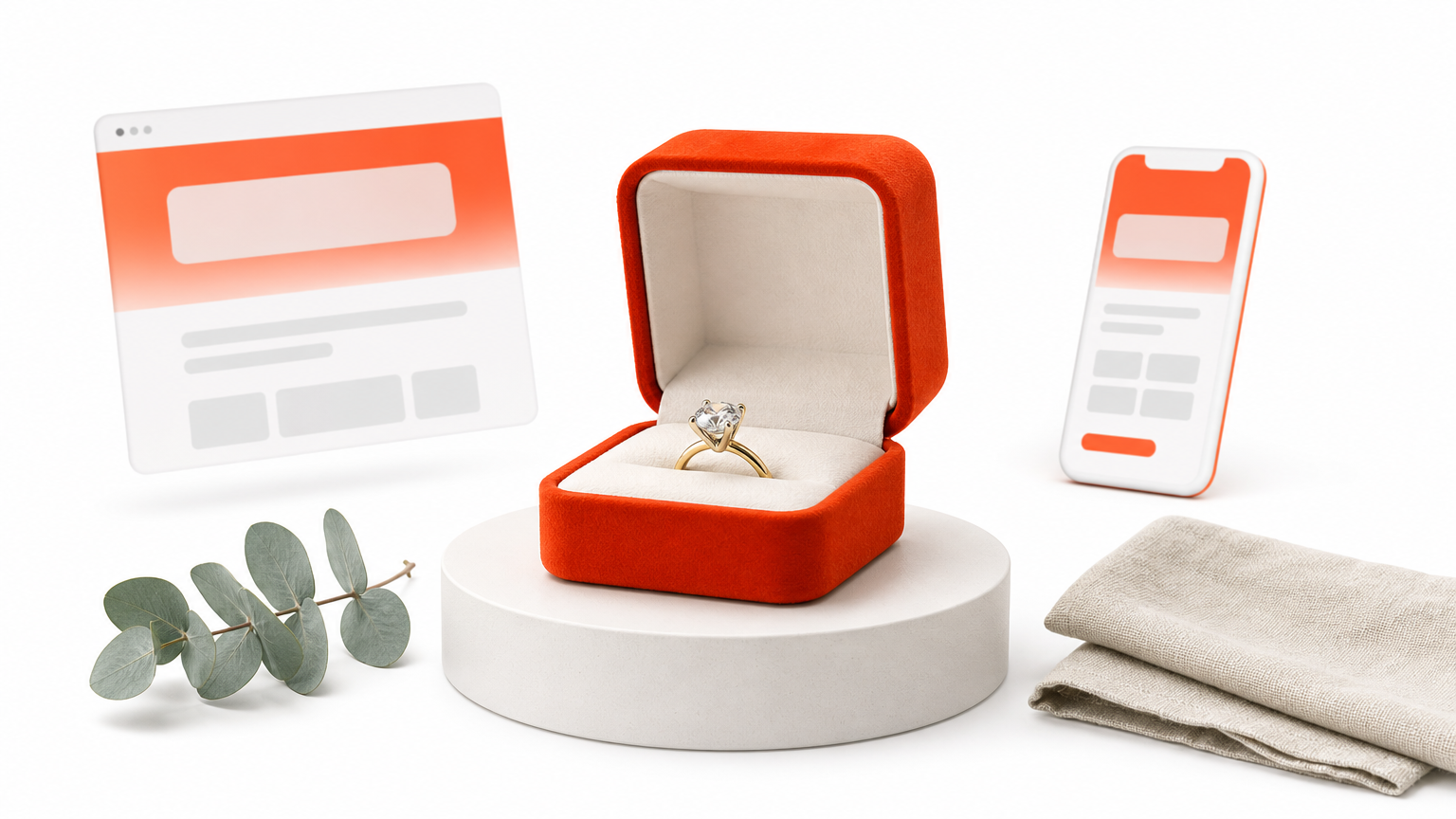
Luxe works because it stays out of the way of the product photography.
What you get
Luxe keeps the store uncluttered and ships with the extras a boutique needs.
- About 20 unique layouts
- A wishlist feature
- A mega menu
- Marketing pages and ongoing support from the developer
Who it suits and what it costs
It suits boutiques, jewelers and makers with a few dozen items at higher price points. Generous spacing lets each product breathe.
It does not suit a store with hundreds of SKUs. The airy layout wastes screen space when you need dense grids and heavy filtering. It is a paid theme, so check the listing for the current price.
6. Fashion: Divi ecommerce theme
Fashion is a child theme built for clothing and accessory shops, and it costs $70 for unlimited website usage. That price also includes a $20 premium plugin.
Fashion is the best paid pick when shoppers browse visually and filter a lot.
What you get
The extras focus on fast browsing, especially on phones.
- Ajax product filters and search
- Mobile quick shop and fullscreen product galleries
- A fixed offer banner with a coupon form
- Instagram feed integration
- Lookbook, blog, about, contact, 404, account and cart templates
Who it suits and what it costs
It suits fashion brands and accessory sellers who need visual galleries and size or color filtering. It also works for other visual products if you ignore the lookbook.
At $70 it costs more than the $29 options. Spread across three client stores, that is about $23 per store, because one license covers unlimited sites.
7. Divi WooCommerce child theme
The Divi WooCommerce child theme is the budget option. It costs $29 and includes unlimited site usage plus one year of updates and support.
At $29, this theme gets a small shop live fast, as long as you want simple pages.
What you get
It covers the basics a small store needs and little more.
- Three shop layouts: clean and classic, modern and image-focused, conversion-optimized
- About, Contact and FAQ pages
- A custom 404 page
- Two Coming Soon designs
Who it suits and what it costs
It suits freelancers and solo owners with a small catalog and a small budget. The Coming Soon pages help when you want to collect emails before launch.
The listing highlights shop layouts rather than product page designs. For a richer product page, add a layout pack such as pick 3. Updates and support run for one year, so plan to renew or manage updates yourself afterward.
8. Divi Plus free niche child themes
Divi Plus offers free child themes for specific kinds of shops, such as electronics, jewelry, bakeries, wine, watches, plants, furniture, groceries and cosmetics. Each one has five or six pages built around a niche.
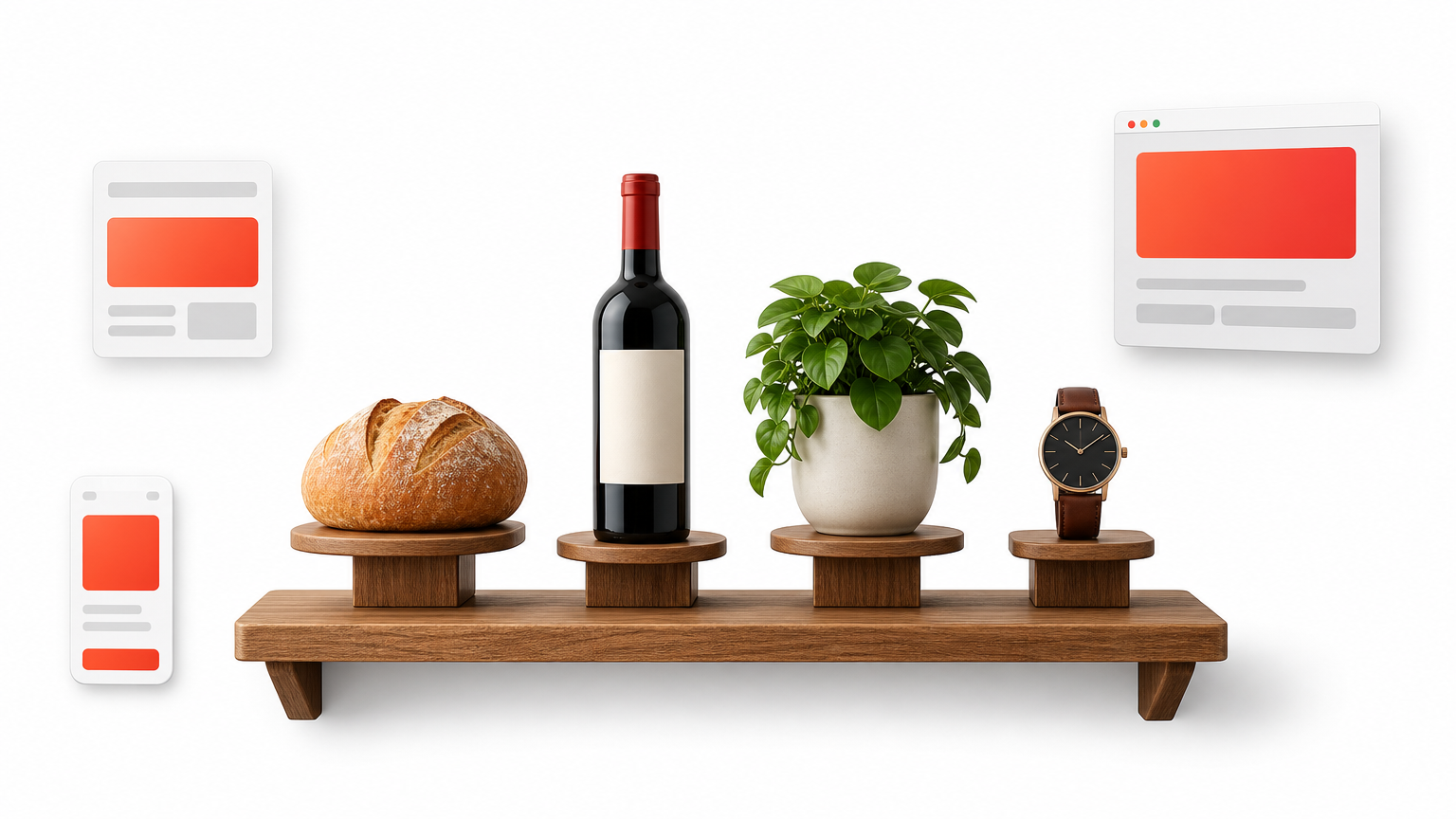
Free niche themes are the cheapest way to see a finished Divi store design before you commit.
What you get
The themes use Divi Plus modules, including a Products Grid for Woo. Confirm what the product page says about the Divi Plus plugin before you import.
- Electronics Store: 5 pages with an Ajax search bar
- Jewellery Store: homepage, about, shop, gallery, contact and blog
- Bakery, Watch Store, Furniture Store and Cosmetic Store: 6 pages each
- Winery and Plant Store: 5 pages each
Who it suits and what it costs
These suit niche shops with a zero budget, or anyone who wants a quick prototype to show a client. Replace the demo content and add products.
Pages are fewer than in the premium kits, and you will not find extensive product page variety. Divi’s own layout library, filtered by Online Store, is another no-extra-cost starting point, but it adds no new features.
How to choose and test your Divi WooCommerce design
Choose by catalog size, product page needs and licensing, then test on a staging site before launch. The wrong pick usually shows up the first time you add a real product.
Match the pick to your store
Start with your situation, not the feature list. The table maps common cases to the picks above.
| Your situation | Best pick |
|---|---|
| No time to build, up to 50 products | 1. Divi Hat store design |
| Full store with custom cart modules | 2. Divi Cart Pro |
| Better product pages on an existing site | 3. WooCommerce Layouts for Divi |
| Modular sections and My Account design | 4. DiviCommerce |
| Few high-priced products | 5. Luxe |
| Fashion or accessories | 6. Fashion |
| Smallest budget that still looks finished | 7. Divi WooCommerce child theme |
| Niche shop, no budget | 8. Divi Plus free themes |
Titan, MegaMart, DiviWooPro and Flexile are also worth a look. Titan and MegaMart add wishlists, quick view and mega menus. DiviWooPro is a layout pack with 8 shop and 8 product pages. Flexile is a multipurpose theme with 35 WooCommerce layouts.
Licensing matters as much as design. A freelancer building three 30-product stores can cover all three with one $29 child theme and one roughly $29 layout pack. That totals about $58, or about $19 per store.
Test before you go live
Treat every pack as a draft until real products prove it. Follow these steps on a staging copy of your site.
- Update Divi and WooCommerce, then import the layout on staging.
- Assign the Theme Builder templates to your product, shop, cart and checkout pages.
- Add three real products, including one with variations and one with a long title.
- Place a test order and check the cart and checkout on a phone.
- Run the Divi 5 Migrator if the layout was built for Divi 4, and review what converts natively.
Divi 5 keeps older layouts working through a compatibility layer, so they still import and render. Rebuilding natively is optional but gives you the newer rendering. Do the migration on staging so you see the result for your own install before customers do.
Never judge a Divi WooCommerce layout by its demo. Judge it by your own products.
Pick one and build your store
The right choice depends on how much you want to build yourself. A finished build from Divi Hat suits owners with no time, Divi Cart Pro and DiviCommerce suit full stores, WooCommerce Layouts for Divi fixes product pages, and the $29 theme or the free Divi Plus themes keep costs near zero. Test whichever you choose on staging with real products.
If you build stores regularly, the layouts, hero sections and child themes in the Divi Hat membership cover the rest of each site. It costs $79.95 a year, or $297.95 for lifetime access, and it works on unlimited sites with priority support and a 30-day money-back guarantee.