
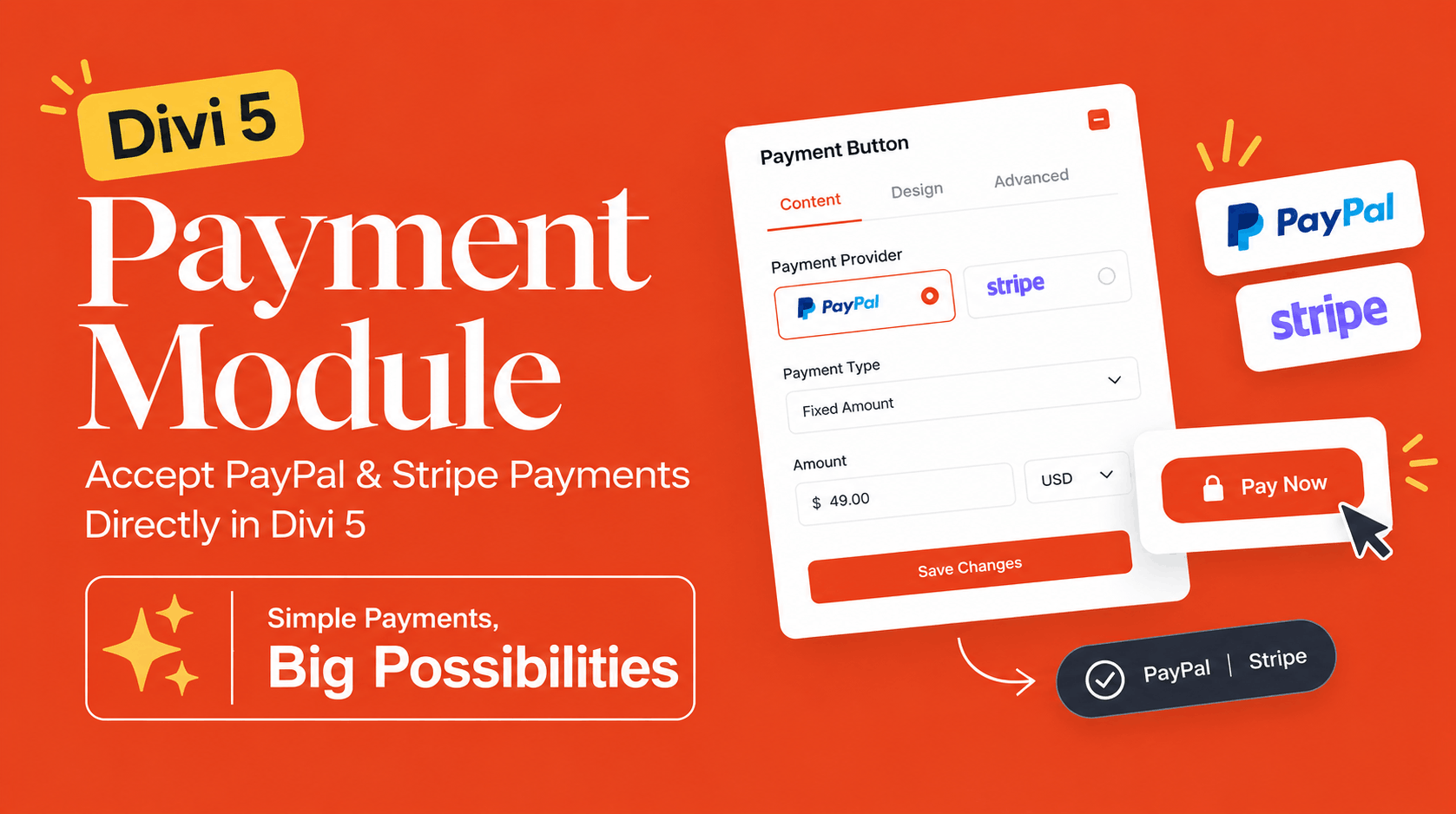
Divi Payment Module: Accept PayPal and Stripe Payments Directly in Divi 5
Divi 5 is continuing to evolve from a major rebuild into a more complete website-building platform, and its latest additions are making that transition even more interesting. One of the newest features is the Divi Payment Module, officially introduced as the Payment Button module in Divi 5.
The idea behind it is refreshingly simple: if your website needs to collect a payment but you don't need a complete ecommerce system, you can now place a payment button directly on your Divi 5 page and connect it to PayPal or Stripe.
That could be useful for selling a single product, collecting a deposit, accepting donations, charging for a booking, or simply giving visitors a quick way to pay without building an entire online store.
What Is the Divi Payment Module?
The Divi Payment Module is a native Divi 5 module designed to add payment functionality to a website through a customizable button.
Instead of relying on a separate ecommerce plugin for a simple transaction, you can configure a button inside the Divi Visual Builder and connect it to either PayPal or Stripe.
The module includes payment-specific settings while retaining the familiar design controls of Divi's regular Button module. This means the payment button can be styled to fit naturally into the rest of your website rather than looking like an external payment widget.
For businesses and website owners who only need a straightforward way to collect money, this can eliminate a lot of unnecessary setup.
How Does the Divi Payment Module Work?
The process is fairly straightforward.
You add the Payment Button module to your Divi 5 layout, select your payment provider, configure the payment destination, choose the amount and currency, and customize the button.
There are two payment providers currently supported:
PayPal: You can connect a PayPal business email to the module and send customers through PayPal's checkout process.
Stripe: Stripe works through a Stripe Payment Link, which you can create for the product or payment you want to accept and then connect to the module.
You can also choose between a fixed amount and a user-defined amount. That makes the module useful for more than just traditional "Buy Now" buttons.
For example, a fixed amount could work for a $99 consultation deposit, while a user-defined amount could be useful for donations where the visitor decides how much to contribute.
The module also provides Sandbox and Live environments, allowing you to test the payment experience before switching the button over to real transactions.
What Can You Use the Divi Payment Module For?
This is where the module becomes more interesting than its simple appearance suggests.
Sell a Single Product
If you're selling one digital product, service, template, consultation, or another item that doesn't require a complete shopping cart, a payment button can be enough.
You can place the button directly next to your offer and send the visitor straight to checkout.
Accept Donations
The user-defined amount option makes the module particularly useful for donation pages.
Instead of creating different payment buttons for different amounts, visitors can enter the amount they want to contribute.
Collect Deposits
Freelancers, consultants, agencies, event organizers, and service businesses could use the module to collect deposits.
For example, a service page could explain the service, show the price, and place a payment button directly below the offer.
Accept Booking or Reservation Fees
If you only need to collect a booking fee rather than manage an entire reservation system, a simple payment button can provide a much lighter solution.
Sell Without Building a Full Store
This may ultimately be the biggest appeal.
Not every website needs product catalogs, shopping carts, inventory management, shipping calculations, customer accounts, and order management.
Sometimes you simply need:
Offer → Payment Button → Checkout
The Divi Payment Module is designed for exactly this kind of scenario.
Do You Need WooCommerce to Accept Payments in Divi 5?
No — not for the type of simple payment scenarios this module is designed to handle.
That's an important distinction.
WooCommerce remains a powerful option when you need a complete ecommerce system with products, carts, orders, inventory, shipping, customer management, and other store functionality.
But if your goal is simply to let someone pay for one thing, collect a donation, or submit a deposit, installing a full ecommerce system may be unnecessary.
The Divi Payment Module gives you a much simpler alternative for those use cases. Elegant Themes itself describes the module as a simple payment solution rather than a replacement for a full ecommerce platform.
PayPal vs. Stripe: Which One Can You Use?
The choice depends largely on your existing payment setup.
With PayPal, the module can connect to a PayPal account using the associated business email.
With Stripe, you create a Stripe Payment Link and connect that link to the Divi Payment Module.
So you don't have to completely change your payment infrastructure just to use the new module.
If your business already uses PayPal, you can continue using it. If Stripe is already part of your workflow, you can connect your Stripe Payment Links instead.
What Are the Benefits of the Divi Payment Module?
The biggest advantage isn't that it suddenly turns Divi into a full ecommerce platform.
It's that it makes simple payments much easier to integrate into a Divi 5 website.
Less Complexity
For a simple payment scenario, you don't necessarily need to introduce an entire ecommerce stack.
Native Divi Design Controls
The module follows the design approach of the standard Divi Button module, so you can customize its appearance using Divi's design controls.
PayPal and Stripe Support
Having both PayPal and Stripe available gives website owners flexibility when choosing how customers pay.
Fixed or Customer-Defined Payments
You can charge a predetermined amount or allow visitors to enter their own amount.
Testing Before Going Live
The Sandbox environment provides a way to test the payment button before accepting real payments.
Useful for More Than Ecommerce
The module can work for services, donations, deposits, bookings, digital products, and other situations where a simple payment is all you need.
Why Is This Another Reason to Move to Divi 5?
This is perhaps the bigger story behind the new module.
The Payment Module isn't necessarily a reason by itself for every Divi 4 user to immediately migrate. But it is another example of where Divi is heading.
Divi 5 officially left beta in February 2026, and Elegant Themes has continued adding new modules and features at a rapid pace. The Payment Button was introduced alongside native Charts, Gravity Forms, and Imagely modules in Divi 5.11.
That matters because Divi 5 is no longer simply a future version that users are waiting for.
It is becoming the platform where new functionality is being developed.
We're seeing this through a growing collection of native modules, new layout and design systems, improved interactions, grid capabilities, and integrations. Elegant Themes has also continued releasing new Divi 5 features after the official launch.
For someone still working exclusively with Divi 4, that makes the decision increasingly less about "Should I eventually move to Divi 5?" and more about "When is the right time for my website to move?"
There is still a sensible reason to test compatibility before migrating an established website, particularly if it relies heavily on third-party Divi extensions. Elegant Themes recommends testing migrations on a staging site and checking third-party compatibility before making the switch.
But for new websites, Divi 5 is becoming much easier to justify.
Is the Divi Payment Module a Replacement for WooCommerce?
Not really — and that's actually a good thing.
WooCommerce is built for full ecommerce operations. The Divi Payment Module is aimed at much simpler transactions.
If you need a complete online store, WooCommerce will generally make more sense.
If you need a payment button for a service, donation, deposit, digital offer, or single product, adding a complete ecommerce platform could be overkill.
Think of the Divi Payment Module as a lightweight payment solution rather than a full ecommerce engine.
What Could Come Next?
The current version of the module is intentionally simple, but that could make it an interesting foundation for future Divi development.
As more payment-related functionality is added, there could eventually be opportunities for more advanced ecommerce features directly within Divi.
For now, however, the strength of the module is its simplicity.
You don't need a complicated store architecture when all you want is a well-designed payment button.
Frequently Asked Questions About the Divi Payment Module
What is the Divi Payment Module?
The Divi Payment Module, also called the Payment Button module, is a native Divi 5 module that lets you add PayPal or Stripe payment buttons to a website.
Can Divi 5 accept PayPal payments?
Yes. Divi 5's Payment Button module can connect to PayPal and send visitors to PayPal for payment.
Can Divi 5 accept Stripe payments?
Yes. Divi 5 supports Stripe through Stripe Payment Links, which can be connected to the Payment Button module.
Do I need WooCommerce to accept payments in Divi 5?
No. For simple payment scenarios such as a single product, donation, deposit, or service payment, the Divi Payment Module can provide a simpler solution. WooCommerce is still more appropriate when you need a complete ecommerce system.
Can customers choose how much they pay?
Yes. The module supports a user-defined amount, making it useful for donations and other situations where the customer determines the payment amount.
Can I test the Divi Payment Module before accepting real payments?
Yes. The module provides a Sandbox environment for testing before switching to Live payments.
Can I customize the payment button?
Yes. The module uses Divi's button-style design controls, allowing you to customize its appearance so it matches your website design.
Is the Divi Payment Module available in Divi 4?
The Payment Button is a new native Divi 5 module introduced as part of Divi 5.11, so it is one of the newer capabilities available in the Divi 5 ecosystem.
Is Divi 5 ready for production websites?
Divi 5 officially exited beta in February 2026. However, websites with significant third-party dependencies should still be tested on staging before migration to make sure their plugins and custom functionality are compatible.
Final Thoughts
The new Divi Payment Module may not be the biggest Divi 5 feature we've seen, but it could be one of those small additions that solves a very specific problem extremely well.
If you need a complete ecommerce store, you'll still want a dedicated ecommerce solution.
But if you simply want to put a Buy Now, Donate, Pay, or Deposit button on a beautifully designed Divi 5 page, having PayPal and Stripe payment functionality available directly inside the builder makes the process considerably more convenient.
And that's what makes this update interesting.
Divi 5 is gradually filling in the gaps that once required additional plugins, custom solutions, or workarounds. The Payment Module is another step in that direction — and for designers and agencies building new Divi websites, it's another reason to start taking Divi 5 seriously.