The best themes for WordPress are lightweight, updated often, and match how you want to edit your site. For most people, Astra or Kadence is the safest all-round pick. GeneratePress suits you if you want lean code, and Twenty Twenty-Five suits you if you want free block editing with nothing extra. Avada fits an all-in-one premium builder, Storefront fits a WooCommerce shop, and Divi Hat child themes fit Divi users who want a finished design for a specific type of business.
The problem is volume. Thousands of themes look polished in a demo, then differ sharply in speed, update history, and how tightly they lock you into one builder. Pick badly and you rebuild your pages later. Pick well and the theme disappears into the background while you work on content.
This list covers ten themes, free and premium, and every entry gets the same three-part breakdown: what it offers, who it suits, and what it costs and where it falls short. Divi Hat is our own marketplace. It is listed first because it fits the topic, but it only makes sense if you build with Divi, so weigh it as one option among ten. After the list you will find a comparison table and a short guide to choosing between them.
1. Divi Hat child themes
Divi Hat child themes are premium, ready-made designs for the Divi theme, each built for one kind of business. You install one on top of Divi and edit it in the Divi Builder instead of designing every page yourself. We sell these, so read the trade-offs below as carefully as the strengths.
What it offers
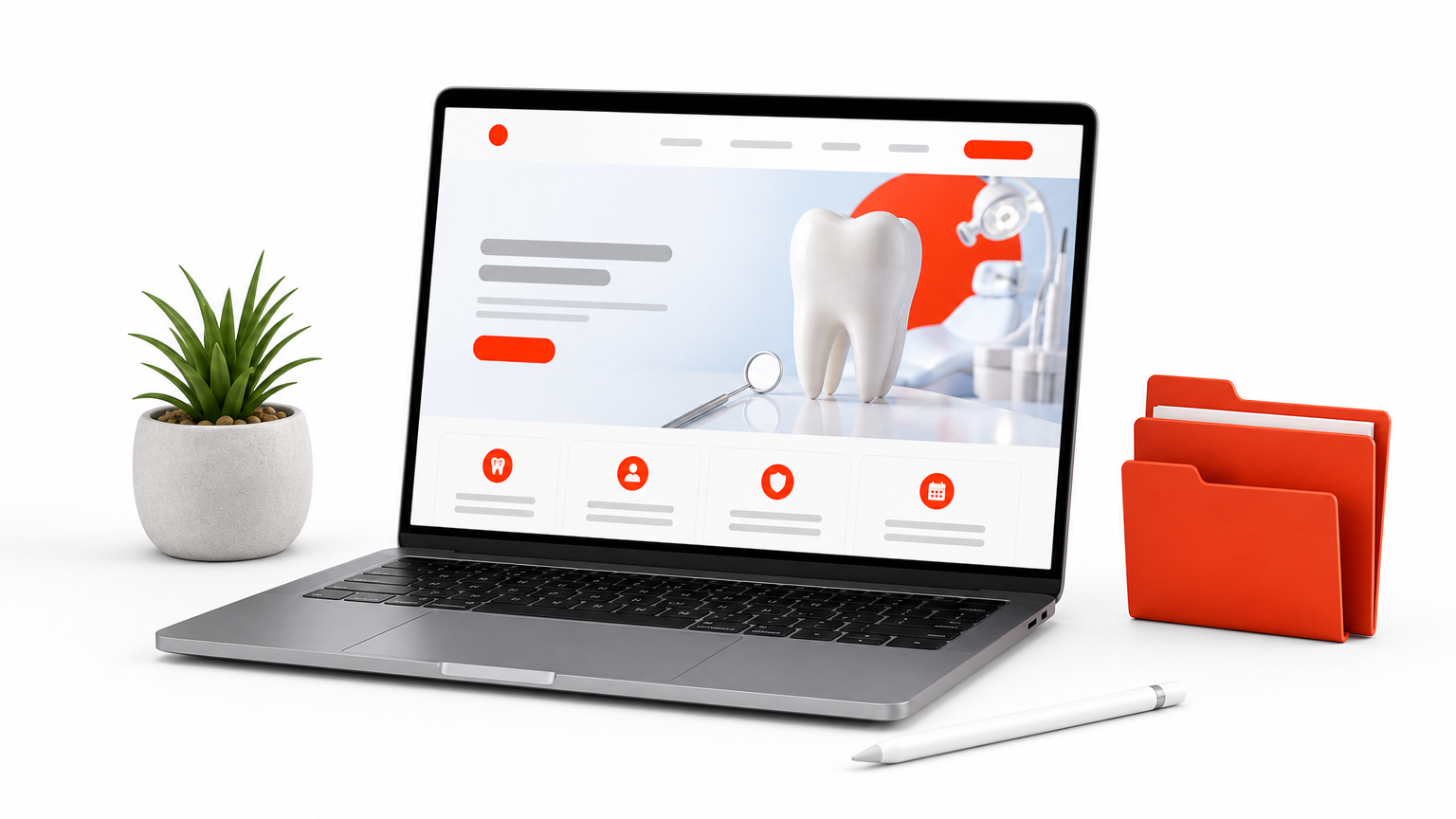
Divi Hat sells eight child themes: Restaurant, Photography, Web Agency, Designers, Hosting, Dental, Digital Agency, and Virtual Assistant. A child theme sits on top of the parent Divi theme, so your design files stay separate and parent updates do not overwrite your work. The Digital Agency theme, for example, ships with pre-designed Home, About, Services, Portfolio, Blog, and Contact pages.
Beyond single themes, the child themes collection sits beside a wider library of Divi 5 layouts, hero sections, and wireframes. Everything is edited by drag and drop, which makes a quick client demo realistic. Product images are royalty-free.
A child theme gives you a finished, niche-specific design without touching the parent theme’s files.
Who it suits
This is for freelancers, agencies, and business owners who already use Divi. Every product allows unlimited website usage, including client sites, so the cost spreads across projects.
A quick example shows the effect. A freelancer who buys the Designers theme at $39.99 and reuses it on five client sites pays about $8 per site. Skip it if you build with Gutenberg or Elementor, because these designs only work with Divi.
Pricing and trade-offs
Prices run from $19.99 to $39.99 per theme, and a 30-day money-back guarantee applies. Three of them (Hosting, Dental, and Virtual Assistant) list six months of support, and the Hosting and Dental themes list it as free.
| Theme | Price | Note |
|---|---|---|
| Virtual Assistant | $19.99 | Regular $39.99 |
| Photography | $29.99 | Regular $59.99 |
| Hosting | $29.99 | 6 months of support |
| Dental | $29.99 | 6 months of support |
| Digital Agency | $29.99 | Six pre-designed pages |
| Restaurant | $39.99 | No WooCommerce or online payments |
| Web Agency | $39.99 | For startups to established agencies |
| Designers | $39.99 | Portfolio, services, skills |
Trade-offs to know before you buy:
- You need the Divi theme itself, which is licensed separately from Divi Hat.
- The Restaurant theme showcases menus but does not include ordering or payments.
- Prices change during promotions, so confirm on the product page.
2. Astra
Astra is a lightweight, multipurpose theme with a large library of starter templates. It is the safest all-round choice when you have not decided which page builder you will use.
What it offers
Astra keeps its default code small and works with the block editor and major page builders such as Elementor and Beaver Builder. Starter templates let you import a full demo site, then replace the text and images with your own.
Layout, colors, and typography are controlled globally from the Customizer. Change your heading font once and it applies across the whole site, which saves a lot of cleanup on small business sites.
Who it suits
Astra suits beginners, bloggers, small businesses, and first-time shop owners. If you want to launch quickly and keep your options open, it is a low-regret choice.
Because it cooperates with several builders, you can start in the block editor and move to a builder later without replacing the theme. That flexibility matters more than any single feature.
Astra’s real strength is that it does not force an editing style on you.
Pricing and trade-offs
The free version covers the basics. Astra Pro adds advanced headers, custom layouts, and extra WooCommerce features, and you should check the current price on the developer’s site.
- Some of the most attractive layout options sit behind Pro.
- Imported demos can install extra plugins, so keep only the ones you use.
- The size of the template library means choosing a starter takes time.
3. Kadence
Kadence gives you the most layout control among the lightweight free themes, especially over headers and footers. It is a strong fit if you want design freedom without a separate page builder.
What it offers
Kadence includes a drag-and-drop header and footer builder, so you can place logos, menus, buttons, and search exactly where you want them on desktop and mobile. A global color palette keeps every page consistent.
Starter templates cover common site types, and the theme pairs naturally with block editor content. Visual control comes from the Customizer rather than a heavy framework.
Who it suits
Kadence suits designers, portfolio owners, and small business sites that want a distinctive header without code. It also works for shops, because WooCommerce pages inherit the same global styling.
Beginners can use it, but expect a slightly longer setup than Astra. The reward is a site that looks less like a template.
If your header is the part of the design that bothers you, Kadence solves it without a plugin pile.
Pricing and trade-offs
The theme is free, with paid plans that add extra elements and features. Check the current plans page before budgeting, since bundle prices change.
- More options mean more decisions during setup.
- Some advanced controls are paid.
- Typography choices in the free version are basic compared with the premium add-ons.
4. GeneratePress
GeneratePress is a lean, stable theme built for speed and clean code. It rewards people who care about page weight and long-term reliability more than demo-site glamour.
What it offers
The core theme is very small, and it is built with accessibility in mind. It exposes hooks that developers use to insert content without editing theme files, which keeps customizations safe through updates.
The premium add-on brings modules such as Elements and a Site Library, which turn a plain base into a fuller design toolkit. The free version stays deliberately minimal.
Who it suits
GeneratePress suits developers, agencies, and anyone obsessed with Core Web Vitals scores. If you plan to build with the block editor or a lightweight builder and want the theme to stay out of the way, it fits.
It is less friendly to someone who wants to import a polished demo and be done by lunch. Out of the box, it looks plain.
GeneratePress is the theme you choose when you want a foundation, not a finished design.
Pricing and trade-offs
You can run a full site on the free version. GeneratePress Premium is a paid add-on, and the price is listed on the developer’s site.
- Visual design tools are limited without Premium.
- The plain default look needs work before it feels branded.
- Beginners may find the hook-based approach unfamiliar.
5. Blocksy
Blocksy is a block-editor-first theme with a deep header builder and modern defaults. It suits people who like working in Gutenberg and want more design control than a default theme offers.
What it offers
You get a visual header and footer builder, global style controls, and importable starter sites. A companion plugin adds extra features, so install it if you want the full set of options.
Blocksy aims to feel native to the block editor, so content you write looks the same in the editor as on the page. That reduces the guesswork when you format posts.
Who it suits
It suits bloggers, portfolio owners, and small shops who have chosen Gutenberg as their main editor. If you expect to stay away from third-party builders, Blocksy gives you plenty of room.
There is a small learning curve, because the options are deep. Give yourself an afternoon with the settings before committing real content.
Blocksy gives block editor users the polish that default themes lack.
Pricing and trade-offs
The free version is capable. Blocksy Pro adds more extensions and controls, and current pricing is on the developer’s site.
- The number of options can overwhelm first-time users.
- It needs its companion plugin for the full feature set.
- It is a poor match if you plan to build everything in Elementor or Divi.
6. Neve
Neve is a fast, mobile-first theme with a clean default look and a set of starter sites. It is a good pick for bloggers and startups who mostly care about quick, simple pages.
What it offers
Neve keeps its markup light and works with the block editor and common page builders. Starter sites cover typical niches such as blogs, businesses, and stores, and you import one, then edit.
Mobile layouts get real attention. If most of your visitors arrive on phones, the default spacing and typography already read well without extra tweaking.
Who it suits
Neve suits bloggers, freelancers, and small shops that want a professional look in a short time. It is also forgiving for first sites, because the Customizer options are limited enough not to overwhelm.
If you need very fine control over headers or complex layouts, Kadence or Blocksy will serve you better. Neve trades depth for simplicity.
Neve is the quick route to a clean, mobile-friendly site when depth is not the priority.
Pricing and trade-offs
The base theme is free, and Neve Pro adds more features for those who outgrow it. Check the developer’s page for current pricing.
- It offers fewer free starter sites than Astra.
- Advanced layout control is limited.
- Some conveniences need the Pro upgrade.
7. Twenty Twenty-Five
Twenty Twenty-Five is the free default WordPress theme built entirely on the block editor. It is the best option if you want zero extra plugins and a straightforward way to learn full site editing.
What it offers
It is a block theme, so you edit headers, footers, and templates inside the Site Editor. It includes style variations that change the whole look in a click and a pattern library of ready-made sections.
Because it comes from the WordPress core team, it is maintained alongside WordPress itself. It also loads without a page builder plugin, which keeps the site light.
Who it suits
This theme suits personal blogs, simple business sites, and anyone who wants to learn the Site Editor without extra layers. It is also a sensible fallback while you test other themes.
If you need complex, design-heavy pages or a large starter library, it will feel bare. For a clean, content-first site, that restraint is a feature.
Twenty Twenty-Five proves you can build a decent site with nothing but WordPress itself.
Pricing and trade-offs
It is completely free, with no premium tier.
- It is minimal, so design-heavy sites need more work.
- Full site editing takes time to learn if you are used to the Customizer.
- You get no starter-site importer like Astra or Neve offer.
8. Avada
Avada is a premium, all-in-one theme with its own built-in page builder and a large set of prebuilt websites. It is aimed at people who want a lot of design power in one purchase.
What it offers
Avada ships with a visual builder, a theme-building toolset for headers and footers, and prebuilt websites you can import and adapt. Most layout needs are covered without extra builder plugins.
It is among the best-known premium themes sold on ThemeForest. That popularity means plenty of tutorials and community answers when you get stuck.
Who it suits
Avada suits business owners and agencies who want one product to handle design, layout, and templates. If you dislike juggling a theme plus a builder plus add-ons, the bundled approach is appealing.
Agencies should read the license carefully, because a standard license typically covers one finished site. Check the terms for client work before you buy.
Avada trades a lighter footprint for having almost everything inside one package.
Pricing and trade-offs
You pay a one-time fee through ThemeForest, which includes a support period, and extended support costs more. Look at the current price on its listing.
- All-in-one themes carry more code than lightweight ones.
- Content built in a proprietary builder is harder to move to another theme.
- Licensing is per project, so costs grow with the number of sites.
9. Storefront
Storefront is the free theme from the team behind WooCommerce. It is built to work with online shops and is a dependable choice for a first store.
What it offers
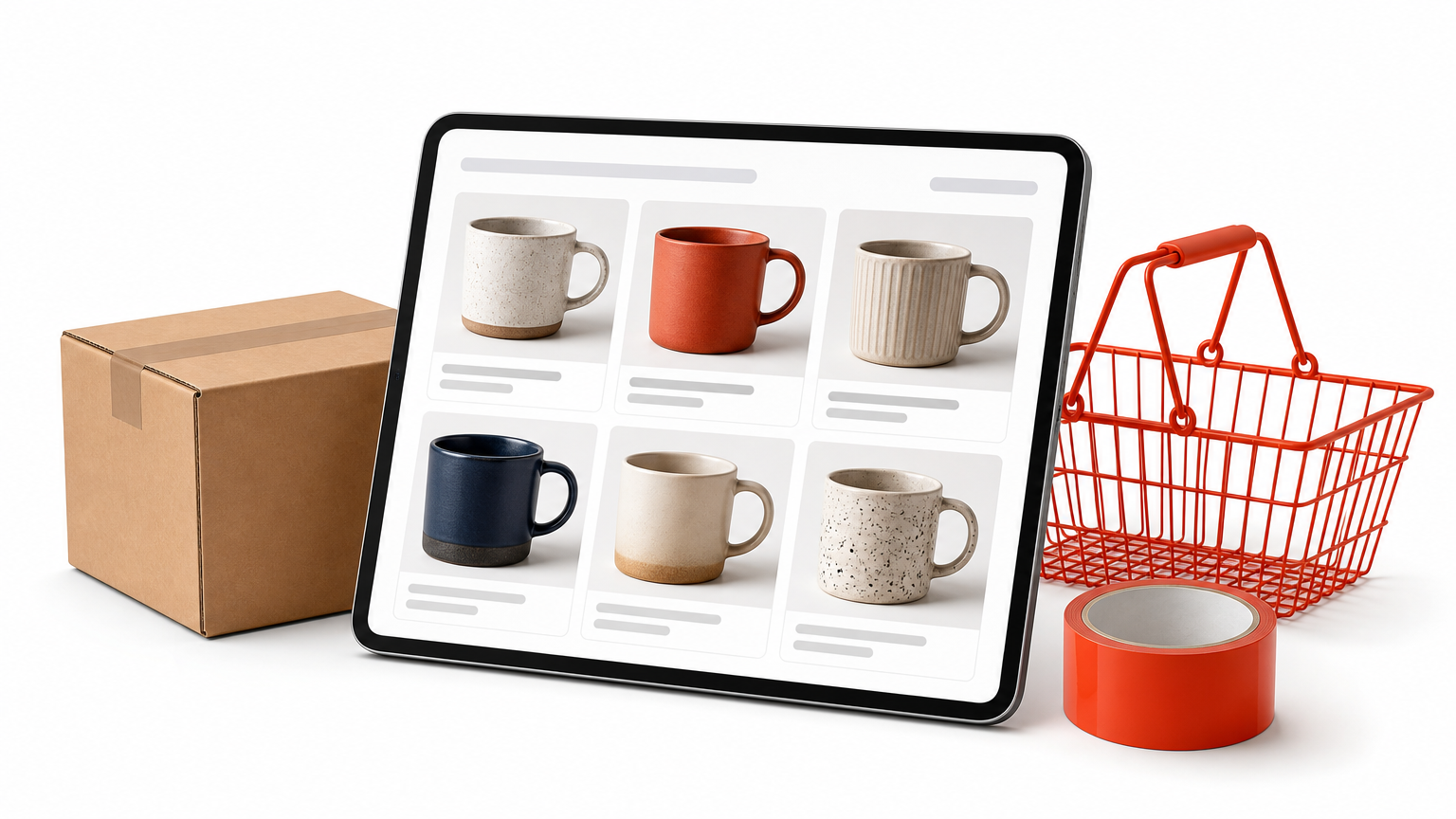
Storefront is designed around WooCommerce pages: product grids, single product pages, cart, and checkout. It keeps the design simple so products stay the focus, and it uses the Customizer for basic changes to color and layout.
Because it comes from the WooCommerce side, new store features tend to be supported quickly. Paid extensions and child themes add more looks if you need them.
Who it suits
Storefront suits first-time store owners and small catalog sites that want stability over style. If you plan to sell a few dozen products and need things to work reliably, it fits.
Brands that want a distinctive storefront should look at Astra, Kadence, or a premium option instead. Storefront is practical, not flashy.
Storefront is the low-risk way to start a WooCommerce store.
Pricing and trade-offs
The theme is free, and optional extensions are sold separately, so check the product page before adding them.
- Design flexibility is narrower than in Astra or Kadence.
- The look is plain until you customize or add extensions.
- It is a poor fit for sites that are not stores.
10. Hello Elementor
Hello Elementor is a minimal, blank-canvas theme made for people who build with Elementor. It adds almost nothing of its own, which keeps the site fast and gives the builder full control.
What it offers
The theme provides little more than a clean base: no heavy styling, no bundled demo library, and very little code. All the design work happens in Elementor, where you lay out pages with a visual editor.
That blank approach avoids design conflicts between the theme and the builder. You decide on every font, spacing, and color through the builder.
Who it suits
It suits designers and freelancers already committed to Elementor, and anyone who wants to build every page from scratch. If you work in Gutenberg only, it offers no benefit.
Be aware that Elementor’s Theme Builder, for headers and footers, is a Pro feature. Plan for that when you compare costs against Astra or Kadence.
Hello Elementor is only as useful as the builder you put on top of it.
Pricing and trade-offs
The theme is free, and the builder has a free version plus paid Pro plans listed on Elementor’s site.
- It looks empty until you build the design yourself.
- It is useless without Elementor.
- Header and footer control may require the paid plan.
Free and premium WordPress themes compared
The ten themes split into free-first options, paid-first options, and one niche brand. The table puts the main differences side by side so you can narrow the list before reading the details again.
Side-by-side table
Cost models below describe the structure of each product. For exact prices, check the developer’s page, because plans change.
| Theme | Cost model | Editing approach | Best for |
|---|---|---|---|
| Divi Hat child themes | Premium, $19.99 to $39.99 each | Divi Builder | Divi users building niche business sites |
| Astra | Free plus Pro | Block editor or major builders | Beginners and all-round sites |
| Kadence | Free plus paid plans | Customizer and block editor | Custom headers without a builder |
| GeneratePress | Free plus Premium | Lightweight base, hooks | Speed-focused sites and developers |
| Blocksy | Free plus Pro | Block editor first | Gutenberg fans |
| Neve | Free plus Pro | Customizer and builders | Bloggers and startups |
| Twenty Twenty-Five | Free | Site Editor | Learning blocks, simple sites |
| Avada | Premium, one-time fee | Built-in builder | All-in-one premium builds |
| Storefront | Free plus extensions | Customizer | First WooCommerce stores |
| Hello Elementor | Free | Elementor | Elementor users |
Almost every popular theme is free to start, so the real question is which editor you want to live in.
Free versus premium themes
Free themes are enough for most blogs and small business sites. The best ones listed here are maintained by serious developers, and they cover responsive layouts, menus, color settings, and SEO-friendly markup. A common pattern is to start free and pay only when a specific missing feature costs you real time.
Premium themes earn their price in support, bundled tools, and ready-made designs. If you build sites for clients, a one-time purchase that saves several hours per project pays back quickly. Download themes only from the official WordPress directory or the developer’s own site, and avoid "nulled" copies of paid themes, which often carry malware.
How to pick themes for your WordPress site
Start with your editing style, then your site type, then the checks below. A theme that fights your editor will cost you more time than any price difference.
Match the theme to your site type
Different sites lean on different strengths:
- Blog or personal site: Twenty Twenty-Five, Neve, or Astra.
- Small business or service site: Astra, Kadence, or a Divi Hat child theme if you use Divi.
- Online store: Storefront for a simple start, Astra or Kadence for more design control.
- Developer or speed-first build: GeneratePress.
- Design-heavy site with one builder: Avada, Hello Elementor with Elementor, or Divi with a child theme.
Themes versus templates
In everyday searches, "templates" and "themes" blur together, but they are not the same. A theme controls the design of your whole site. A template usually means either a single page layout inside WordPress or a pre-built starter site you import into a theme.
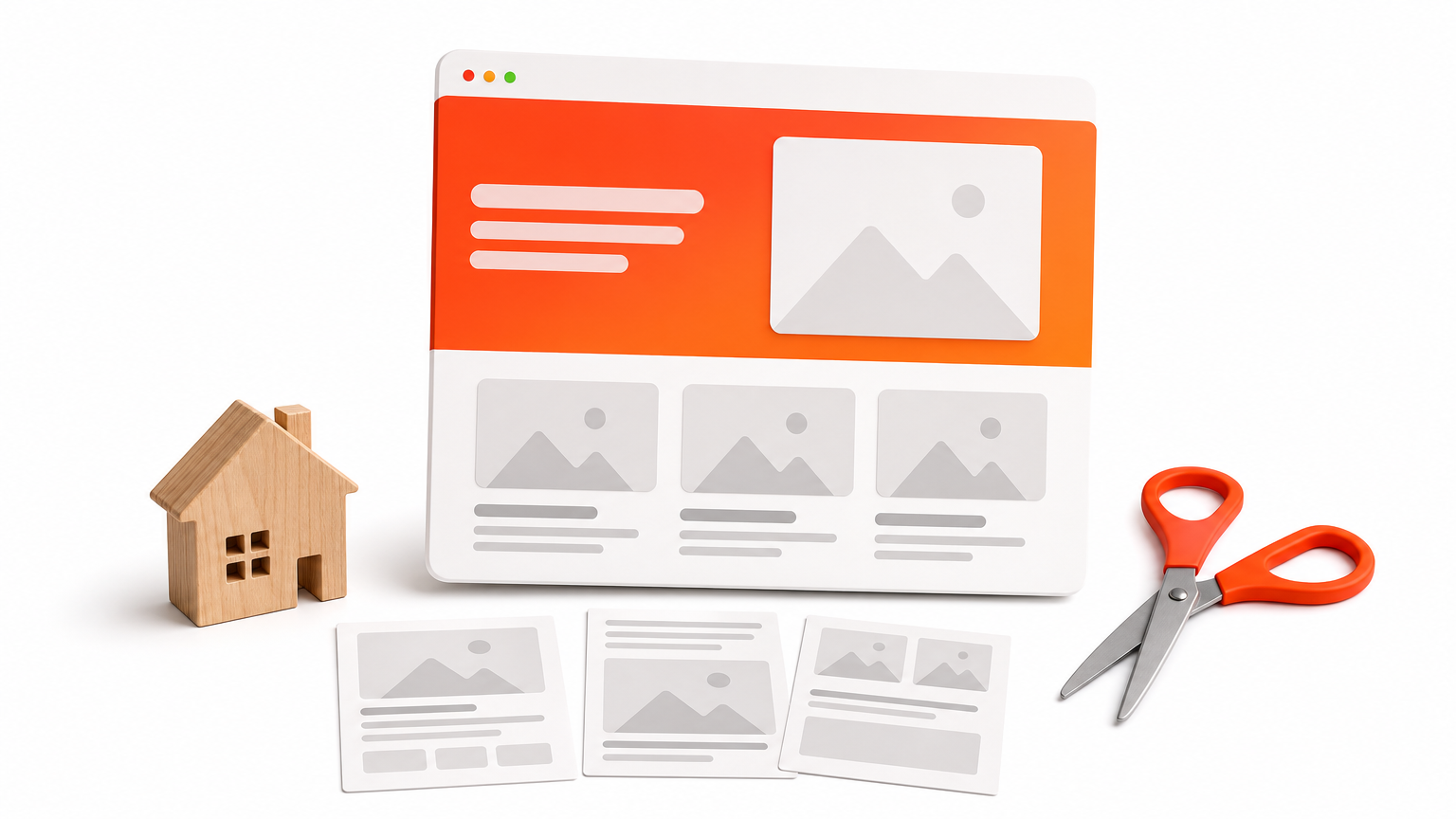
So when you search for website templates for WordPress, you are often looking for starter sites such as those in Astra, Kadence, and Neve, or a premium pack such as Divi Hat’s layouts. Pick the theme first, then choose the template that fits it.
Choose the theme for how you will edit, then choose a template for how the site should look.
Checks before you commit
Run these checks on any candidate before you install it on a live site:
- Confirm the last update date is recent and the developer answers support questions.
- Test the demo in Google PageSpeed Insights on mobile.
- Open the demo on a real phone and tap through the menu.
- Read the license terms, especially for client or multi-site use.
- Back up your site and test on a staging copy before switching.
Spending thirty minutes on these steps beats rebuilding a site after you discover a theme is abandoned.
Start with one theme and test it first
The right theme depends on how you want to edit. Astra and Kadence are the safest all-rounders. GeneratePress rewards you if speed and clean code come first. Twenty Twenty-Five costs nothing and teaches you the block editor, while Storefront and Avada cover shops and all-in-one premium builds. If you already use Divi, a child theme can give you a finished design for your business type in an afternoon.
Pick one theme from this list, install it on a staging copy, and run the checks above before moving your content. If Divi is your tool, you can browse the Divi Hat membership to see the full library of Divi 5 layouts, child themes, and hero sections before you decide.