The best themes for a website match your platform, your budget and the type of site you are building, and four sources cover almost every case. Divi Hat child themes suit Divi users who want an industry-ready design. The WordPress.org directory suits anyone who wants a free start. Envato suits buyers who want a huge paid catalog, and Canva suits people who want a simple site without WordPress.
Searching for website themes gives you thousands of thumbnails and very little guidance. A theme is the design layer of your site: layout, fonts, colors, header, footer and page templates. Pick the wrong one and you either pay twice or rebuild pages later. This article compares four places to get a theme, with costs, licensing and the reader each one fits, then gives you a short method for choosing.
We build Divi products at Divi Hat, so you should know that item one is ours and works only with Divi. The other three are here because we would point you to them ourselves when Divi is not the right tool.
1. Divi Hat child themes
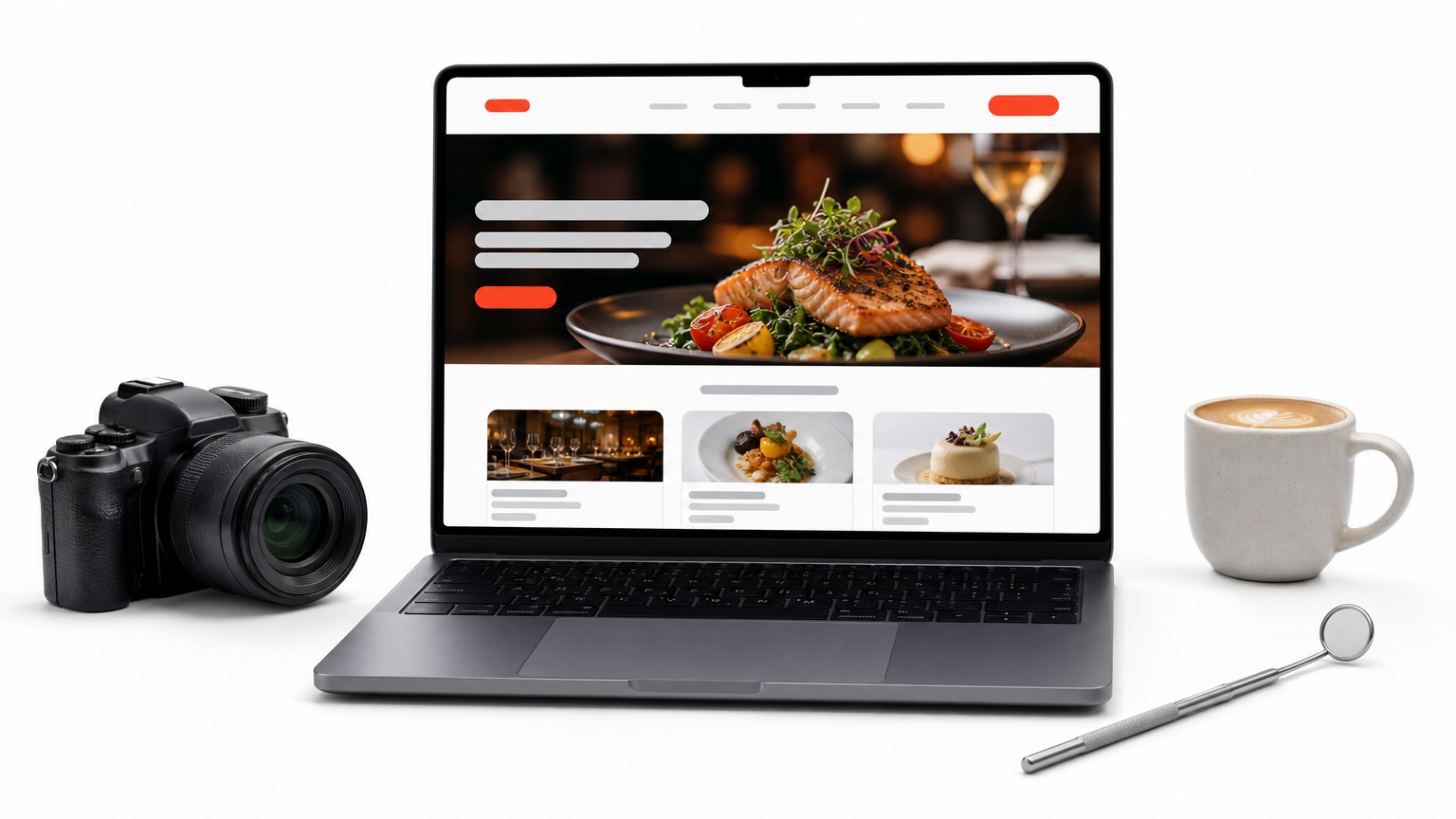
Divi Hat sells eight child themes built on the Divi Theme, and each one is designed for a single type of site. A child theme adds a finished design on top of Divi. You install it, swap in your text and photos with the Divi Builder, and publish.
What you get
The Divi child themes cover these site types, at the listed prices:
| Theme | Built for | Price |
|---|---|---|
| Restaurant | Restaurants, cafes, bistros (no online payments) | $39.99 |
| Photography | Photographers | $29.99 (regular $59.99) |
| Web Agency | Web agencies, startups to established | $39.99 |
| Designers | Graphic designers and freelancers | $39.99 |
| Dental | Dental clinics, healthcare professionals | $29.99 |
| Digital Agency | Marketing firms, creative professionals | $29.99 |
| Hosting | Hosting and domain companies | $29.99 |
| Virtual Assistant | Virtual assistants, freelancers | $19.99 (regular $39.99) |
Industry-specific themes save the most time because the page structure is already right for your business.
Who it suits
This is the pick for Divi users, especially freelancers and agencies who build for clients. You need the Divi Theme installed, and it is sold separately by Elegant Themes. If you are not on Divi, skip to item two. If you want more than a theme, the Divi Hat membership also covers layouts, hero sections and wireframes.
Cost and licensing
Every theme allows unlimited website usage, client sites included, and ships with royalty-free images. A 30-day money-back guarantee backs each purchase. Take a freelancer building three client sites with the Designers theme at $39.99. That is about $13.33 per site. The Dental, Hosting and Virtual Assistant themes also include 6 months of free support.
2. The WordPress.org theme directory
The official directory is the best free source of themes for a website built on WordPress. It lists thousands of themes at no cost. Each must pass a review against WordPress’s published guidelines before it appears.
What you get
You can filter by layout, features and subject, then preview any theme with a live demo. Popular options such as Astra, Kadence and GeneratePress all have free versions here. Many free themes also sell paid upgrades, so read what the free version actually includes.
Who it suits
This fits beginners, bloggers and small businesses that want to start at $0. You need WordPress installed on your own hosting. Expect to spend more time on setup than with a finished industry theme, because free themes usually give you a framework rather than a complete design.
Cost and licensing
The price is $0, and the GPL license lets you use a theme on as many sites as you like. Before installing, check four numbers on the theme page:
- Active installations
- Last updated date
- Tested with your current WordPress version
- Recent replies in the support forum
A free theme that has not been updated in a year is a security and compatibility risk, whatever it looks like.
3. Envato: ThemeForest and Envato Elements
Envato is the largest paid source of themes for a website, and it sells in two ways. ThemeForest is a marketplace where you buy individual themes and templates for WordPress, HTML and other platforms. Envato Elements is a subscription that includes web templates alongside other design assets.
What you get
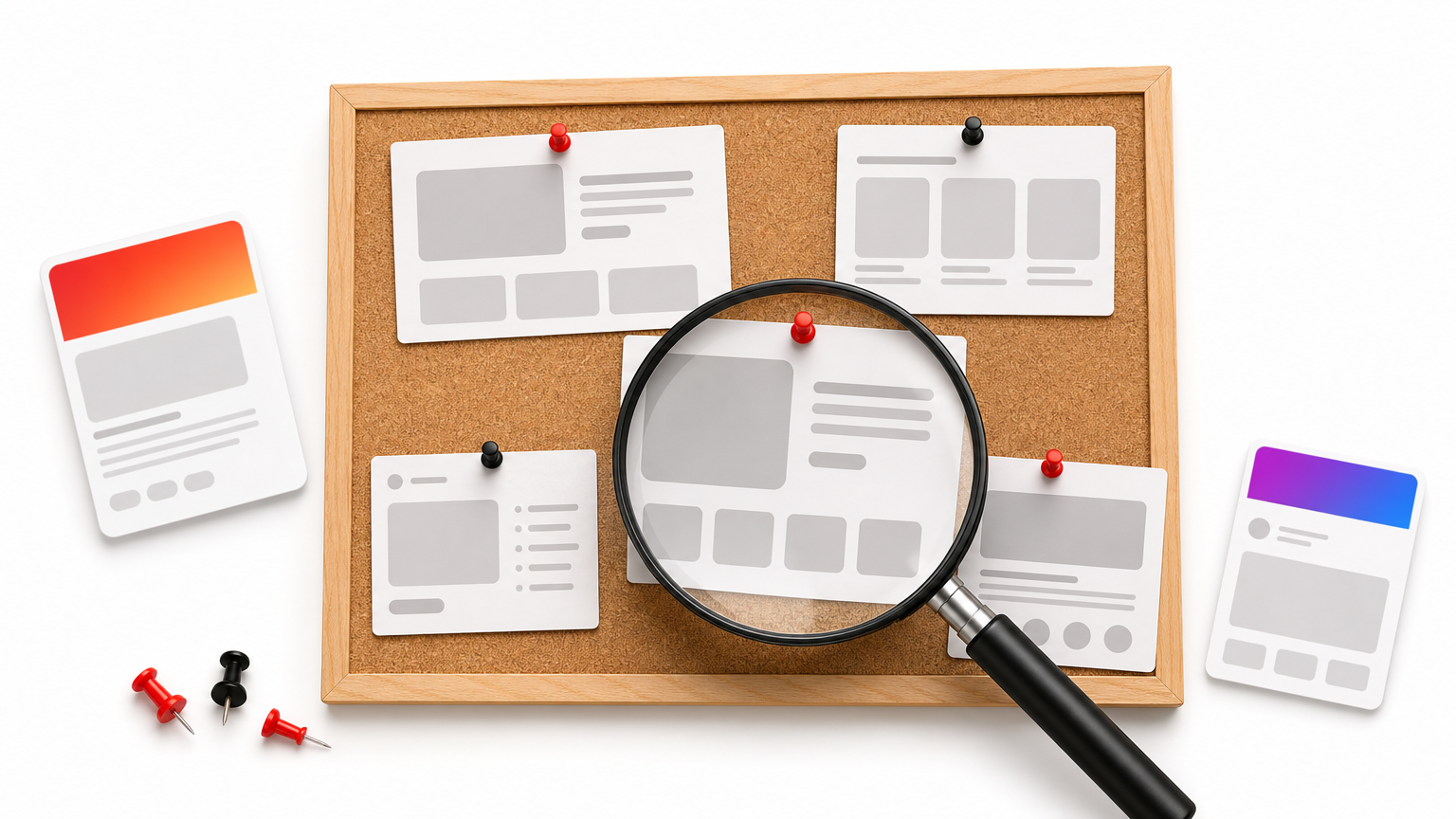
ThemeForest lists tens of thousands of templates by independent authors. That means you can find a very specific design, such as a boutique hotel or a law firm. The trade-off is uneven quality. Multipurpose themes often bundle dozens of demos and plugins, which can slow a site down.
Who it suits
ThemeForest suits buyers who know what they want and are comfortable vetting a product. Check sales count, rating and last update before paying. Elements suits agencies and designers who use many templates across many projects, since one subscription replaces many single purchases.
Cost and licensing
ThemeForest charges per theme, and licensing is tied to a project. A theme bought for your own site generally does not cover a client’s site, so read the license terms first. Elements charges a subscription, and you register each download to a project. The licensing question matters more here than the sticker price.
Always read the license before you reuse a purchased theme on a client’s site.
4. Canva website templates
Canva’s website templates are the quickest route to a simple site with no WordPress at all. You pick a template, edit it with drag and drop, and publish from Canva.
What you get
Templates cover one-page sites, portfolios, event pages and simple business sites. Everything is hosted by Canva, so there are no plugins, updates or hosting to manage. Figma’s community also offers free design files, but those are mockups to hand to a developer, not live websites.
Who it suits
This fits solo professionals, event organizers and anyone launching a basic online presence in an afternoon. It is a poor fit for a large blog, a store or a site that needs advanced SEO control. Those are jobs for WordPress.
Cost and licensing
You can start free on a Canva-hosted address, while a custom domain costs extra. The bigger cost is lock-in. A design built on a hosted builder cannot move to WordPress, so a later switch means rebuilding from scratch.
Canva is the fastest start, but it is the hardest design to move away from.
How to choose themes for a website
Choose by platform first, then budget, then design. Your platform decides which sources are even available, and the rest narrows the field quickly.
What a theme controls
A theme sets layout, typography, colors and page templates. Your content stays when you switch themes, but layouts built with theme-specific features can break. That is why picking well the first time saves real work.
The four sources at a glance
| Source | Cost | Platform | Best for | Check before buying |
|---|---|---|---|---|
| Divi Hat child themes | $19.99 to $39.99 per theme | Divi on WordPress | Client work, industry sites | You own Divi |
| WordPress.org directory | Free | WordPress | Budget starts, blogs | Last update date |
| Envato | Per item or subscription | Mostly WordPress | Niche designs | License scope |
| Canva templates | Free to start | Canva-hosted | Simple one-page sites | Lock-in |
A checklist before you commit
Run every candidate through these checks:
- Open the demo on your phone and confirm it reads well on a small screen.
- Test the demo URL in Google PageSpeed Insights to see how fast it loads.
- Confirm the theme was updated in the past year.
- Read the license if the site is for a client.
- Match the layout to the job. Restaurants need hours and menus above the fold. Portfolios need a strong gallery grid. Service businesses need a clear call to action.
A theme that looks great in the demo but loads slowly on mobile will cost you more than it saves.
Picking your theme
The right theme comes from your platform and your goal, not from the prettiest demo. Start free with the WordPress.org directory if money is tight. Go to Envato for a niche look, and use Canva for a quick single page. If you build with Divi, an industry child theme gets you to a finished site fastest.
Pick two or three candidates, run them through the checklist, and decide. If you work with Divi, the Divi Hat membership gives you the full library of layouts, child themes, wireframes and hero sections, with unlimited website usage.