You need a page that turns clicks into booked showings, and you need it this week. Building one from scratch eats hours you could spend with clients. That is why real estate landing page templates are the fastest route to a page that captures leads for listings, open houses, or your own agent services.
Here is the short answer. The best landing page templates for real estate put a strong hero section, a clear lead form, and proof like testimonials and listings above the fold. Pick one you can customize in minutes, that loads fast, and that looks right on a phone. Most buyers browse on mobile, so mobile-first design is not optional.
Below you will find 10 top picks for agents, with notes on what each does best and who it suits. We build Divi layouts, hero sections, and child themes at Divihat, so we judged each pick by how easily you can edit it with drag-and-drop and reuse it across sites. Whether you want a free starting point or a polished premium layout, you will find an option to launch quickly.
1. Divihat Divi real estate layouts
What’s included

Divihat sells design assets for the Divi WordPress theme, so you get editable layouts rather than a hosted page builder. The library holds 100+ premium Divi layouts, hero sections, wireframes, and child themes. The pieces that matter most for a property page are:
- 26+ pre-built Divi layouts for assembling full pages fast
- 75+ hero section sliders for the top of a listing or agent page
- 8 child themes with distinct designs
- Royalty-free images you can use right away
Be clear on one point. These are general-purpose assets, not a dedicated property pack, so you will swap in your own listing photos and copy. A bold real estate Divi hero section with a short form below it already does most of the work a real estate page needs.
Best for
This pick suits agents who already run WordPress with Divi, and freelancers or agencies that build sites for agents. If you ship several agent sites a year, starting from a finished layout saves hours on every project.
On the other hand, you must use Divi. If you are not on it, skip ahead to a hosted builder like Leadpages or Wix.
Customization and licensing
Every layout opens in the Divi Builder, so you edit with drag and drop. Replace the hero image, rewrite the headline, drop in a contact form module, and the page is ready for a client demo in an afternoon. Layouts are mobile-friendly, which matters when most buyers browse on phones.
Licensing is the strongest part of the deal. You get unlimited website usage, including client projects.
One membership covers every agent site you build, client work included.
Pricing and free options
You can buy in two ways: a membership for the full library, or individual products if you only need one layout. A 30-day money-back guarantee lowers the risk, and support runs through chat and email. Check Divihat for current prices.
Free options exist too. Divihat gives away hero layouts, child themes, landing pages, and 404 or coming soon pages when you join its email list, which makes a cheap way to test the fit before you pay.
2. Leadpages real estate templates
What’s included
Leadpages is a hosted builder, so your page lives on its servers, not on your WordPress site. You get a library of conversion-focused templates that includes real estate options for home valuations, open house sign-ups, and buyer guides. Most layouts include:
- A hero with a lead form or call-to-action button
- Sections for listings, testimonials, and an agent bio
- Pop-ups and alert bars for extra lead capture
Best for
Solo agents who want a page live within an hour fit best. The draw is no hosting, plugins, or theme setup, which suits you if WordPress feels like a chore. Agencies running dozens of client sites will feel the limits, because every page sits inside one subscription.
Leadpages is fast to launch, but you rent the page instead of owning it.
Customization and licensing
Editing happens on a drag-and-drop canvas. Swap photos, rewrite the headline, and connect forms to email tools like Mailchimp or your CRM through built-in integrations. These real estate landing page templates are easy to adjust for a single listing or a neighborhood campaign.
Licensing is tied to your account. Expect pages to go offline if you cancel, and moving a design elsewhere means rebuilding it by hand.
Pricing and free options
There is no permanent free plan. Leadpages offers a free trial of about 14 days, then charges monthly or annually. Standard plans have recently run roughly $37 to $49 a month, and A/B testing sits on higher tiers. Prices change, so confirm on the Leadpages pricing page before you commit.
3. Unbounce real estate templates
What’s included
Unbounce is a hosted builder like Leadpages, but it is aimed at agents who run paid ads. Its library includes real estate templates for listings, home valuations, and open houses. Expect:
- Hero sections with a short lead form
- Pop-ups and sticky bars for extra captures
- Built-in A/B testing for headlines and photos
Best for
Teams spending real money on Google or Facebook ads get the most out of it. Smart Traffic uses AI to send each visitor to the variant most likely to convert, which pays off with steady ad traffic.
Skip it if you only need one open house page. The cost is hard to justify for occasional use.
Customization and licensing
The drag-and-drop editor lets you change layouts, copy, and images freely. Forms connect to your CRM and email tools, and Dynamic Text Replacement can match a headline to the search term, such as "3-bedroom homes in Austin."
Unbounce earns its price when you test pages against ad traffic, not when you publish one and forget it.
Licensing works like Leadpages. Templates live inside your account, and you can publish on your domain through a WordPress plugin, but there is no clean export if you leave.
Pricing and free options
There is no permanent free plan, only a 14-day free trial. Paid plans have recently started near $74 a month billed annually and climb with traffic. Confirm current numbers on the Unbounce pricing page before you commit.
4. Figma community real estate templates
What’s included
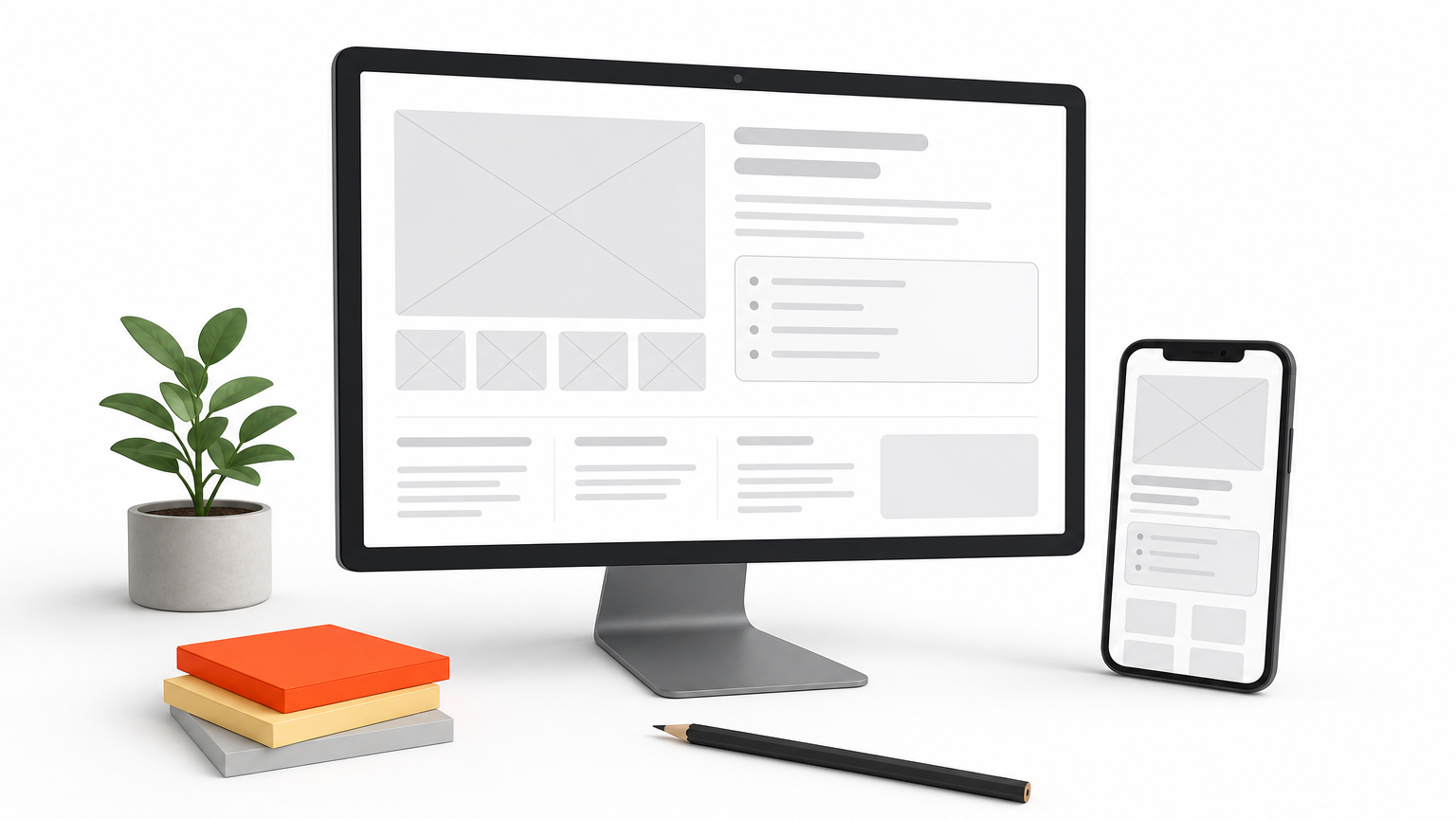
Figma Community is a public library of design files, not a page builder. Most real estate landing page templates there are UI kits with desktop and mobile frames. Typical files include:
- Hero frames with a search bar or lead form
- Listing grids, agent bios, and testimonial blocks
- Style guides with fonts, colors, and components
Best for
Designers and agencies get the most from it. You can show a client a polished mockup before anyone writes code.
Solo agents should look elsewhere. Without design or developer help, nothing here publishes itself, so Leadpages or Wix will get you live faster.
Customization and licensing
Editing is easy. You change text, swap photos, and restyle components in minutes. Going live is the hard part, because you need a developer or an import tool like Framer or Webflow to turn frames into a working page.
A Figma template is a blueprint, not a finished landing page.
Licenses vary file by file. Many free files use Creative Commons terms that require credit to the creator, so read the license before you use one on a client site.
Pricing and free options
Most real estate files are free to duplicate with a free Figma account. Paid kits exist, and creators set their own prices.
Budget for the build, not the file. Publishing costs more than the template. If you work in WordPress, a Divi layout from Divihat skips the conversion step entirely.
5. ThemeForest real estate landing pages
What’s included
ThemeForest is a marketplace where independent authors sell WordPress themes and HTML templates. Search "real estate" and you get hundreds of results, from full property portals to single-page landing templates. Most packages bundle demo content and documentation along with:
- Hero sections with a property search bar or lead form
- Listing grids, agent profiles, and mortgage calculators
- Several homepage variations to pick from
Best for
Agents who want a full listings website, not just one page, get the most from it. Themes like Houzez and WpResidence handle property search and agent directories well. Skip it if you only need a quick open house page, because feature-heavy themes take time to configure and can slow your load speed.
Customization and licensing
Customization depends on the author. Many themes ship with Elementor or WPBakery, so you edit visually, but quality varies widely from one seller to the next. Check the last update date, the review count, and the speed of the live demo before you buy.
Licensing is where people slip. The Regular License covers one end product, so every client site needs its own purchase.
Buy one ThemeForest license per site, and one more for each client.
Pricing and free options
Most themes cost roughly $30 to $80 as a one-time payment, which includes about six months of author support. You can extend support for a fee. There is no free tier, though Envato usually gives away a few free files each month, and the real estate category rarely appears there. Prices change, so check the listing before you buy. If you build on Divi, one Divihat membership covers unlimited sites instead of a license per project.
6. Envato Elements real estate templates
What’s included
Envato Elements is a subscription library from the company behind ThemeForest. Instead of buying one template at a time, you get unlimited downloads across many file types, including real estate landing page templates in several formats. The useful ones for a property page are:
- WordPress themes and Elementor kits with real estate layouts
- HTML and Figma landing page templates
- Stock photos, icons, fonts, and graphics
Best for
Agencies and freelancers who build for many clients get the most value. If you ship a new agent site every month, one subscription beats paying per theme. Solo agents with a single page to publish have little reason to subscribe.
Customization and licensing
Editing depends on the format. WordPress and Elementor files edit visually, while raw HTML needs a developer. Quality varies by author, so preview the live demo and check the last update date.
Licensing needs attention. You must register a project for each end use, which means every client site gets its own registration.
Download freely, but register every project you publish.
Items you registered stay licensed after you cancel, while unregistered downloads do not.
Pricing and free options
There is no permanent free plan. Recent pricing has been around $33 a month, with a lower monthly rate on annual billing. A free Envato account also unlocks a few free files each month, though real estate templates rarely show up. Prices change, so confirm on the Envato site. If you build on Divi, a Divihat membership is a narrower library with the same unlimited-site approach.
7. Canva real estate landing page templates
What’s included
Canva is a design tool that also publishes simple one-page websites. Its website templates for real estate cover listings, open houses, and agent bios. You also get matching flyers, social posts, and yard signs, so your whole campaign looks consistent. Most real estate landing page templates here include:
- A hero with a photo and call-to-action button
- Gallery, feature list, and agent bio sections
- A basic contact form element
Best for
Agents who already make flyers in Canva get the most from it. It suits a single listing or open house page that needs to go live today.
Skip it for serious lead generation. Forms are basic, there is no A/B testing, and CRM connections are thin.
Canva is great for a one-day open house page, not for a lead engine.
Customization and licensing
The drag-and-drop editor is the easiest on this list. Swap photos, change fonts, and preview the mobile view in minutes. Your page publishes on a canva.site address, and a custom domain needs a paid plan.
Canva’s license allows commercial use of its content, but Pro-only elements need a subscription. You also cannot resell a template unchanged.
Pricing and free options
The free plan covers many templates and basic publishing. Canva Pro has run about $15 a month, or roughly $120 a year, and adds premium elements and a custom domain. Confirm current prices on Canva’s site.
Need tighter control over forms and SEO? A Divi layout from Divihat gives you a full WordPress page instead of a hosted one-pager.
8. Wix real estate templates
What’s included
Wix is a hosted site builder with a large catalog of real estate website templates, from agent portfolios to single-property showcases. Trim one down to a single page and it works as one of the better real estate landing page templates for a first site. Expect:
- A hero with a search bar, photo, or contact form
- Listing galleries, maps, agent bios, and testimonials
- Built-in forms, live chat, and booking for showings
Best for
Solo agents who want one small site with a landing page, a blog, and showing bookings in one place fit best. You skip hosting and plugins entirely.
Agencies should look elsewhere. Every site is its own subscription, and client handoffs get awkward because the account stays tied to Wix.
Customization and licensing
The editor is drag and drop, and Wix’s AI builder can draft a starting layout from a few prompts. You can edit mobile and desktop views separately, which helps because most buyers browse on phones. One catch: on the classic editor, you cannot swap templates after you publish.
Your site lives on Wix, and you cannot export it as code. If you cancel, the site goes offline.
Wix is easy to start, but you rent the site instead of owning it.
Pricing and free options
A free plan exists, but it shows Wix ads and uses a wix.com address, which looks weak for a listing. Paid plans have recently run about $17 to $36 a month on annual billing, and a custom domain requires a paid plan. Check Wix’s pricing page for current numbers.
Want to own the page and keep it on your own hosting? A Divi layout from Divihat installs on any WordPress site you control.
9. Elementor real estate landing page kits
What’s included
Elementor is a WordPress page builder, and a kit is a bundle of matching templates you import into it. A real estate kit usually gives you a full set of pages, not just one. Expect:
- A landing page, plus home, listings, and contact pages
- Global fonts and colors you can change in one place
- Hero, listing grid, testimonial, and agent bio sections
Kits come from Envato Elements, ThemeForest, and independent shops, so quality and design vary a lot.
Best for
Agents and freelancers who already build with Elementor get the most from it. You get a full site look from one kit, which keeps your landing page and listings pages consistent.
Skip it if you run Divi. Mixing two builders on one site adds weight and slows page loads, so stay with one.
Customization and licensing
Editing is visual drag and drop, and you can tweak mobile views separately. One catch: the form widget needs Elementor Pro, and a lead page without a form does not capture much.
The free Elementor plugin builds the page, but the lead form needs Pro.
Licensing follows the seller. A ThemeForest kit covers one end product, and Envato Elements needs a registered project per site.
Pricing and free options
The core plugin is free, and a few free real estate kits exist. Elementor Pro has recently started near $60 a year for one site, and kits cost extra. Confirm current prices on the Elementor site.
Watch how per-site costs stack up if you build for clients. On Divi, one Divihat membership covers unlimited sites with no extra plugin fees.
10. Free HTML real estate templates
What’s included
Free HTML templates are plain files: HTML, CSS, and a little JavaScript. Sites like HTML5 UP, Start Bootstrap, and Colorlib publish one-page business and property layouts that you download as a ZIP. Most real estate landing page templates in this category include:
- A responsive hero with a call-to-action button
- Sections for listings, features, and contact details
- Image galleries or sliders
Few ship with a working form, because plain HTML has no backend to receive submissions.
Best for
Developers and budget-minded freelancers get the most from it. If you can edit code and want full control and zero fees, these landing page templates for real estate are hard to beat.
Non-technical agents should skip them. One broken tag can wreck the layout, and nobody offers support when it does.
Customization and licensing
You edit the files in a code editor like VS Code. Forms need a service such as Formspree or Netlify Forms, and hosting is your job, too.
A free HTML file gives you a design, not a working lead page.
Licenses vary. Start Bootstrap templates use the MIT license, while many others use Creative Commons terms that require a credit link in the footer. Read the license file before you ship one to a client.
Pricing and free options
The templates cost nothing. Budget for a domain, usually about $12 a year, and hosting. GitHub Pages and Netlify both offer free hosting tiers that suit a single static page.
If you would rather skip the code, a Divi layout from Divihat gives you drag-and-drop editing and a ready contact form module.
What a high-converting real estate landing page needs
A template gives you structure, but the page only converts if the right pieces are in place. Whichever of the real estate landing page templates above you choose, check it against this list before you publish.
Above the fold
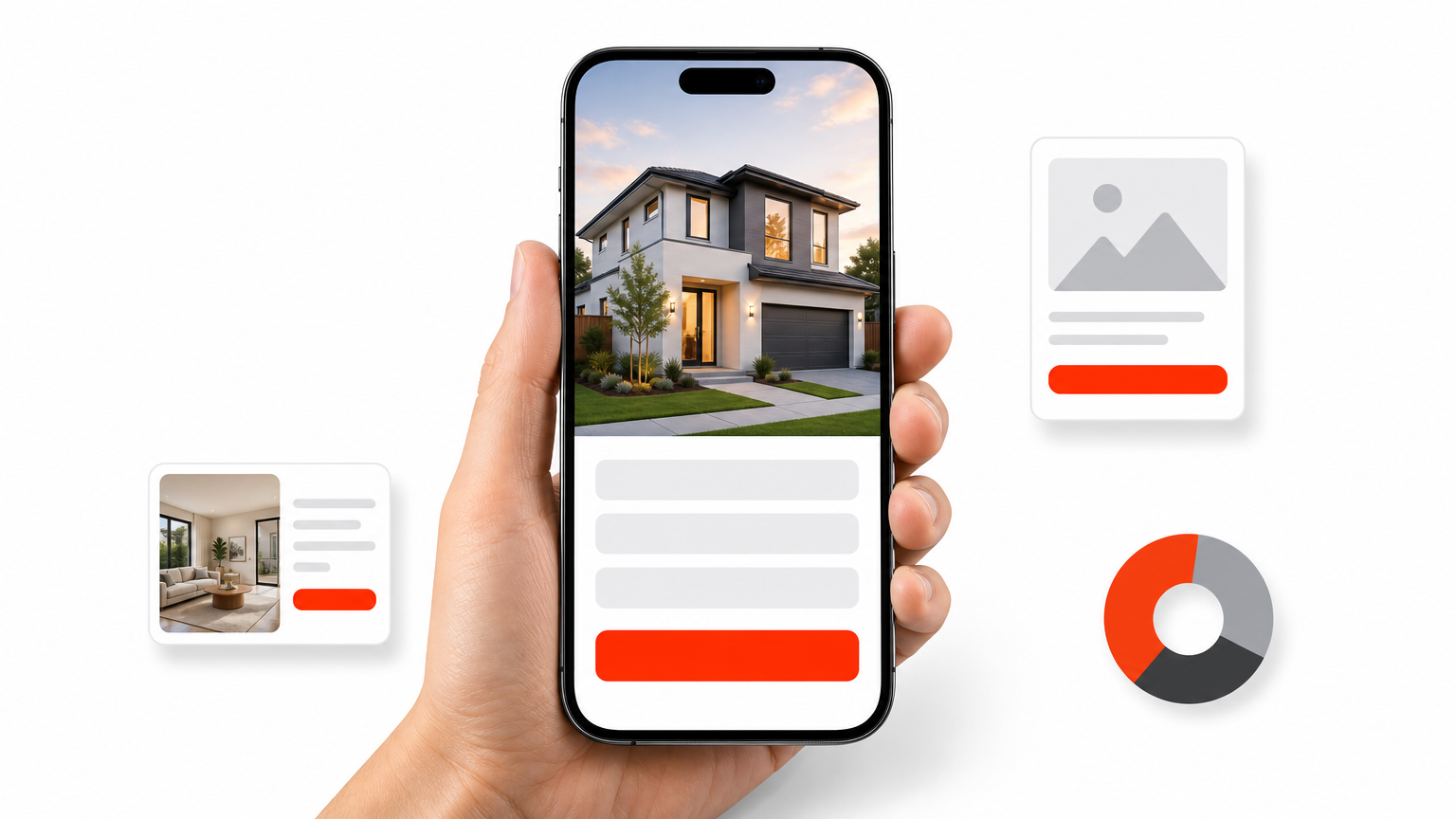
Visitors decide in seconds. Your first screen needs one clear offer and an obvious way to claim it. "Get your home’s value in 60 seconds" beats "Welcome to my website."
- A headline that names the offer and the area
- A sharp hero photo of a real property, not a generic skyline
- A short form with three fields or fewer: name, email, phone
- A button that says what happens next, such as "Book a showing"
Below the fold
Proof comes next. Add testimonials with names and photos, a few recent sales or active listings, and a short agent bio with your brokerage and license number. This builds trust, which matters because buyers are handing a phone number to a stranger.
Finally, keep the page fast and focused. Remove the main menu so visitors have one path, and aim for a Largest Contentful Paint under 2.5 seconds, the "good" threshold in Google’s Core Web Vitals guidance. Compress photos before you upload them, since listing galleries are the usual cause of slow pages.
A landing page has one job, so give visitors one path to take.
How to choose the right template
Ten options can blur together, so use three filters. Work through them in order and your shortlist drops to two or three picks. The same filters apply to any landing page templates for real estate you find outside this list.
Start with your platform
Your current setup decides most of the choice. If you already build in WordPress, stay with the builder you know, because mixing two builders adds weight and slows pages. With no site yet, a hosted tool gets you live in an hour.
| Your situation | Best fit |
|---|---|
| WordPress with Divi | Divihat layouts |
| WordPress with Elementor | Elementor kits |
| No site, one listing | Canva or Wix |
| Paid ad traffic | Unbounce or Leadpages |
| Designer or developer on hand | Figma or free HTML |
Count the true cost
Price tags mislead. A free HTML file still costs hosting, a form service, and your time. Hosted builders charge monthly, and your page goes offline if you cancel.
Licenses matter more if you build for clients. Per-site fees stack up fast, so multiply the price by the number of sites you expect to launch this year.
Choose the template you can edit and publish this week, not the prettiest one in the gallery.
Test before you commit
Finally, open the live demo on your phone and run it through Google’s PageSpeed Insights. A template that feels slow in a demo will feel slower with your listing photos. Read the license too, and walk away from sellers who hide their terms.
Picking the template that fits your leads
The best of these real estate landing page templates is the one that matches your platform, your budget, and how many pages you plan to launch. A solo agent with one open house can get live today on Canva or Wix. Ad-driven teams should look at Unbounce or Leadpages.
Whatever you pick, keep the page focused on one offer. A sharp hero, a short form, and real proof will beat a fancier design that sends visitors in five directions. Test it on your phone before you publish.
If you build on WordPress, or build sites for agents, Divi gives you the most room to grow. Join Divihat’s membership to get 100+ layouts, hero sections, and child themes with unlimited website usage and a 30-day money-back guarantee, so you can start your next agent page without risk.