The Pro theme is the flagship WordPress theme and site builder from Themeco, sold directly by the company since 2017 on a yearly license. The name misleads. Pro is not a fixed design you recolor. It is a platform built around the Cornerstone page builder, with its own header, footer, and layout builders, CSS Grid support, and dynamic content tools, so you can build nearly any design from a blank canvas. The full theme has no free version, and licenses start at $99 per year for one site.
That makes Pro a different purchase from a typical template theme. You are choosing a build system. It rewards people who reuse components across many sites and frustrates people who want a finished design in ten minutes. This guide explains why that choice matters, how to start building with Pro, how it differs from X and Cornerstone, which features do the heavy lifting, what each plan costs, and where it fits or falls short.
Divihat designs layouts and child themes for the Divi theme, and our team has built websites with Divi for about ten years. We judge any builder by how fast it gets a client site live and how well it holds up afterward. That is the lens for the verdict, including a direct comparison with Divi.
Why the Pro theme matters before you commit
The Pro theme matters because a builder is a long-term commitment. Every header, template, and component you create lives inside it, and leaving later means rebuilding that work by hand. Pro is a deliberate bet on one platform, so you should know what that bet covers before you pay.
What you are really choosing
Pro asks you to replace a plugin stack with one platform. Themeco builds in what many sites add separately: header and footer builders, sliders, mega menus, conditional content, dynamic loops, and a font and color manager. Fewer plugins means fewer update conflicts and less code on each page. That is the central argument Themeco and its long-term users make for it.
The second thing you choose is a way of working. Pro is built around reuse. You design a button, a section, or a header once and place it anywhere. That pays off for freelancers and agencies that ship similar sites again and again. It pays off less if you build one small brochure site and never touch it again.
Pro is not a template you install, it is a build system you learn once and reuse on every site.
Which product people mean by "pro theme"
"Pro theme" is a common phrase, so search results mix unrelated products. This article covers Themeco’s Pro. The table separates it from the others you may run into.
| Name | Maker or source | What it is |
|---|---|---|
| Pro | Themeco | WordPress theme and site builder with Cornerstone |
| ThemePro | Google Play app | Home screen kit for Android phones (icons, widgets, wallpapers) |
| Magazine Pro | StudioPress | WordPress theme for online publishing |
| Clean Pro | HubSpot CMS theme | No-code, mobile-ready theme for HubSpot sites |
If you wanted a phone theme or a theme for another platform, those listings are separate products and have nothing to do with Pro.
Why there is no free download
Many people search for a free download of the Pro theme, and the answer is short. Themeco sells Pro directly on a yearly license, and there is no free version of the full theme. Copies offered on other sites are unofficial. They come without updates or support, and an altered theme file is a real security risk on a live site.
If you want to test before paying, check Themeco’s site for a Cornerstone demo playground, which it has offered in the past. A hands-on test teaches you more than any feature list, because Pro’s value shows up in the editor, not on the sales page.
How to start building with the Pro theme
Start by buying a license, installing Pro on a WordPress site with decent hosting, choosing a stack, and building your global parts (fonts, colors, header, footer) before any page. Following that order saves rework, because everything you build later inherits those decisions.
Install and set up
The setup sequence below works for a new client site. It follows how Pro is organized, not how a typical theme is organized.
- Buy a license from Themeco. Pro is sold directly, not through Envato.
- Install the theme on your WordPress site and register your license, so updates and support stay available.
- Choose a stack. Integrity, Renew, Icon, and Ethos are ready-made looks. Blank and Starter are bare foundations.
- Set global fonts and colors in the Font Manager and Color Manager.
- Build your header and footer in their dedicated builders.
- Create layouts for blog posts, archives, and shop pages if you need them.
- Build pages from sections, rows, columns, and divs, starting from a Design Cloud template if you want a head start.
- Save anything you will reuse as a component or template.
Test on hosting that is not the cheapest tier. One long-time user notes that Pro is only as fast as the narrowest bottleneck, and slow hosting is usually that bottleneck.
Pick a stack and a starting point
A stack is a design foundation. Integrity, Renew, Icon, and Ethos each give you a complete visual style, and you can customize all of it. The Blank stack strips the theme’s own styling so you design everything yourself, which is what most professionals do. One long-term user reports that the stylesheet shrinks to about 13 KB on Blank.
For a faster start, Themeco’s Design Cloud provides templates for headers, footers, content sections, presets, and whole sites, delivered into the builder. Demo sites include restaurant, agency, lawyer, gym, and nonprofit designs. Use these as scaffolding and restyle them with your own fonts and colors, or every site you build will look like the demo.
Choose the Blank stack when you have a design to build, and a ready-made stack when you need something live this week.
Build the global parts first
Set up the Font Manager and Color Manager before you touch a page. You assign font families, including custom ones, and color palettes to parts of the site, then manage them in one place. Changing a brand color later becomes one edit instead of fifty.

Then use the Template Manager to save layouts you like as reusable templates across any Cornerstone-powered site. This is where an agency’s second site becomes much faster than its first. You carry your header, footer, and section designs forward and adjust them instead of starting over.
How X, Pro, and Cornerstone differ
X is Themeco’s older and simpler theme, Pro is the newer flagship with layout builders built in, and Cornerstone is the page builder that powers both. Confusing the three is the most common mistake in Pro research, because Themeco’s own pages and many reviews use the names interchangeably.
How the three products relate
X launched on October 24, 2013, through Envato Market and became one of its fastest-selling themes. Cornerstone arrived with X 4.0 on May 28, 2015. Pro followed on April 10, 2017, sold directly by Themeco. The difference at launch was that Pro added the Header, Footer, and Layout builders that X lacked.
| X theme | Pro theme | Cornerstone | |
|---|---|---|---|
| Role | Simpler theme | Flagship theme and platform | Page builder |
| Sold | Envato Market | Directly by Themeco | Part of X and Pro, also sold standalone |
| Cornerstone | Separate plugin | Fully integrated | Is the builder |
| Header, footer, layout builders | No | Yes | Provided through Pro |
| CSS Grid editor | No | Yes | Provided through Pro |
Cornerstone is the engine, Pro is the whole car, and X is the older, plainer model.
Which one fits you
Choose Pro if you want the full toolset: custom headers and footers, post and archive layouts, CSS Grid, conditions, and components. That covers most professionals. Pro also fits anyone who expects client sites to grow in complexity.
Consider X only if your needs are simple and you prefer buying through Envato. Check its current listing for pricing, since that price is set on Envato and not on Themeco’s site. Buying Cornerstone alone makes sense in narrow cases, but Pro is the environment the builder was designed for.
Pro theme features that change how you build
The features that matter most in daily work are the header, footer, and layout builders, components with parameters, dynamic content with loopers and Twig, and native versions of things you would normally buy as plugins. The long feature list on Themeco’s site reduces to these four groups.
Header, footer, and layout builders
Layout builders let you design the parts of a site that themes usually lock down. You can build custom templates for blogs, pages, and shops, and create an unlimited number of headers and footers and place them wherever you want. Everything is a document in Cornerstone, so you can keep a homepage and a header open in tabs and preview the header against any page.
For a content site this is a real advantage. An archive layout, a single post layout, and a shop layout can each have their own structure without a separate plugin. Themeco’s builders sit on a lean base, so you load only the styling you use.
Components and parameters
A component is a design you build once and place anywhere, and changing it updates every instance. Parameters decide which parts users can edit. Here is a practical example. You design five button styles in one document. You expose only the text and link as parameters. Editors drop the buttons on pages and change the label, and when you adjust the style in the source document, every button on the site updates while the labels stay intact.
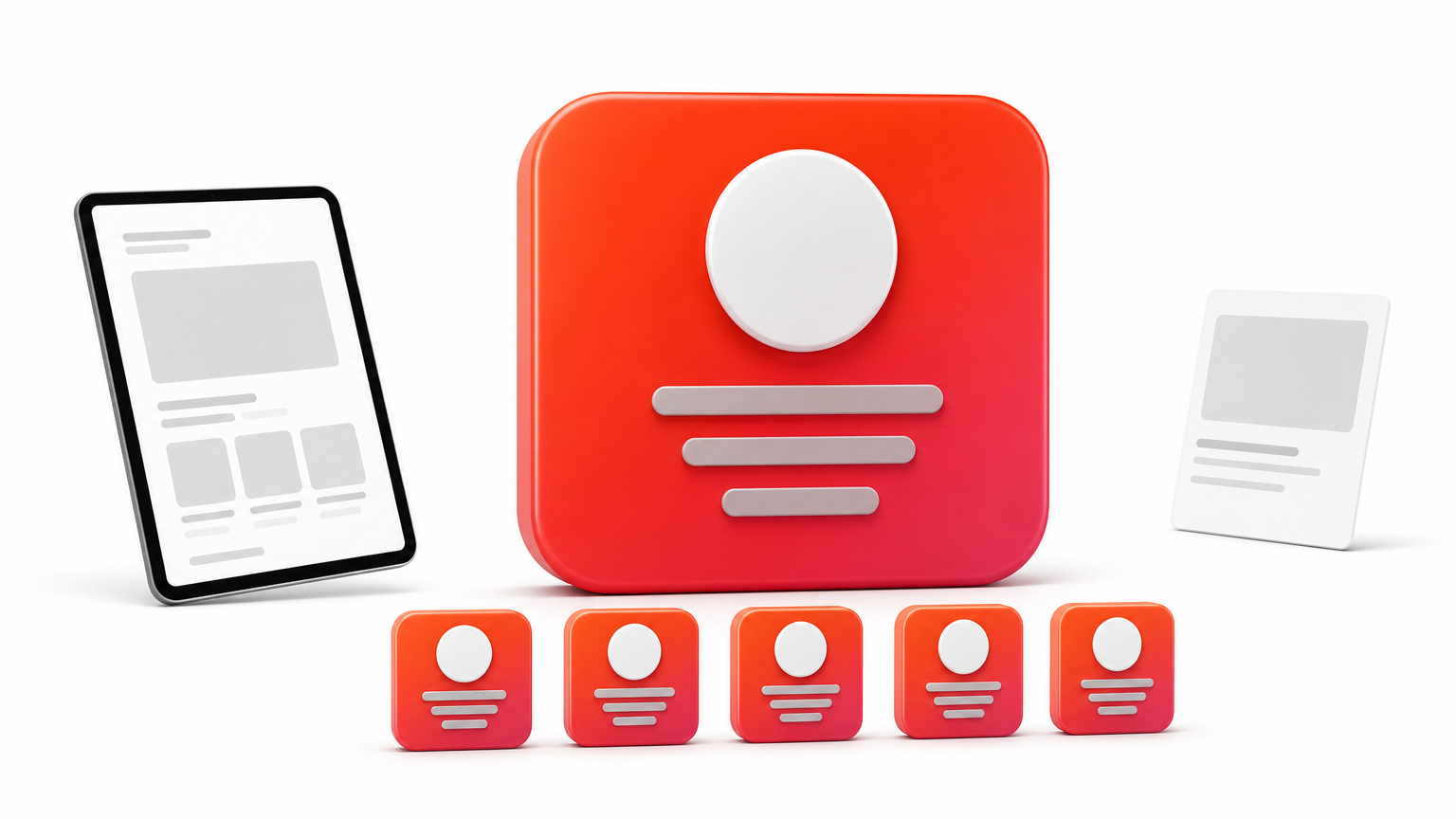
This turns a site into a small design system. Agencies can hand a client a simplified editing experience without exposing hundreds of controls, which cuts down on accidental layout breakage.
Dynamic content, loopers, and Twig
Dynamic content pulls live data into your design. Pro supports WordPress content and ACF fields, and loopers repeat a design for each post, product, or data row. Conditions show an element only when a rule is met, such as a logged-in user or a particular date.
Newer additions go further. Twig, a templating engine, lets you process and filter dynamic data. A CSV looper can feed spreadsheet data into a page, and an external REST API connection can bring third-party data into the same looper designs you use for your own posts. These features are aimed at builders who would otherwise write PHP.
Native sliders, grids, and menus
Pro builds sliders from base pieces (container, navigation, pagination) rather than shipping one fixed slider element. Mega menus are built from drop zones with the same elements you use on a page. The CSS Grid editor is visual, and Pro lets you overlap elements and rearrange layouts per breakpoint. Themeco lists nearly 100 pre-built elements, and one long-term user counts roughly 50 standard ones, 24 dynamic ones, and 29 WooCommerce elements when WooCommerce is active.
| Need | Typical add-on | Pro approach |
|---|---|---|
| Slider | Separate slider plugin | Native slider elements |
| Mega menu | Menu plugin | Drop zones and layout elements |
| Show or hide by rule | Conditional logic plugin | Element conditions |
| Custom headers and footers | Header and footer plugin | Header and Footer builders |
| Icons | Icon pack plugin | Font Awesome Pro included |
| Sortable data tables | Table plugin | Data Tables (Max plans) |
Pro theme pricing and what each plan includes
Pro is sold by yearly license, starting at $99 per year for one site and $249 per year for unlimited sites. The Max plans add Themeco’s extra plugins and training and cost more. The figures below come from Themeco’s pricing page, and promotional prices on the Max plans change, so confirm them before you buy.
Plans and prices
| Plan | Licenses | Listed price per year |
|---|---|---|
| Pro Single | 1 | $99 |
| Pro Unlimited | Unlimited | $249 |
| Pro Max Single | 1 | $149 (limited-time price) |
| Pro Max Agency | 10 | $199 (listed regular price $399) |
| Pro Max Unlimited | Unlimited | $299 (listed regular price $799) |
Every plan includes the Cornerstone builder and all Pro features. Max adds a bundle that Themeco lists as including Gridorama, Modern Sliders, Super Loopers, Web Design Magic, Cornerstone Forms, Cornerstone Charts, Personify, CSAI (its AI tool), Data Tables, SiteDrive, future Max products, and 24/7 support. The pricing page also shows a yearly versus lifetime toggle, so check what the lifetime option offers when you visit.
A worked example for a freelancer
Say you manage five client sites and want Pro on all of them. Five Single licenses at $99 come to $495 per year. One Unlimited license at $249 covers all five for $249, so Unlimited becomes cheaper once you run three sites (three Singles cost $297). If you also want the Max bundle, Max Agency at the listed $199 covers up to ten sites and costs less than Pro Unlimited without Max.

That last comparison only holds while the promotional price lasts. Look at the renewal price, not just the first-year price.
Count your sites before you pick a plan, because the per-site license stops being the cheap option at three.
What happens when you stop paying
Themeco states that if you cancel, you can still use the builder, but you lose product updates, direct support, and Max products at the end of the term. Your sites do not go dark. They stop receiving improvements and security fixes from the theme.
For client work, that is a practical reason to build the renewal into your maintenance fees. A site running on an outdated theme becomes your problem sooner or later. Support is otherwise covered by public documentation and a forum, which Themeco says hold over 250,000 articles, questions, and videos.
Is the Pro theme worth it? Strengths and limits
Pro is worth it if you build several sites a year, want deep control, and will invest time learning it. It is a poor choice if you want quick drag-and-drop results with minimal learning. The strengths are real, and so are the costs.
Where Pro is strong
Speed and lean output are the most cited strengths. One long-term user reports that an empty Pro page loaded in about 110 ms on shared hosting without a CDN. In a builder comparison project, that user’s rebuild of the same homepage had 694 DOM elements, against 1,123 for Elementor. These are one person’s tests, and your results depend on hosting and design choices, but they match Pro’s lean-output design.
Structure for SEO and accessibility is the second strength. Pro lets you change the HTML tag of sections, rows, and columns, includes breadcrumb, rating, and testimonial elements with schema, and can generate FAQ schema from accordions. WAI-ARIA roles are built into its templates. Recent versions also store content as plain HTML instead of WordPress shortcodes, which helps SEO plugins read what you wrote.
Where Pro is weaker
The limits are mostly about cost and effort, not quality.
- A real learning curve. Hundreds of controls, components, parameters, and Twig give you power, but a beginner sees a lot of options at once.
- A recurring cost. Updates and support depend on an active yearly license.
- A smaller pool of third-party design assets. Most layout shops sell for the biggest builders, so you will lean on Design Cloud and your own work.
- Builder-specific work. Your layouts and components exist inside Cornerstone, so changing builders later means rebuilding them.
Who should use it
Pro suits three groups. Agencies and freelancers who ship many sites will gain from components and the Template Manager. Developers who want dynamic data from ACF, CSV files, or external APIs without writing everything by hand will find it faster. Builders who care about page weight will like the lean base.
Skip it if you manage one simple site and want to launch quickly, or if your clients already work in another builder and expect to edit pages in it themselves. Tools your client already knows lower your support burden.
Pro pays off through repetition, so the more sites you build, the better its price and learning curve look.
Pro theme vs. Divi: which one fits your work
Pro gives you more low-level control and a reuse-first design system, while Divi gives you a faster path from idea to finished page through a large ecosystem of ready-made layouts. Pick Pro for custom builds you will repeat, and Divi when speed and familiar editing matter most. Divihat sells Divi assets, so weigh that bias as you read.
How the two builders differ
| Pro (Themeco) | Divi (Elegant Themes) | |
|---|---|---|
| Starting point | Stacks and Design Cloud templates | Pre-made layouts and child themes, including third-party ones |
| Core approach | Components, parameters, dynamic data | Visual drag-and-drop page building |
| Layout control | Flexbox and visual CSS Grid editor | Visual Builder with Theme Builder |
| Learning curve | Steeper, with more depth | Gentler for visual designers |
| Pricing model | Yearly license per site count (see table above) | Check Elegant Themes for current plans |
Divi is a WordPress theme and visual builder, and Divi 5 is its current generation. Its ecosystem is the difference that matters most. Layouts, hero sections, wireframes, and child themes from third parties let you assemble a complete site by importing and editing, which is exactly what Divihat’s library is built for.
How to choose
Choose Pro when your sites need custom data, complex conditions, or a design system you will carry across projects. Choose Divi when your clients need fast turnaround, you work mostly from visual layouts, and you want to import a polished section instead of constructing it.
A practical test is to build the same page in both. Time yourself on a hero section, a three-column feature block, and a footer. If Pro’s controls feel like help, it is your tool. If they feel like homework, a Divi layout will serve you better, and you will spend that time on client work instead. Honestly, many freelancers do not need Pro’s depth, and many agencies outgrow simpler tools.
Run one real page through both builders, because your own build time is the most trustworthy benchmark.
Mistakes to avoid when you start with Pro
The costliest mistakes with Pro are skipping the setup order, ignoring license math, and treating it like a simple template theme. Each one is easy to avoid if you plan before you build.
Setup mistakes
Most problems come from building before deciding. These are the common ones.
- Building pages before global styles. Set fonts, colors, header, and footer first, or you will repeat edits across pages.
- Keeping an ill-fitting stack. If you override most of a stack’s styling, switch to Blank early.
- Copying demo sites unchanged. Restyle Design Cloud templates so clients do not get a recognizable demo.
- Skipping components. Anything repeated three times should be a component, or you lose Pro’s main advantage.
- Testing on weak hosting. A slow server hides Pro’s speed and makes the builder feel sluggish.
Business mistakes
Buying the wrong license is the most common money mistake, since per-site licenses cost more than Unlimited at three sites. Verify the renewal price, not only the promotional one. Also decide how you will cover yearly renewals across client sites, because a cancelled license means no updates or support.
The other mistake is overselling Pro to clients. They need a site they can edit and trust, not a feature list. Use component parameters to give them a simple editing experience, and document it. A client who understands what they can change calls you less often.
Choosing your builder with confidence
The Pro theme is a build system, not a template. It gives you headers, footers, layouts, components, dynamic data, and native versions of common plugins on one yearly license, starting at $99 for a single site. It rewards professionals who build repeatedly and are willing to learn it. If your priority is speed to launch with polished designs, a Divi workflow with ready-made layouts is often the faster route.
If you decide Divi suits your projects better, you do not have to design every section yourself. The Divihat membership gives you access to premium Divi 5 layouts, child themes, wireframes, and hero sections, with unlimited website usage and a 30-day money-back guarantee, so you can test whether it shortens your builds.