
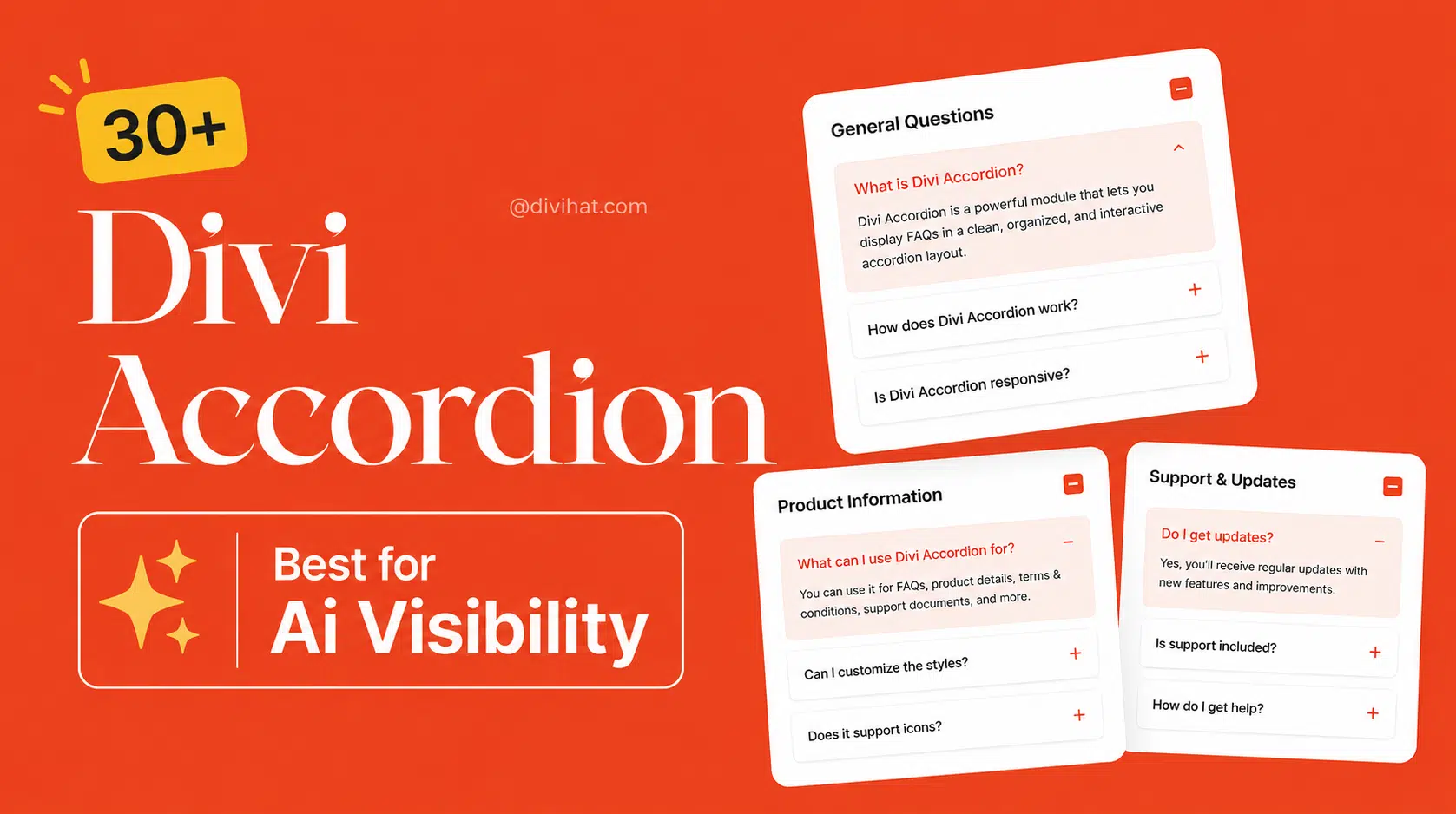
How to Design a Good FAQ Page?
A good FAQ page should make it easy for visitors to find answers without contacting your support team. Keep the questions clear, organize them by topic, write short and useful answers, and use an accordion layout so visitors can quickly open the information they need.
If you use Divi, professionally designed FAQ Templates can save you a lot of time. Instead of building every FAQ section from scratch, you can start with a ready-made design and customize the questions, answers, colors, fonts, and spacing to match your website.
What Makes a Good FAQ Page?
A good FAQ page is not simply a long list of questions. It should solve real problems your visitors have before they contact you or make a purchase.
Start by thinking about the questions customers regularly ask. These might be about pricing, payments, refunds, delivery, services, product features, account access, subscriptions, or technical support.
Put the most important questions near the top. Use simple wording that matches how real people ask questions. Your answers should also get to the point quickly instead of making visitors read several paragraphs to find one small piece of information.
Most importantly, make the page easy to scan.
Why Are Accordions Good for FAQ Pages?
Imagine opening a page and seeing 20 questions with 20 long answers displayed at the same time. It can quickly become overwhelming, especially on a mobile phone.
An accordion solves this problem by showing the questions first. Visitors can click or tap a question to reveal its answer and close it when they are finished.
This keeps the page cleaner and allows people to focus on the information that matters to them.
For Divi users, an accordion based FAQ section can also fit naturally into product pages, service pages, landing pages, pricing pages, and dedicated FAQ pages.
Should You Use FAQ Templates Instead of Designing From Scratch?
If you already know exactly how you want your FAQ section to look, you can certainly create one from scratch. The problem is that designing a polished FAQ section involves more than adding questions and answers.
You have to think about typography, spacing, icons, borders, hover effects, colors, responsive behavior, and the overall visual hierarchy.
This is where FAQ Templates become useful.
A professionally designed template gives you a strong starting point. You can focus on writing helpful answers instead of spending unnecessary time experimenting with the design.
This is particularly helpful for freelancers, web designers, agencies, and Divi users who regularly build websites for different clients.
Why Use Divi Hat FAQ Templates?
Divi Hat's FAQ layouts are designed for people who want something more polished than a basic accordion without having to design every section themselves.
With the Divi Accordion layouts from Divi Hat, you can choose a design that fits your website, import it into Divi, replace the demo content with your own questions and answers, and customize the styling to match your brand.
Instead of looking at a blank section and wondering how your FAQ should be designed, you already have a professionally designed foundation to work with.
This can make a big difference when you are working on tight deadlines or building multiple client websites.
FAQ Templates Can Save Web Designers Valuable Time
Time matters when you are building websites professionally.
You might be able to recreate a particular FAQ design yourself, but the real question is whether you need to.
If a ready-made layout gives you the structure and visual style you need, you can spend that saved time working on content, conversions, mobile optimization, client revisions, or your next project.
Divi Hat FAQ Templates are especially useful for freelancers and agencies that need different FAQ styles across different websites. Rather than repeating the same basic accordion design on every project, you can start with different layouts and customize them for each brand.
Can FAQ Templates Be Customized in Divi?
Yes. A good template should be a starting point rather than something that forces you into one fixed appearance.
You can customize the FAQ layout to fit the website you are building. Change the questions and answers, adjust colors, typography and spacing, and adapt the overall design to your client's branding.
This means you get the convenience of a ready-made design without making every website look identical.
Where Can You Use FAQ Templates?
FAQ sections are useful on far more than a traditional FAQ page.
For example, an ecommerce website can answer questions about payments and refunds. A SaaS company can explain subscriptions and account features. A web design agency can answer questions about timelines, revisions and pricing. A local service business can cover availability, service areas and booking.
You can also place smaller FAQ sections directly on landing pages and product pages to answer common objections close to the point where visitors are deciding whether to take action.
How Can You Make an FAQ Page Better for SEO and AEO?
Write questions the way your audience would naturally search for them.
Instead of vague headings such as "Pricing Information," a question like "How much does the service cost?" clearly communicates what the answer is about.
The same principle is useful for answer engine optimization. Search engines and AI powered search experiences need clear context to understand what a page is answering.
Keep each question focused on one topic and provide a direct answer before adding supporting details.
However, avoid creating dozens of repetitive questions simply to target keywords. Your FAQ should primarily help real visitors. Search visibility should come from useful, well organized information rather than keyword stuffing.
Do FAQ Pages Help With Conversions?
They can.
People often hesitate before purchasing because they still have unanswered questions. They may want to know about refunds, compatibility, support, pricing, delivery, customization, or what happens after they buy.
A well designed FAQ section can address these concerns before the visitor leaves the page.
That makes your FAQ more than a support section. It can become an important part of the buying journey.
Ready to Build a Better FAQ Section in Divi?
You do not have to start every FAQ design with a blank page.
Divi Hat's FAQ Templates give you professionally designed accordion layouts that you can customize for different websites and industries. They are a practical choice if you want to speed up your Divi workflow while still creating FAQ sections that look polished and professional.
Instead of spending your time rebuilding common sections again and again, start with a design that is already made and make it your own.
Focus Keyword: FAQ Templates
Suggested SEO Title: FAQ Templates: How to Design a Good FAQ Page
Meta Description: Learn how to design a useful FAQ page and discover how Divi Hat FAQ Templates can help you build professional Divi accordion sections faster.