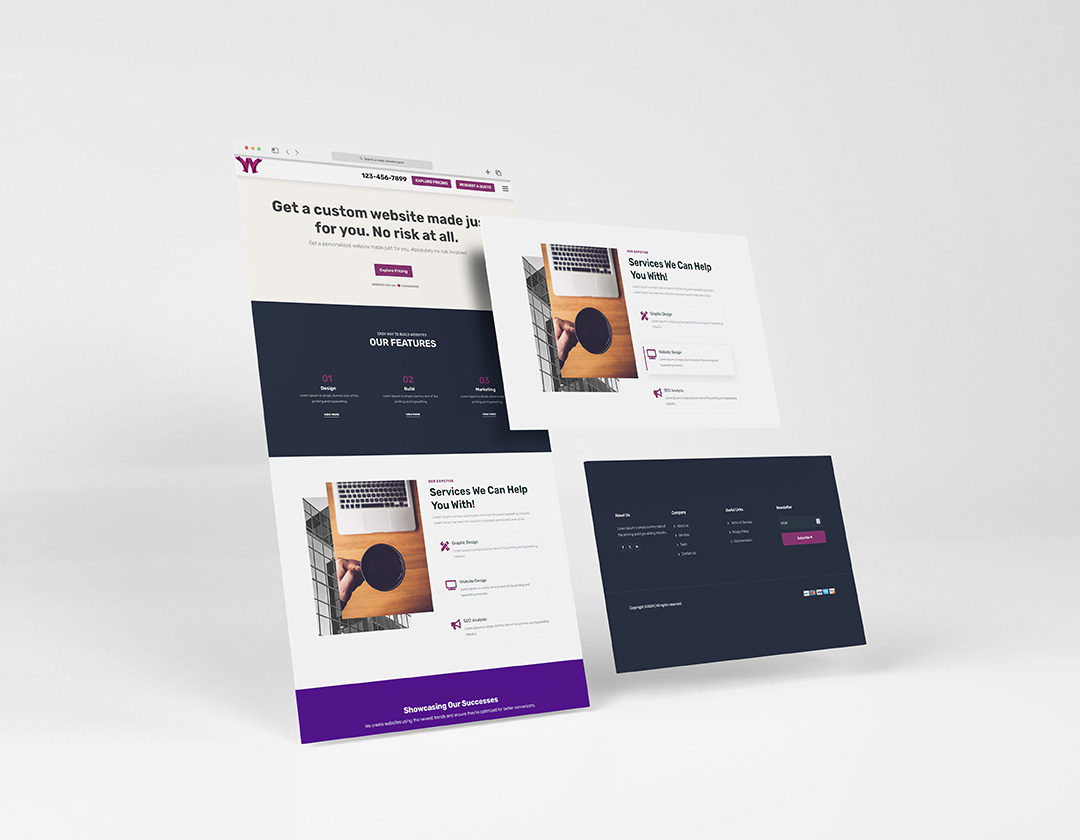

Introduction: A transparent header is a stylish design feature that can add elegance to your Divi-based website. In this tutorial, we'll guide you through the process of creating a transparent header in Divi, giving your site a modern and attractive look. Let's get started!
Step 1: Access Your WordPress Dashboard
- Log in to your WordPress admin panel.
Step 2: Navigate to the Divi Theme Customizer
- In your WordPress dashboard, go to "Divi" in the sidebar.
- Click on "Theme Customizer."
Step 3: Choose the Header & Navigation Settings
- In the Theme Customizer, look for "Header & Navigation" and click on it.
Step 4: Customize the Header Style
- In the Header & Navigation settings, you'll see options to customize your header, including its background color.
- To make the header transparent, reduce the background color's opacity to a lower value (e.g., 0.5 for 50% transparency).
- You can also choose a background color that matches your site's color scheme.
Step 5: Adjust the Header Layout
- To enhance the transparent header effect, you can adjust the header layout settings.
- Click on "Header Format" to explore layout options such as "Centered" or "Expanded."
- Experiment with different layouts to find the one that best suits your website design.
Step 6: Configure Additional Header Settings
- Explore other header settings in the Theme Customizer, including text and logo customization, menu design, and header width.
- Adjust these settings to match your transparent header design vision.
Step 7: Save and Publish Your Changes
- After customizing your transparent header, click the "Save & Publish" button to make the changes live on your website.
Step 8: View the Result
Visit your website to see the transparent header in action. As you scroll down the page, the header will maintain its transparency, providing a modern and visually appealing effect.
Conclusion: Creating a transparent header in Divi is a simple yet effective way to elevate the visual aesthetics of your website. The Divi Theme Customizer allows you to make these changes effortlessly. Customize the header's background color, layout, and other settings to achieve the perfect transparent header design that complements your website's overall style. Enjoy your new, stylish and modern website header!