
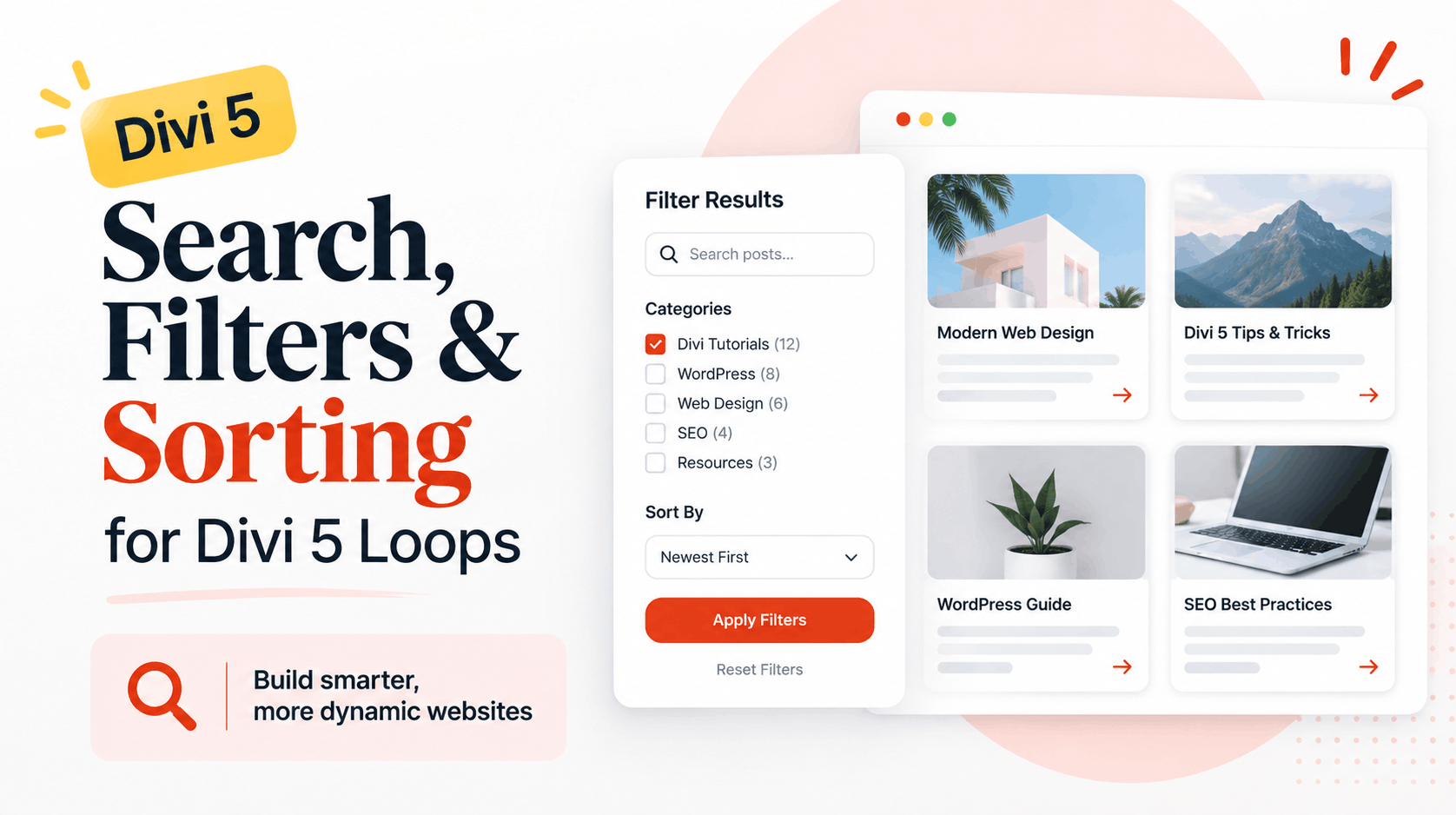
Building a custom loop in Divi 5 is already useful, but what happens when you have dozens or even hundreds of posts, products, properties, recipes, or other items?
Your visitors need an easy way to find what they are looking for.
That is where Divi 5's search, filtering, and sorting features become really useful.
With the Divi 5 Loop Builder and Post Filter Module, you can create dynamic content listings and give visitors simple controls to search through them, narrow the results, and change how those results are displayed.
And the good news is that much of this can now be done directly inside Divi.
Can You Add Search and Filters to a Divi 5 Loop?
Yes.
Divi 5 allows you to connect the Post Filter Module to a custom loop created with the Loop Builder.
Once connected, the filter form can control what appears inside that loop.
For example, imagine you have a real estate website containing 100 properties.
Instead of asking visitors to scroll through every property, you could let them search for a property, choose a category, narrow the results, and sort the listings.
The same idea can work for:
Blog posts
Real estate listings
WooCommerce products
Recipes
Portfolio projects
Team directories
Job listings
Tutorial libraries
Custom post types
This makes Divi 5 loops much more useful for websites with a lot of dynamic content.
What Are Divi 5 Loops?
Divi 5 Loops allow you to design an element or group of elements once and automatically repeat that design using dynamic WordPress content.
Think about a blog page.
You don't want to manually design a card for every blog post. Instead, you create one post card containing things such as the featured image, title, excerpt, category, and button.
Divi can then repeat that design for the posts returned by your loop.
This becomes even more powerful when you combine loops with custom post types and custom fields.
You could create a property card containing:
Property image
Property name
Location
Price
Property type
Number of bedrooms
View Property button
The loop can then automatically generate the cards using information from each property.
What Is the Divi 5 Post Filter Module?
The Post Filter Module is what gives visitors control over the content displayed by your loop.
You first build your loop and then tell the Post Filter Module which loop it should control.
After that, you can create different ways for visitors to explore your content.
For example, someone visiting a tutorial website might search for "Divi Loop Builder," choose a Divi 5 category, and sort the results by publication date.
Instead of browsing page after page, the visitor can quickly narrow down the content.
What Is the Difference Between Search, Filtering, and Sorting?
These three features sound similar, but they perform different jobs.
Search helps visitors find content using words or phrases.
Filtering reduces the number of results based on selected conditions, such as a category, taxonomy, or custom field.
Sorting doesn't necessarily remove results. Instead, it changes their order.
For example, a visitor might search for "WordPress," filter the results to the "Divi Tutorials" category, and then sort those posts from newest to oldest.
Together, these controls can make a large content library much easier to explore.
How Do You Add Filters to a Divi 5 Loop?
The process starts with the loop itself.
Create the design you want Divi to repeat and enable the Loop Element functionality on the appropriate element or container.
Your loop could display blog posts, products, or another supported post type.
Once the loop is working properly, add a Post Filter Module somewhere near it.
A common layout would have filters on the left and results on the right.
For example:
Filters | Results
On smaller screens, you might move the filters above the results instead.
Next, open the Post Filter Module settings and select the loop that you want the form to control.
This connection is important because a page could potentially contain more than one loop. Divi needs to know exactly which loop should respond to the filter form.
What Types of Filters Can You Create?
This is where things get interesting.
The Post Filter Module gives you several types of controls that you can combine depending on your website.
You can create a text search field so visitors can enter keywords.
You can use dropdowns when you want to keep the interface compact.
Radio buttons work well when a visitor should select only one option.
Checkboxes are useful when multiple choices should be available.
You can also provide sorting options using Order By and Order controls.
Finally, Apply and Reset buttons can help visitors control or clear their selections.
You don't need to use every option.
The goal should be to give visitors the controls that actually help them find content.
Can You Filter Divi 5 Loops by Category?
Yes.
Categories are one of the easiest examples of how useful loop filtering can be.
Imagine you have a large WordPress blog covering:
Divi 5
WordPress
Web Design
SEO
WooCommerce
A visitor interested only in Divi 5 doesn't necessarily want to browse everything else.
You can connect a category filter to the appropriate taxonomy and let visitors narrow the loop to the content they want.
Depending on your design, the categories can be displayed using checkboxes, a dropdown, or radio buttons.
Can Visitors Sort Divi 5 Loop Results?
Yes.
Filtering helps visitors narrow the results, while sorting helps them decide how those results should appear.
For a blog, you might allow visitors to sort by publication date or title.
For example, someone could choose:
Newest first
Oldest first
Title A to Z
Title Z to A
The available and useful sorting choices will depend on the content being displayed by your loop.
You don't need to show every possible option. In most cases, fewer useful choices create a cleaner experience.
Should Filters Update Automatically?
Divi gives you control over how the filters are applied.
You can have results update as visitors change their selections, or you can use a submit style workflow where someone chooses the filters first and then clicks an Apply button.
Which approach should you use?
It depends on the page.
For a simple filter with only one or two choices, automatic filtering can feel fast and natural.
For a more advanced directory with several filters, an Apply Filters button may make more sense because visitors can choose everything before updating the results.
What Does AND vs OR Filtering Mean?
This sounds technical, but the basic idea is simple.
Suppose someone chooses two conditions.
With AND logic, the result needs to meet both conditions.
With OR logic, the result can meet either condition.
Imagine a property directory where a visitor chooses "Apartment" and "Karachi."
Using AND logic would mean the results need to match both requirements.
For many directories and advanced listings, this gives visitors much more precise results.
Can You Style Divi 5 Filters?
Yes, and this is important because your filters should look like they belong to the rest of your website.
You can customize things such as typography, backgrounds, borders, spacing, buttons, fields, hover effects, selected states, and focus states.
You can also use Divi 5 Design Variables.
For example, instead of manually entering your brand color every time, you could connect the filter buttons and fields to existing color variables.
If your brand color changes later, updating the variable can update the elements that reference it.
This can save a lot of time on larger websites.
Can You Reuse Your Filter Designs?
Yes.
Divi's preset system can help you reuse styling instead of rebuilding the same design again and again.
This is particularly useful for agencies.
Imagine building several directory pages for a client.
You may have:
Properties
Agents
Locations
Services
Instead of designing every filter form from scratch, you can reuse parts of your existing styling and then adjust the content and target loop for each page.
That means less repetitive design work and better visual consistency.
How Should Divi 5 Filters Work on Mobile?
Mobile deserves special attention.
A large filter sidebar that looks great on desktop can take up most of the screen on a phone.
One solution is to place the mobile filters inside a Toggle Module.
Visitors could see something simple like:
"Filter Results"
They tap it, choose their filters, apply them, and continue browsing.
Meanwhile, the desktop version can keep the traditional sidebar layout.
This gives desktop users easy access to filters without forcing mobile users to scroll through a huge form before reaching the actual content.
Can Divi 5 Loops Be Used for WooCommerce Products?
Yes, custom loops can also be useful for WooCommerce websites.
Instead of thinking only about blog posts, you can build custom product displays and give shoppers easier ways to browse those products.
For example, a custom product loop might allow visitors to search products, narrow the collection, and change the sorting order.
One important point is that the Post Filter Module is designed to work with the target custom loop you create, so you should build the appropriate custom product loop rather than assuming it will simply control every standard WooCommerce shop display.
Can Divi 5 Filters Work With Custom Post Types?
This is probably one of the most exciting uses of the feature.
Custom post types allow WordPress websites to store structured content beyond regular pages and posts.
For example, you might have a custom post type for:
Properties
Cars
Jobs
Courses
Doctors
Restaurants
Events
Team members
You can build a Divi loop around that content and then provide relevant ways for visitors to browse it.
This starts turning Divi into something much more powerful than a tool for designing static pages.
Can Divi 5 Loops Work With ACF?
Yes, Divi 5's Loop Builder can be particularly useful when you're working with structured content and custom fields.
For example, a property website could store information such as price, bedrooms, location, and property type in custom fields and use those values when building dynamic listing cards.
We have covered this topic separately in our guide to Divi 5 Loops, including how the Loop Builder works with ACF custom fields.
If you're planning to create directories, property websites, or other data driven WordPress projects, it is worth understanding how loops and custom fields work together.
Do You Need a Separate Filtering Plugin?
For many standard custom-loop filtering situations, you may not need one.
Divi 5 now provides native tools for connecting search, filtering, and sorting controls to a custom loop.
That can make the setup simpler because more of the experience stays inside Divi's Visual Builder.
However, specialized websites may still require dedicated plugins or custom development.
For example, a very advanced directory with complex relationships, maps, location radius searches, or highly specialized filtering logic may need functionality beyond the native tools.
The right approach depends on what you're building.
Why Is This Important for Divi Users?
This update isn't just about adding another module.
It changes what you can realistically build visually with Divi.
In the past, creating an advanced content directory often meant combining the page builder with several additional plugins.
Divi 5 is gradually bringing more of that dynamic website building workflow into the builder itself.
You can design the repeated content, control its data, create the browsing experience, style the filters, and make the layout responsive without jumping between as many different tools.
For freelancers and agencies, that could mean faster development and easier websites to maintain.
What Can You Build With Searchable Divi 5 Loops?
There are plenty of possibilities.
A real estate website could let visitors browse properties.
A food website could create a searchable recipe collection.
A business directory could organize companies by category.
A job website could display openings from a custom post type.
A WooCommerce website could create a custom product browsing experience.
A tutorial website could let readers quickly search through hundreds of guides.
And a portfolio website could let potential clients filter projects by service or industry.
The important part isn't simply having filters.
It is making large amounts of content easier for real people to explore.
Are Divi 5 Searchable Loops Worth Using?
If your website contains repeated dynamic content, they are certainly worth exploring.
A beautiful grid of posts or products is useful, but once that grid becomes large, visitors need better ways to navigate it.
Combining the Loop Builder with search, filtering, and sorting solves that problem directly inside Divi.
It also shows where Divi 5 is heading.
Instead of being limited mainly to designing individual pages, Divi is becoming increasingly capable of handling dynamic, structured WordPress websites visually.
For Divi users building blogs, stores, directories, real estate websites, portfolios, and custom post type projects, searchable loops can make both the development process and the visitor experience much better.
The best approach is to start simple. Build your loop, add the filters visitors genuinely need, make the experience easy to use on mobile, and test everything from the visitor's point of view.
That's where the real value of Divi 5's Loop Builder starts to show.