
You can build a landing page in an afternoon and still watch it flop. A cluttered layout, a weak headline placement, or a call-to-action buried below the fold will kill conversions no matter how good your offer is. That’s why so many freelancers and agencies skip the blank canvas entirely and start with high-converting landing page templates built on structures that already work.
This list gives you exactly that: nine templates worth using in 2026, each chosen for a specific job, whether you’re launching a product, capturing leads, or promoting a webinar. Every one is built on Divi, so you get drag-and-drop customization without touching code, and you can swap colors, copy, and images in minutes to match a client’s brand.
Below, you’ll find real examples pulled from DiviHat’s library of high-converting Divi landing page designs, with notes on why each layout converts and who it fits best. If you build sites for clients or run your own, these pre-built layouts save you the guesswork of starting from zero and give you a tested foundation to customize instead.
1. What makes a landing page template high-converting
A landing page template earns the label "high-converting" when its structure removes decisions, not adds them. Visitors decide whether to stay or bounce in under 10 seconds, according to research from Google’s own web performance studies, so the template’s job is to guide the eye toward one action fast. That means a clear value proposition above the fold, a headline that states the offer without fluff, and a single call-to-action button design that doesn’t compete with five other links pulling attention away.
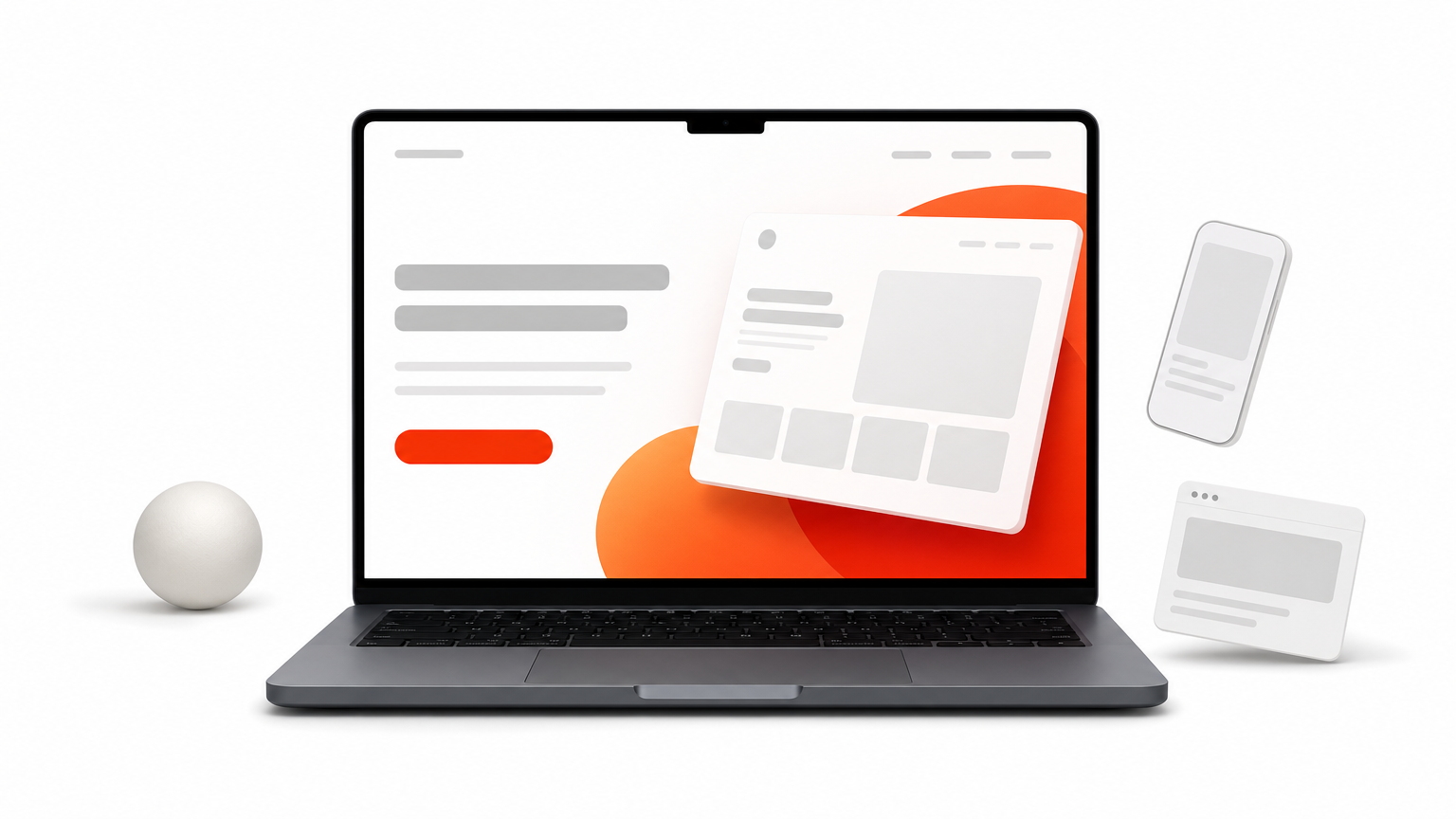
Beyond the fold, the best templates follow a proven sequence instead of a random stack of sections. You’ll typically see this order repeated across top performers:
- Headline and subheadline that name the outcome, not just the feature
- A hero image or short video showing the product or result in context
- Three to five benefit blocks, not a wall of paragraph text
- Social proof: testimonials, logos, or review counts placed right where doubt creeps in
- A repeated call-to-action every 600 to 800 pixels of scroll
- A short accordion-style FAQ section that handles objections before they become exit clicks
Mobile responsiveness isn’t optional anymore either. Over 60% of landing page traffic now arrives on phones, so a template that looks sharp on desktop but breaks on a 375-pixel screen is dead on arrival.
A landing page template only converts when every section earns its place by moving the visitor closer to one action.
Speed matters just as much as layout. A template loaded with unoptimized sliders and stock animations can undo all that careful structure if it takes four seconds to load. Google’s Core Web Vitals guidance ties page speed directly to both rankings and user behavior, and slow pages see steep drop-off before the message even loads.
Finally, a genuinely high-converting template needs to be flexible enough to test. Rigid designs that lock you into one headline position or one color scheme make A/B testing painful. The templates worth using let you swap sections, resize elements, and adjust copy without rebuilding the page from scratch, which is exactly why drag-and-drop editors like Divi have become the default choice for freelancers who need to launch fast and iterate based on real data instead of guesswork.
With those criteria in mind, plus a few landing page tweaks that lift sales, here are nine templates that check every box, starting with a set built specifically for Divi users.
2. DiviHat Divi landing page templates
DiviHat’s library is built for one job: getting a Divi site live and converting without weeks of design work. Instead of generic blocks, you get full landing page layouts already structured around the headline-benefits-proof-CTA sequence covered above, so you skip the trial and error of figuring out section order yourself.
Key features
Each template ships as a complete premium Divi layout pack, not a single section, meaning hero, benefits, testimonials, pricing, and FAQ blocks all arrive matched in style and color. You also get royalty-free images baked in, so there’s no scrambling for stock photos before a client demo.
- 26+ ready-made Divi page layouts covering product launches, services, and lead capture
- 75+ hero section designs for fast headline and offer swaps
- 8 ready-made child themes for a distinct look across multiple client sites
- Unlimited usage rights, including client projects
Best for
Freelancers and agencies juggling multiple client sites get the most value here, since one membership covers unlimited builds instead of paying per project. Solo business owners without design skills also fit well, because the drag-and-drop structure means no code is needed to launch.
Customization options
Every layout drops straight into the Divi Builder, where you resize modules, swap fonts, and recolor sections visually. Rows and columns rearrange with drag-and-drop, so restructuring a template for a different offer takes minutes, not a rebuild.
Pricing
A membership unlocks the entire library plus new additions, backed by a 30-day money-back guarantee. Individual layouts are also available for one-time purchase if you only need a single page.
3. Unbounce landing page templates
Unbounce built its name on conversion-focused templates designed for marketers who run paid traffic and need a page that justifies the ad spend fast. Its library leans heavily on AI-assisted copy suggestions and layout scoring, which sets it apart from a straightforward drag-and-drop builder like Divi.
Key features
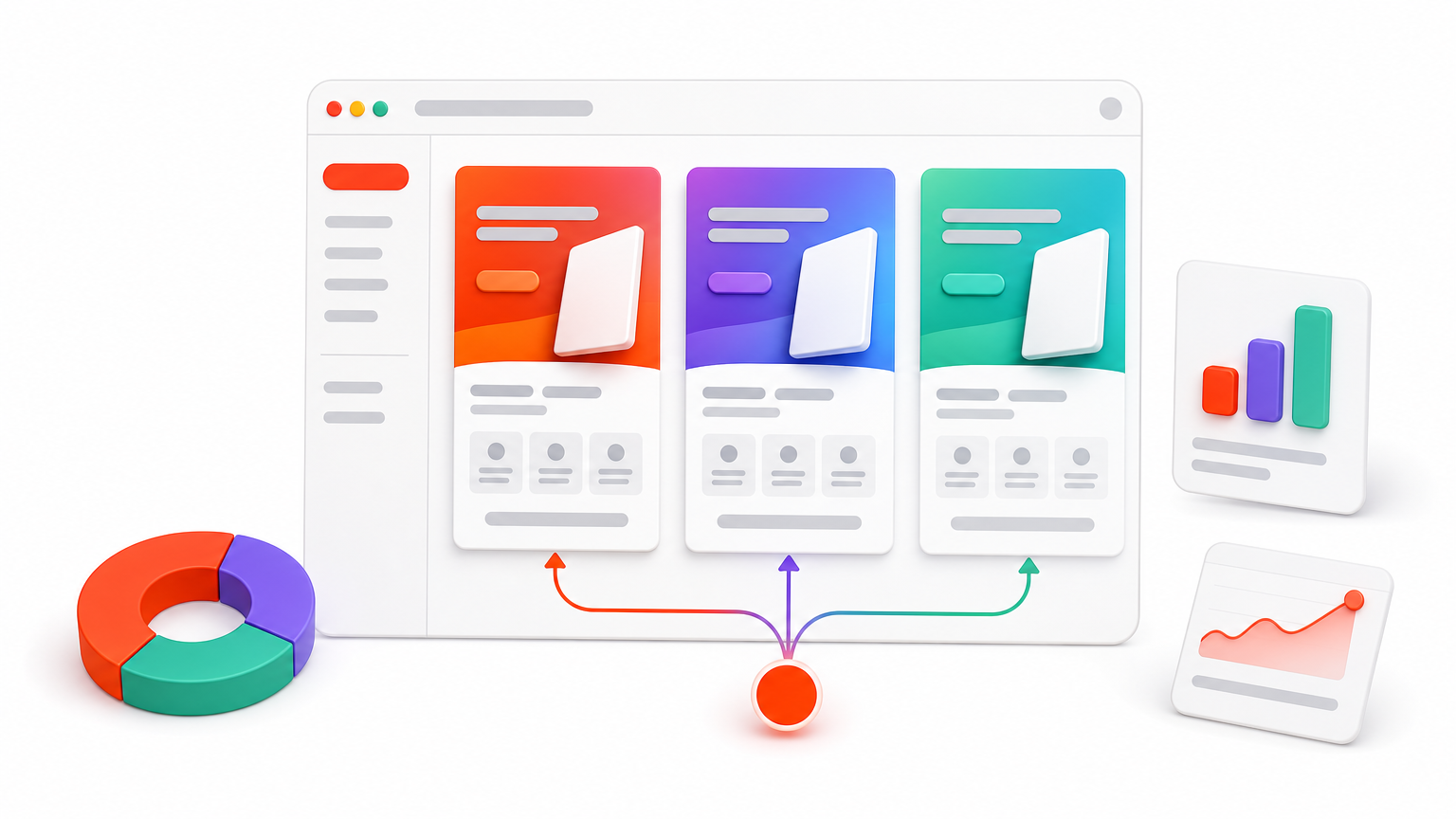
Smart Builder, Unbounce’s AI layout tool, generates a full page from a prompt and then lets you refine sections manually. The platform also includes Smart Traffic, which automatically routes visitors to whichever template variant is converting best at that moment.
- AI-generated page drafts based on your offer description
- Dynamic text replacement for matching ad keywords to headlines
- Built-in A/B testing with statistical significance tracking
- Popup and sticky bar templates for secondary conversions
Best for
Paid ad managers and PPC agencies running dozens of campaigns get the most from this platform, since Smart Traffic reduces manual testing work. It suits teams with budget for a dedicated landing page tool rather than solo freelancers building on a WordPress stack.
Customization options
The builder uses a drag-and-drop canvas similar to other page builders, but sections are less flexible once AI generates them. Editing requires staying inside Unbounce’s ecosystem entirely, so there’s no exporting a template into your own WordPress site or Divi build.
A template’s value drops fast if it locks your pages inside one platform’s ecosystem.
Pricing
Plans start around $99 per month on the Launch tier, climbing past $225 monthly for Optimize, which unlocks Smart Traffic. There’s no lifetime or one-time purchase option, so costs recur for as long as the page stays live.
4. Leadpages landing page templates
Leadpages markets itself as the budget-friendly option for solo entrepreneurs who need a page live today, not next week. Its template library skews simple, favoring fast-loading pages over the flashier animations you’ll find on higher-priced builders.
Key features
Leadpages includes a built-in conversion guidance tool that scores your page against real-time benchmarks pulled from its own customer data, flagging weak headlines or missing trust signals before you publish.
- Real-time conversion scoring on every published page
- Unlimited landing pages on all paid plans
- Built-in payment collection for selling directly from the page
- Alert bars and pop-ups included at no extra cost
Best for
Solo consultants, coaches, and small business owners who want one clean page without hiring a designer fit this tool best. It also suits anyone selling a single product or service who needs payment collection built into the page itself rather than routed through a separate checkout.
Customization options
The drag-and-drop editor is intentionally limited compared to Divi or Unbounce, trading flexibility for speed. You can swap images, text, and colors easily, but restructuring section order or adding custom code blocks requires the pricier Pro plan.
Simplicity sells fast pages, but it caps how far you can customize once a client asks for something specific.
Pricing
Standard plans start near $37 per month when billed annually, with Pro pricing around $74 monthly for A/B testing and payment features. Like Unbounce, there’s no one-time license, so the page’s existence depends on an active subscription.
5. Swipepages landing page templates
Swipepages built its reputation on speed, both in page load times and in how fast you can assemble a page from a template. It’s a favorite among marketers running Facebook and Google ad campaigns who need a lightweight page that won’t tank their quality score.
Key features
Every template loads through an AMP-first framework, which strips out bloated code and keeps mobile load times under a second in most tests. Swipepages also bakes in dynamic text replacement, so a template’s headline can match whatever keyword triggered the ad click.
- AMP-powered pages for near-instant mobile loading
- Countdown timers and scarcity blocks built into templates
- Native integrations with Zapier, Mailchimp, and major ad platforms
- No-code pop-up builder included on every plan
Best for
Media buyers and affiliate marketers running high-volume ad traffic get the most value, since page speed directly affects cost per click. Solo marketers testing new offers weekly also fit well, given how fast a template can go live.
Customization options
The drag-and-drop editor keeps things intentionally simple, favoring speed over deep design control. You can adjust colors, swap images, and resize blocks, but building a fully custom layout from scratch takes more patience than it does in Divi 5 as a page builder for new sites.
A template optimized purely for speed can leave design flexibility on the table.
Pricing
Plans start at $29 per month on the Startup tier, with the Business tier running $79 monthly for unlimited pages and A/B testing. There’s no lifetime license, so the templates disappear the moment the subscription lapses.
6. Instapage landing page templates
Instapage positions itself as the enterprise pick among high-converting landing page templates, built for marketing teams that need heavy personalization at scale rather than a single quick page. Its library leans on collaboration tools and AI-driven optimization more than raw template variety, which makes sense once you see who actually buys it.
Key features
Every template supports AdMap, a visual tool that links each ad campaign to its own dedicated landing page variant automatically. Instapage also includes heatmaps and session recordings baked directly into the analytics dashboard, so you see exactly where visitors stall before they bounce.
- AdMap for automatic ad-to-page matching at scale
- Built-in heatmaps and scroll-depth tracking
- Real-time team collaboration with commenting on live pages
- AI content generation for headlines and body copy
Best for
Marketing teams running large ad budgets across multiple campaigns benefit most, since AdMap and the analytics stack justify the higher price tag. Solo freelancers and small agencies will likely find the feature set overbuilt for a single-client project.
Customization options
The editor uses a drag-and-drop canvas with pixel-level control, closer to a design tool than a simple template swap. That precision comes with a steeper learning curve than Divi’s block-based approach, so expect a longer setup time before your first page ships.
A feature-rich template only pays off when the team using it actually needs every feature included.
Pricing
Instapage starts around $299 per month on its Building plan, with custom enterprise pricing above that tier. There’s no free plan and no one-time purchase, so the cost only makes sense at real ad-spend volume.
7. Zoho LandingPage templates
Zoho LandingPage rounds out the Zoho suite as a budget-conscious option for teams already living inside Zoho CRM or Zoho Campaigns. It won’t win points for flashy design, but the templates get the job done for anyone who needs a functional page tied directly to existing customer data.
Key features
Templates here connect natively to Zoho CRM, so leads captured on the page sync instantly into existing pipelines without a third-party integration. The library also includes built-in heatmaps and A/B testing on every paid plan, which some competitors reserve for higher tiers.
- Native CRM and email sync across the Zoho ecosystem
- Free plan available with basic templates and hosting
- Built-in heatmap tracking on all paid tiers
- SSL and custom domain support included
Best for
Businesses already running on Zoho’s software stack get the clearest benefit, since the landing pages slot directly into workflows they’ve already set up. It also suits budget-conscious solo founders who want a working page without paying for a dedicated landing page tool.
A template’s biggest advantage sometimes isn’t the design, it’s how cleanly it plugs into the tools you already use.
Customization options
The editor uses a straightforward drag-and-drop canvas, similar in spirit to Divi but with far fewer design modules to pull from. Swapping colors, text, and images works smoothly, though building a truly distinct visual identity takes more workarounds than on a builder designed primarily for design flexibility.
Pricing
A free plan covers basic pages with Zoho branding attached. Paid plans start around $9 per month for a single page, scaling up based on traffic volume and the number of pages needed.
8. ConvertFlow landing page templates
ConvertFlow built its templates around one idea: the landing page shouldn’t work alone. Every layout ties into on-site personalization, so the same page can show different offers based on where a visitor came from or what they’ve already clicked. That makes it less of a standalone builder and more of a funnel tool that happens to include landing pages.
Key features
Templates here come bundled with conditional logic built right into the editor, letting you swap headlines, images, or offers based on UTM parameters, referral source, or past site behavior. ConvertFlow also layers in quizzes, surveys, and multi-step forms directly inside the landing page templates, not as separate add-ons.
- Conditional content blocks tied to visitor behavior
- Multi-step forms and quizzes built into templates
- Native integration with most major CRMs and email platforms
- Sticky bars and slide-ins bundled with every plan
Best for
Ecommerce brands and SaaS teams running segmented campaigns get the most value, since the personalization layer justifies the added setup time. Solo freelancers building a single client page will likely find the funnel logic more complexity than they need.
Customization options
Because of ConvertFlow’s focus on conditional logic, the drag-and-drop editor takes longer to master than a straightforward block builder like Divi. Sections adjust visually, but mapping out the personalization rules behind them requires planning before you touch the canvas.
A template built for personalization only pays off once you’ve mapped out the different visitor paths it needs to serve.
Pricing
Plans start around $99 per month for the Pro tier, with higher tiers unlocking more personalization rules and traffic volume. No one-time license exists, so access ends the moment the subscription lapses.
9. Elementor landing page templates
Elementor holds a huge share of the WordPress page builder market, and its landing page templates reflect that scale. Unlike the standalone SaaS tools above, Elementor lives inside WordPress, which means your landing page shares the same hosting, database, and plugin stack as the rest of the site instead of sitting on a separate platform.
Key features
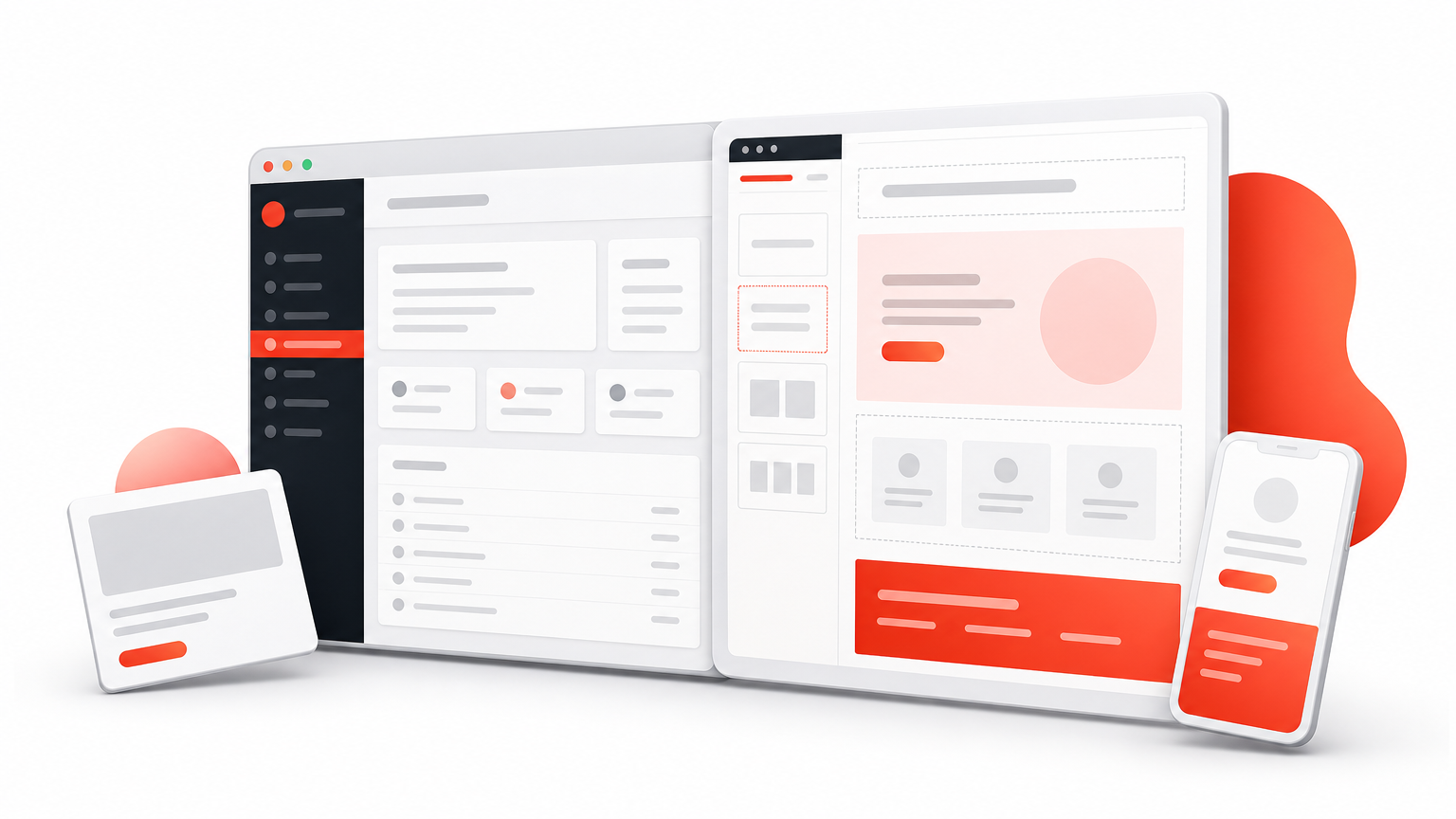
Templates come through Elementor Kits, bundles that include matching headers, footers, and landing page sections styled consistently across a theme. The Pro version adds a Theme Builder, letting you control popup triggers, dynamic content from custom fields, and form widgets without leaving the page editor.
- Elementor Kits bundling matched landing page sections
- Popup builder included in the Pro tier
- Dynamic content pulled from WordPress custom fields
- Large third-party template marketplace beyond the official library
Best for
Agencies already running client sites on WordPress get the smoothest fit with WordPress landing page templates, since landing pages built here integrate directly with existing plugins like WooCommerce or membership tools. Freelancers comfortable inside the WordPress dashboard will also find the transition easier than learning an entirely separate SaaS interface.
A landing page tool works best when it lives inside the same stack you’re already maintaining for the rest of the site.
Customization options
The drag-and-drop editor offers deep control over spacing, typography, and responsive breakpoints, closer in flexibility to Divi than to Leadpages or Swipepages, if you’re weighing whether Elementor or Divi fits better. Widgets snap into place visually, though heavier kits can slow the editor down on underpowered hosting.
Pricing
Elementor Pro starts around $59 per year for a single site, with multi-site licenses scaling up from there. The core plugin remains free, but landing page templates and the Theme Builder require the paid tier.
10. HubSpot landing page templates
HubSpot rounds out this list as the pick for teams that want a landing page wired directly into a full CRM and marketing platform rather than a standalone tool. Templates here aren’t just design shells, they’re connected to contact records, email workflows, and reporting from the moment a visitor submits a form.
Key features
Every template pulls from HubSpot’s free CRM, so leads captured on the page populate contact records automatically without a separate integration step. Built-in SEO recommendations flag missing meta tags and slow-loading elements before you publish, which few competitors bundle at no extra cost.
- Native CRM sync with no third-party connector needed
- Built-in SEO and mobile-optimization suggestions
- A/B testing available starting on the Marketing Hub Starter plan
- Smart content that adapts based on contact lifecycle stage
Best for
Growing businesses already using HubSpot for email and sales pipelines get the clearest payoff, since the landing page slots into workflows they’ve built already. Teams that need detailed lead-scoring tied to page performance will find this fits better than a page builder running outside the CRM entirely.
A landing page tied directly to your CRM saves the manual work of syncing leads by hand.
Customization options
The drag-and-drop editor covers the basics well, letting you swap sections, colors, and copy without code. Deeper structural changes require HubSpot’s own module system, though, which takes longer to master than a block-based best page builder for WordPress like Divi.
Pricing
A free tier includes basic landing pages with HubSpot branding attached. Paid access starts around $20 per month on Marketing Hub Starter, climbing well past $800 monthly for Professional-level automation and testing features.
Picking the right template for your next launch
Every template on this list handles the same core job differently. Some, like Unbounce and Instapage, chase raw optimization power for teams with ad budgets to match. Others, like Leadpages and Swipepages, trade depth for speed. If you’re already running client sites on WordPress, though, staying inside that stack usually beats bolting on a separate SaaS subscription just to launch one page.
That’s the case for Divi-based templates: no recurring per-page fees, no locked-in ecosystem, and full control over every section once you’re inside the builder you already know. You get the same headline-benefits-proof-CTA structure the top converters rely on, without paying enterprise pricing to get it.
Skip the blank canvas for your next project. Join the Divi Hat membership and start from a layout that’s already built to convert, then customize it in minutes instead of days.