The best free Divi WooCommerce layout styles both your shop page and your product page, matches the Divi version you run, and imports without a paid add-on. If you only need a better product page, start with the 14-page Divi Den pack. If you want a complete store with a guided setup, pick DiviCart. If you build on Divi 5, try Sundaze. If you sell in a niche such as bakery goods or watches, the Divi Plus child themes come closest to a ready-made online store.
The trouble is that a search for a free Divi shop layout returns results with very different catches. Some sit behind a signup, some need a paid plugin, and many cover a homepage but never touch the shop archive, the product page, or the cart. You can lose an afternoon importing a pack that styles none of the pages your customers actually use.
This list covers five sources, each with what you get, who it suits, and the catch. After that you get a comparison table, a safe import routine, and a look at what free packs leave out. At Divihat we have built sites with the Divi Theme for ten years, so we know where free layouts hold up and where they fall short.
1. Divi Den free WooCommerce product page pack
What you get
This free Divi layout set targets shop websites and ships with 14 page layouts. It centers on WooCommerce product pages, the template most free packs skip.
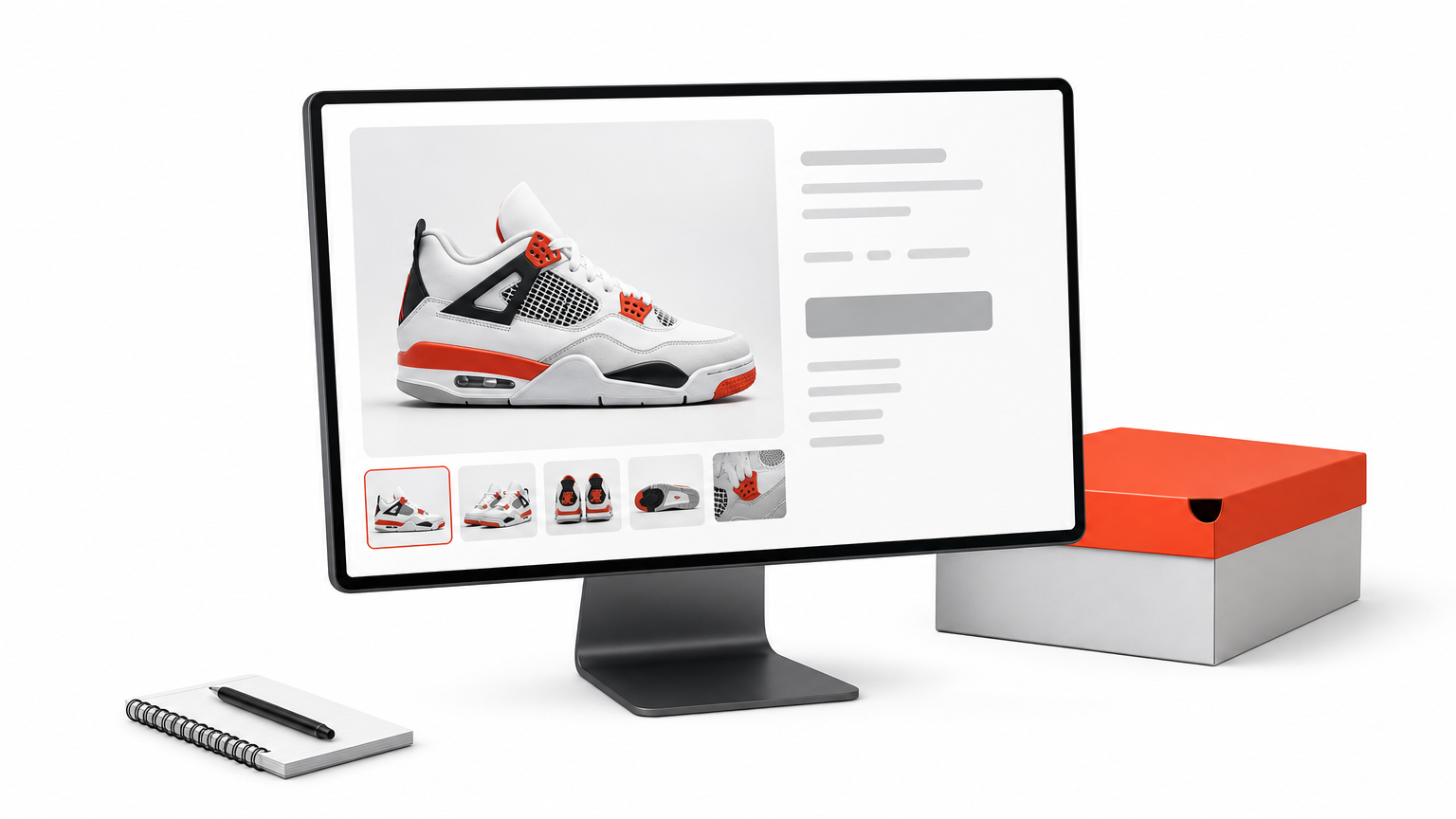
- 14 page layouts built for a shop website
- A live demo to preview before you import
- Product page designs, not just a homepage
A product page layout is the part of a Divi shop that earns the sale, so this is where a free pack pays off first.
Who it suits
This pack suits you if your store already runs and the product page looks dated. You keep your current shop and swap in a stronger single-product design.
It is a layout pack, not a child theme. It sits on top of your existing Divi setup, so plan to adjust fonts and colors to your brand after import.
Cost and catch
The pack is free. Read the download page before you start, because some free packs ask for an email address. Always import on a staging copy first, so a clash with your current styles never reaches live customers.
2. DiviCart free WooCommerce shop pack
What you get
DiviCart is a free pack from designer Mark Hendriksen, built to turn Divi and WooCommerce into a full shop. Its video tutorial covers the complete setup, including importing theme options, the step that makes a pack look finished instead of half styled. His packs generally include 5 to 10 page templates.
- WooCommerce shop layouts
- A step-by-step setup video
- Theme options you import alongside the layouts
- A live demo site
DiviCart is the easiest free pack to follow end to end, because the tutorial shows the import order instead of leaving you to guess.
Who it suits
Choose it if this is your first Divi store. The video walks through each import, so you don’t have to work out the sequence yourself.
It also works for freelancers who need a quick shop demo for a client. You can show a believable store in an afternoon and refine it after approval.
Cost and catch
The pack costs nothing, but you need a free account on the designer’s site. The same signup unlocks his other packs. Expect to replace every demo product and image, because the pack is a starting point and not a finished store.
3. Sundaze for Divi 5 and WooCommerce
What you get
Sundaze comes from the same designer and is listed as an eCommerce store pack for Divi 5 and WooCommerce. A live demo lets you judge the design before you commit.
- Built for Divi 5
- Store pages designed around WooCommerce
- A demo site to preview
- Access through the same free membership
If you run Divi 5, a pack built for Divi 5 saves you from testing an older layout for compatibility.
Who it suits
Sundaze fits sites that have already moved to Divi 5. You start from a design made for the current builder.
The same free membership also lists Divi Woo, another WooCommerce pack. You can import both on a staging site and compare how each handles the shop page.
Cost and catch
Access is free after the account signup. The catch is version fit. If you still run Divi 4, do not assume the pack behaves the same, and test it on a copy before you build on it.
4. Divi Plus free WooCommerce child themes
What you get
Divi Extended offers 10 free WooCommerce child themes for Divi Plus: Bakery, Ecommerce, Furniture Store, Modern Shop, Electronics, Grocery, Jewellery, Plant Store, Watch Store, and Winery. Most include five or six pre-built pages such as home, shop, about, and contact. If you want a ready-made Divi online store theme, this set is the closest match.
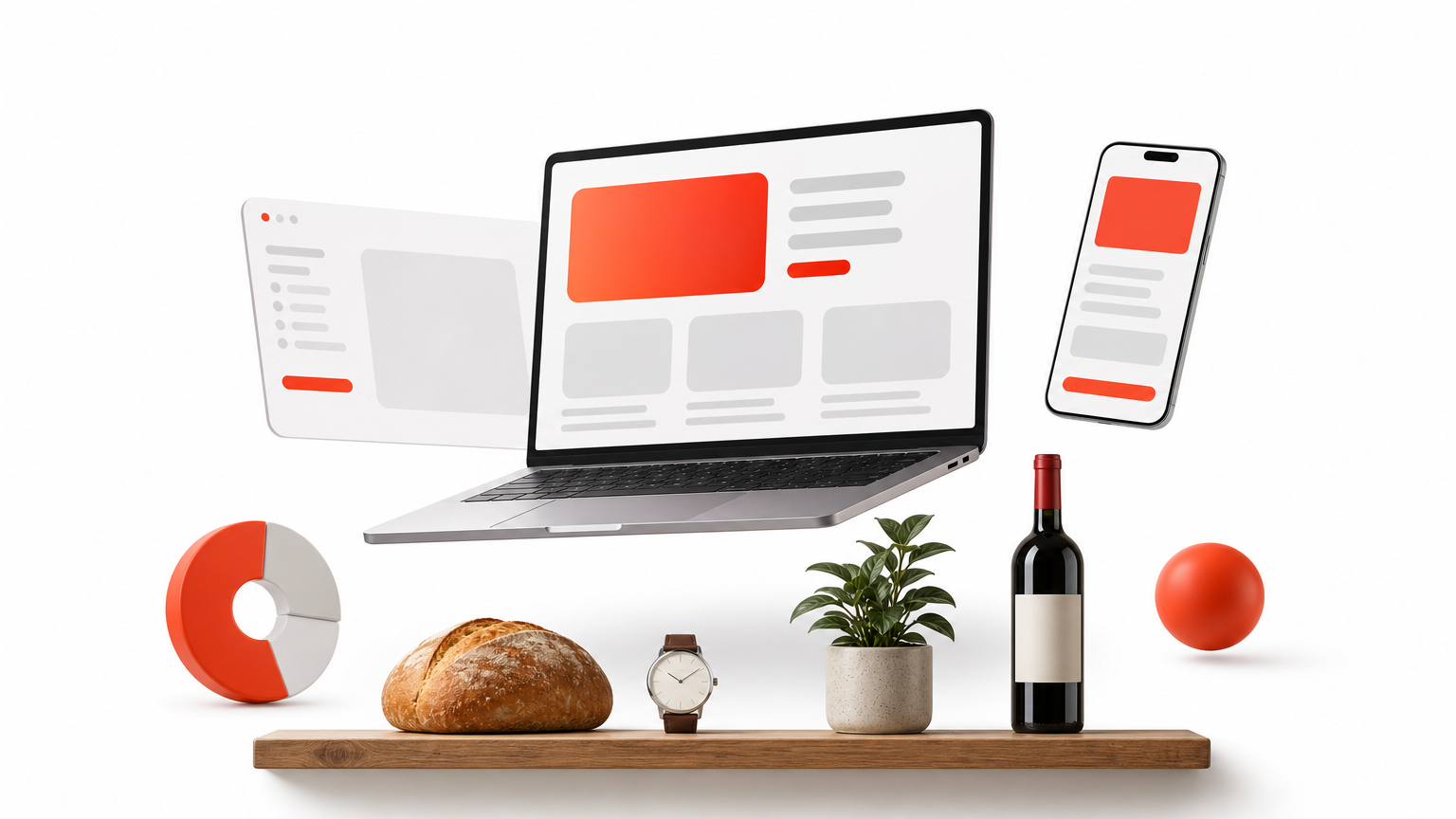
- Ajax add to cart and quick view on products
- Masonry, grid, and sidebar shop layouts in the Ecommerce theme
- Product badges such as bestselling in the Furniture theme
- Header product search
These are the nearest thing to a complete Divi online store theme at no cost, but only if the Divi Plus plugin is already on your site.
Who it suits
These themes suit niche stores that want a finished look in a single import. A plant nursery or a jewellery shop gets matching pages, not a generic grid.
They also help if you want a full-site design and not only a product page. The home, shop, about, and contact pages arrive together.
Cost and catch
The themes are free, but they are built with the Divi Plus plugin. Without it the custom modules will not work, so check the plugin’s license cost before you count this as free. You also depend on that plugin for as long as the site uses these designs.
5. Elegant Themes marketplace free layouts
What you get
The Divi marketplace lets you tick Divi Layouts and set the price to 0 to list free third-party layouts. Elegant Themes also releases free layout packs of 4 to 6 page templates with free images, included with an active membership. A separate listing offers 70 WooCommerce product layouts, so check its price before you count it as free.
- Free third-party layouts through the price filter
- Official free packs with included images
- A WooCommerce product layout listing to compare
The marketplace is the best place to browse many free Divi shop layouts side by side, as long as you read each description for WooCommerce support.
Who it suits
It suits you if you want to compare options in one place before committing. You can scan demos for a Divi shop page layout that fits your catalog.
It is also the natural stop if you already hold an Elegant Themes membership, since the official packs come with it at no extra cost.
Cost and catch
Free layouts here are not all built for stores. Check the description and demo for shop and product pages before you import. Quality also varies, because third-party designers set their own standards.
How to compare and import a free Divi shop layout
Compare the five picks
The right pick depends on what you need covered and what you must own first. This table sets the five side by side, so you can match a free Divi shop layout to your situation.
| Pick | What it covers | What you need |
|---|---|---|
| Divi Den product page pack | 14 shop page layouts | Demo and download page |
| DiviCart | Full WooCommerce shop with theme options | Free account |
| Sundaze | Divi 5 and WooCommerce store | Free account, Divi 5 |
| Divi Plus child themes | 10 niche stores, 5 or 6 pages each | Divi Plus plugin |
| Marketplace free layouts | Varies by designer | Price filter set to 0 |
Check the requirement column first, because the "free" label usually hides a signup or a plugin.
Import a pack step by step
Every pack follows nearly the same routine. Work on a staging copy, never on the live store.
- Back up the site and open the staging copy.
- Unzip the download, go to Divi > Divi Library, and upload the JSON file.
- If the pack has header, footer, or product templates, go to Divi > Theme Builder and upload that JSON file.
- Add a new page, activate the Divi Builder, choose Build from scratch, and pick a page from the Premade layouts tab. For an existing page, open the Visual Builder, click the three dots, and choose the plus icon, Add From Library.
- Go to WooCommerce > Settings > Products and confirm the Shop page points to your imported page.
- Replace the demo products, images, and prices with your own.
What free packs leave out
Free packs rarely style the cart, checkout, and account pages, and they come with no support. You also need to read the license terms, since some free packs limit commercial use.
If you outgrow a free pack, Divihat Divi Layouts cost $29.99 with unlimited website usage. If you want the store built for you, the Divi Web Design Ecommerce Store service costs $1,499 and covers up to 50 products with payment integration.
Choose one pack and test it first
A good free Divi WooCommerce layout covers the shop page and the product page, fits your Divi version, and needs nothing you don’t already own. For product pages alone, take the Divi Den pack. For a guided full shop, take DiviCart. For Divi 5, take Sundaze. For a niche store with a plugin you already own, take the Divi Plus child themes. Whatever you choose, import it on a staging copy first.
If you build shops for several clients, free packs get you to a demo quickly, but cart and checkout styling still take hand work. A Divihat membership costs $79.95 per year and gives you every layout and child theme, unlimited site usage, priority support, and a 30-day money-back guarantee.