The best free Divi slider layouts are built on Divi’s own modules, import as a single file, and stay fully editable in the Visual Builder. If you run Divi 5, start with the Elegant Themes nested sliders or carousel designs. If you need a slider at the top of a page, take a free hero layout from Divi Hat. If you want pause and play controls or a featured post slider, the older Divicious and Divi Soup packs still work as starting points, as long as you test them first.
Building a slider from scratch in Divi means stacking slides, tuning arrows and dots, then fixing the spacing on phones. A ready layout removes most of that work. This article covers five free sources and what each one includes. It also tells you who each one suits and what to check before it goes on a live site.
Each download asks for an email address or a newsletter signup, and none costs money. You do need Divi itself installed, since Divi is licensed separately by Elegant Themes.
1. Divi Hat free hero slider layouts
What is included
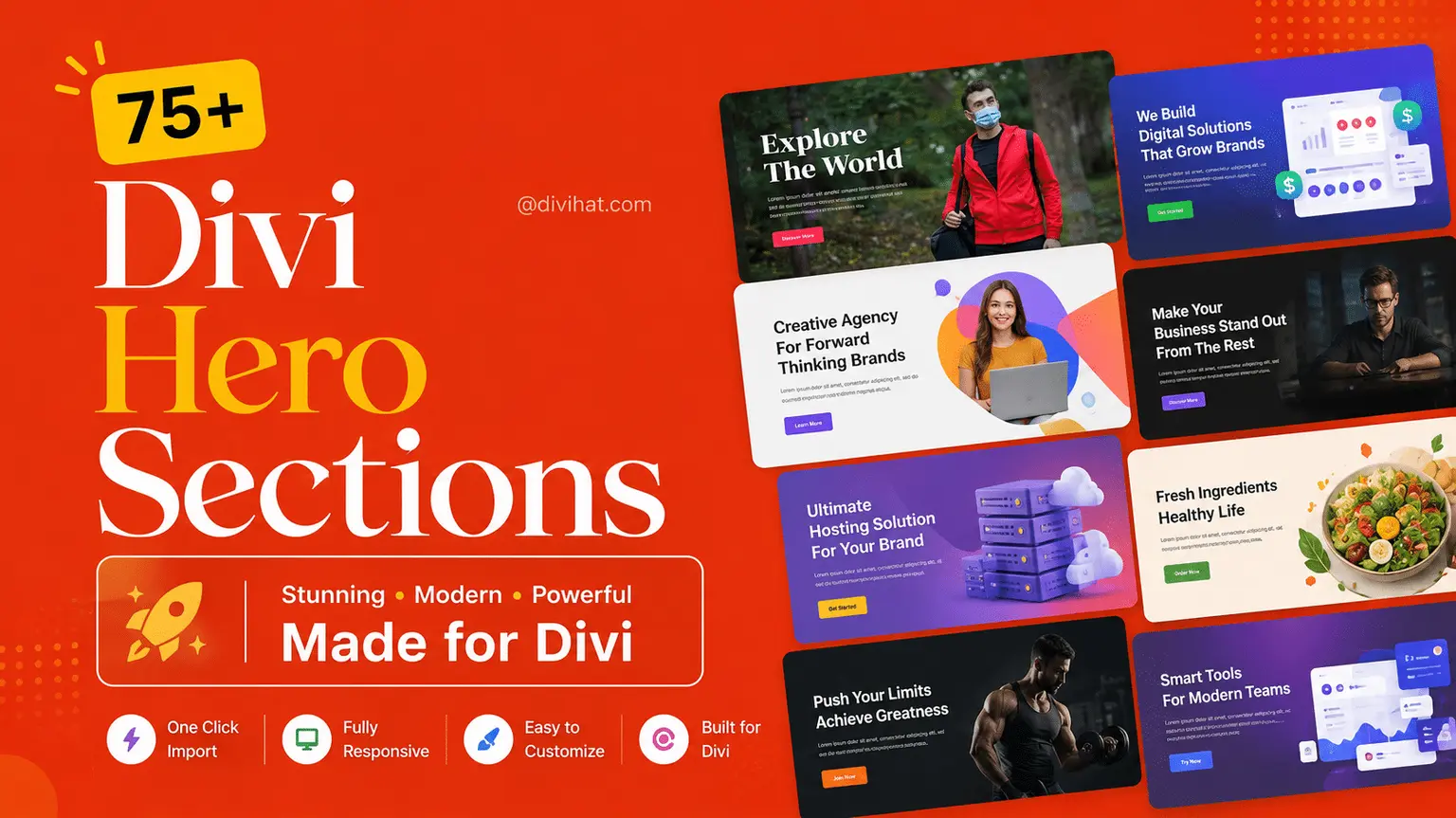
Divi Hat gives away free layouts in exchange for an email address. The freebies have included hero layouts, child themes, landing pages, and 404 or coming soon pages. The hero layouts are the closest match for a slider, because the top of the page is where most sites put one. The selection changes, so check divihat.com for what is available now.
Every Divi Hat design follows the same setup:
- It imports into the Divi Library as a JSON file.
- It stays fully editable in the Visual Builder, so you swap text and images without code.
- It works with Divi 5 and Divi 4.
A free hero layout gets you a finished header section in minutes, not a blank builder canvas.
Who it suits and how to use it
This pick suits site owners and freelancers who want a header slider without a plugin. If you outgrow the freebies, the Divi Hero Section pack has 75+ responsive hero sections for Divi 5 at $19.99 (regular $34.99). The same sections are also part of the membership.
The import steps below apply to every pack in this list:
- Download the file. If it arrives as a zip, unzip it.
- In your dashboard, go to Divi → Divi Library → Import & Export.
- Open the Import tab, choose the JSON file, and click Import Divi Builder Layouts.
- Open a page in the Visual Builder, add a Section, and pick Add From Library.
- Select the layout, click Use This Section, then replace the placeholder content.
2. Elegant Themes nested sliders for Divi 5
What is included
This free pack has 4 nested slider sections for testimonials, featured content, portfolio highlights, and product spotlights. A nested slider puts layered navigation inside one section, so a visitor can move through several slides without leaving the block.
You get five exports. There are four individual section files, plus one file that imports all four designs at once. The designs are unstyled, which makes them easy to match to your brand. You can adjust typography, colors, spacing, borders, and the slider controls.
Because the designs ship unstyled, they take on your site’s look instead of fighting it.
Who it suits and how to use it
It suits Divi 5 builders who want a polished testimonial or portfolio slider with little setup. Download it through the Divi newsletter signup, then import it with the steps from item 1.
To add slides, duplicate an existing slide item. That keeps the spacing and slider behavior intact. Keep each slide to one purpose, and keep headings, images, and descriptions in the same order on every slide. Shorten the text for phones and check that the arrows or dots are easy to tap.
3. Elegant Themes carousel designs for Divi 5
What is included
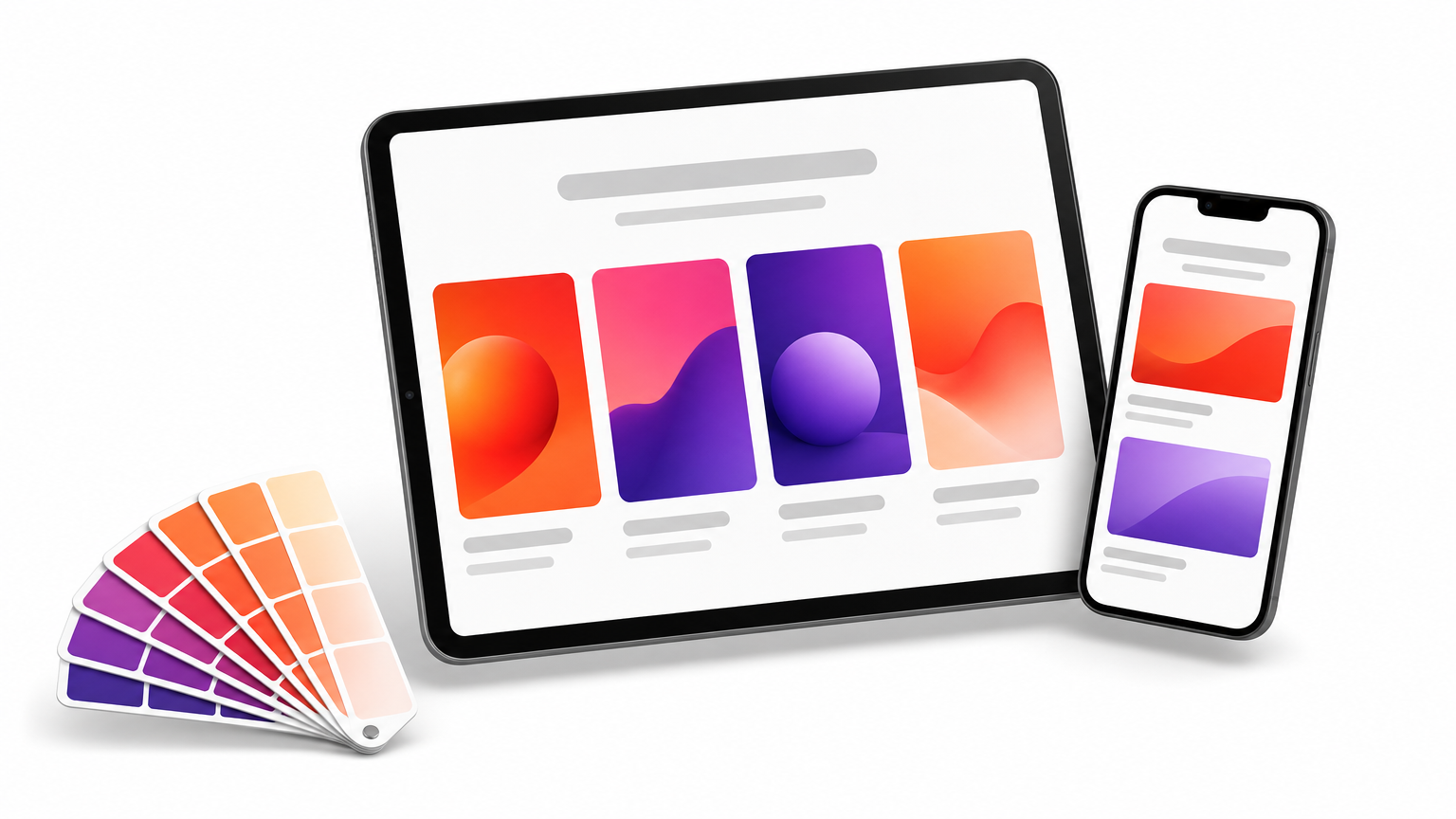
This pack has 5 carousel section designs for Divi 5. Each one is built to inherit your global styles, so fonts and colors follow the settings you already defined for the site. That matters if you manage a design system and do not want to restyle every imported section.
A carousel usually shows several items at once, while a classic slider shows one slide at a time. Use the carousels for repeating cards and the sliders for single messages.
If your site already has global styles, a carousel that inherits them saves the restyling pass.
Who it suits and how to use it
It suits Divi 5 users with an established global style setup, such as agencies that reuse one design system across projects. It also suits anyone building a row of cards, team members, or featured items.
Import it as in item 1. Then compare the result against your global styles on a staging copy before publishing. Check how many cards show on tablet and phone widths, and cut the card text if it wraps badly.
4. Divi Module Slider with pause and play
What is included

This freebie from Divicious is a section layout with pause/play, previous, and next controls plus infinite scrolling. It is the one to pick when you want visitors to stop an auto-scrolling slider. It works with many modules as slides: Text, Call To Action, Image, Person, Pricing Tables, Slider, Video, Video Slider, Testimonial, and Blurb.
The demos use Testimonial, Blurb, and Text modules. It auto-scrolls every 3 seconds by default. The interval and the autoplay switch both live in the layout’s Code module.
This is the only pick here that lets visitors stop the motion, which matters for accessibility.
Who it suits and how to use it
It suits builders who need controllable autoplay on testimonials or mixed content. The pack dates from 2018 and lists Divi 3.13 as the minimum version. Test it on a staging copy of your Divi 5 site before trusting it.
Two quirks matter. The slider does not run inside the Visual Builder, so you see all the modules and view the result on the live page. Also, keep the custom CSS classes on the section, row, columns, and blurbs. Exactly one module should carry the active-by-default class, dvcs_ms_current. Delete a class and the slider stops working.
5. Divi Soup custom post slider
What is included
This layout from Divi Soup restyles the native Divi Post Slider module. It shows the post excerpt on the right and rotated dot navigation on the left. Because it builds on a built-in module, it pulls your posts in automatically instead of needing hand-built slides.
The download is part of a free resource bundle from Divi Soup, and a Read Me file in the package holds the full instructions. Read it before you import.
A slider built on the native post module updates itself every time you publish a new post.
Who it suits and how to use it
It suits bloggers and publishers who want a featured posts slider on the homepage, with a layout that looks different from the stock Divi version. Divi Soup published it in 2018, so treat it as a design starting point and test it on staging with Divi 5.
Import it with the steps from item 1, then set the post source, category, and number of posts in the module settings. Check that the rotated dots still line up when your headlines are long.
Which free slider layout to start with
Pick by job. For a header, use a Divi Hat hero layout. For testimonials or portfolios on Divi 5, use the nested sliders. For card rows that follow your global styles, use the carousel designs. For pause and play, use the Divicious module slider. For a featured post slider, use the Divi Soup layout. Test anything older than Divi 5 on a staging copy first.
If the free packs run out and you need more variety, you can browse the 75+ Divi hero sections from Divi Hat and use them on unlimited client sites.