The best free Divi blog layouts import as a full Theme Builder template set, cover posts and category pages, and come with clear usage terms. If you want the widest choice by industry, start with the Elegant Themes blog post template sets. If you need one polished post design with an author box and sidebar, use a standalone post template. If you want a design nobody else has, build your own in Theme Builder. Divi itself is licensed separately, so "free" here means the layout files.
Most bloggers hit the same wall. Divi gives you the Blog module and Theme Builder, but a blog needs three designs, not one: the single post, the blog page that lists posts, and the category archive. Free packs often cover only one of them, so you end up mixing sources and fixing mismatched fonts.
This article walks through six free sources, each judged on what it includes, who it suits and where it falls short. After the list, you get the exact import steps for both Theme Builder sets and library layouts. We build and sell Divi designs at Divi Hat, with more than 15 years of Divi work behind us, so the notes below come from real client builds.
1. Elegant Themes blog post template sets
Elegant Themes packages its free blog post templates into four template sets grouped by industry, 33 templates in total. Each template is a single-post design that matches one of its Divi layout packs, so the header style, fonts and colors already agree with the pack.
What you get
Every set imports into the Theme Builder library as one file. You then pick the templates you want from inside it.
| Set | Templates | Examples |
|---|---|---|
| Art & Design | 9 | Architecture Firm, Film Lab, Interior Design, Painter |
| Community & Non-Profit | 3 | Charity, Chess Club, NGO |
| Food & Drink | 10 | Bistro, Cooking School, Home Baker, Winery |
| Health & Fitness | 11 | Acupuncture, Fitness Coach, Psychologist, Telehealth |
The download form asks for a newsletter email address. Installing a set can take a while because of the number of templates and assets, and thumbnails generate slowly afterward.
Pick the set closest to your industry, then delete every template you do not plan to use.
Who it suits and what to watch
These sets suit small businesses with a niche match, such as a bakery blog or a therapy practice that wants a post design in minutes. They also work well as a reference for how a good post template is structured.
Watch two things. First, you import many templates you will never use, so the Theme Builder list gets crowded until you clean it up. Second, each template is styled for its pack, so on a site with a different color and type system you will spend time restyling.
2. Standalone post templates with built-in extras
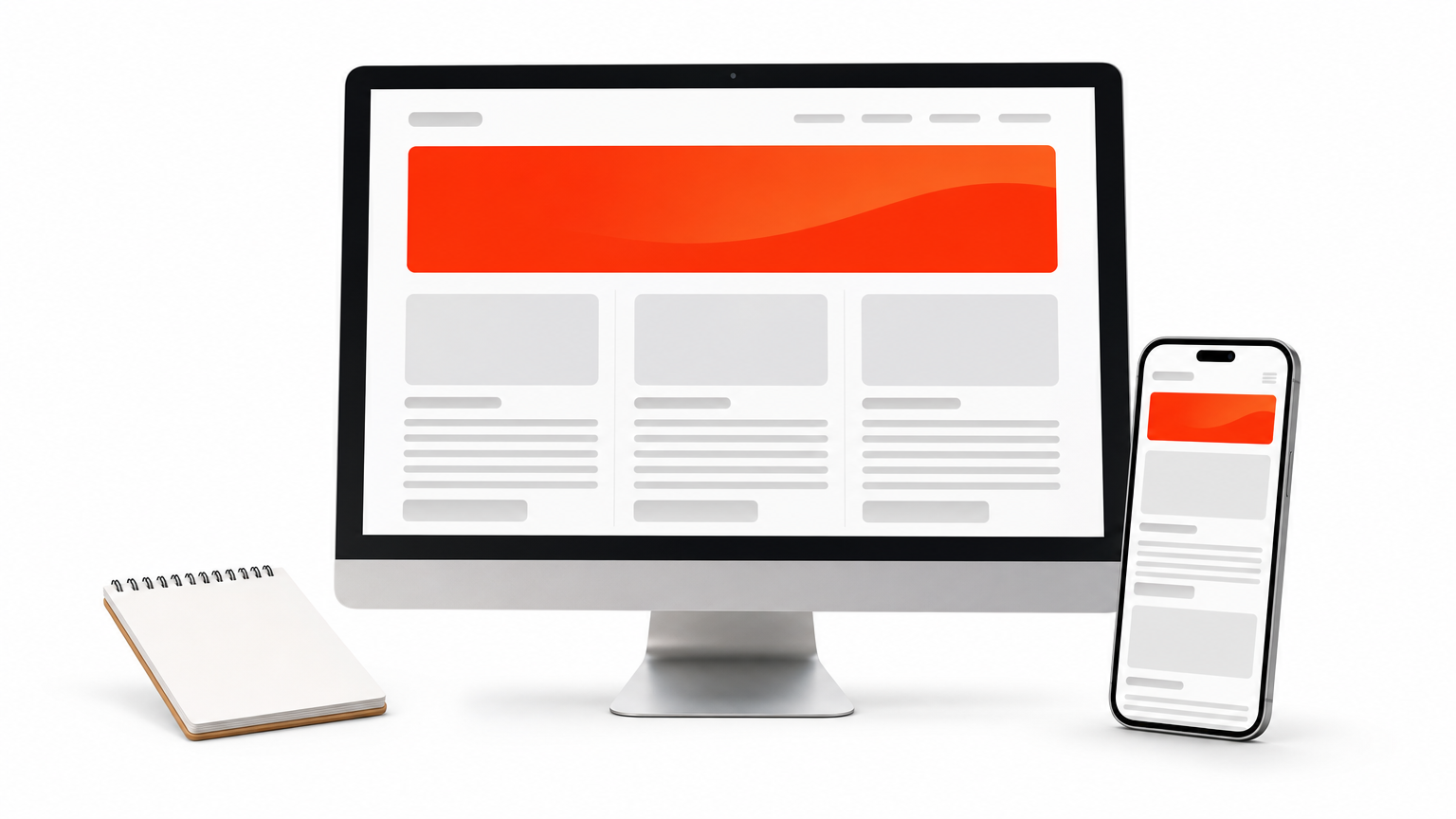
Elegant Themes also publishes single post templates that are not part of the four industry sets. The ones worth a look are the Mortgage Broker, Web Design Agency, Copywriter and Double Sidebar templates. They go further than a plain header and content area.
What you get
The first three share the same recipe, built from standard Divi modules and dynamic content:
- A header with the featured image as background, plus post title and metadata
- A Post Content module for the text you write in the WordPress editor
- An author bio box, post navigation and a comments section
The Double Sidebar template uses three columns. Your post sits in the middle, related posts run down the left, and a contact form and social follow module sit on the right. The Charity and Film Lab templates from the sets above use a similar recipe, with four related posts pulled from the same category.
A good post template handles header, author box, related posts and comments without a line of custom code.
Who it suits and what to watch
These templates suit agency, consultant and freelance writer blogs where every post should push a reader toward a contact form or a related article. The Double Sidebar is the strongest pick when you want lead capture next to the text.
Check how the three columns stack on a phone before you publish. A long sidebar pushed below the content can bury your form. Also, because each template matches a pack, expect to adjust fonts and button colors on an unrelated site.
3. Blog page layouts in the Divi library
Every free layout pack in the Divi library includes a blog page, so you already own dozens of these. Search the layout library for "Blog Page" and you get more than 80 results. These are Divi blog layouts free of any extra purchase.
What you get
A blog page layout is a normal page design built around the Blog module. It lists your posts but does not style the single post itself, so you do not need Theme Builder for it. You load it from the Divi Builder like any other layout.
Three arrangements cover most needs:
- Classic: one Blog module plus the Sidebar module for widgets
- Magazine: a featured Blog module showing one post, then a grid module below it
- Category rows: several Blog modules, each filtered to one category
When you stack several Blog modules, set the post offset on the lower ones so the same article does not appear twice.
A blog page layout lists your posts. It does not style the post a reader opens.
Who it suits and what to watch
This option suits anyone adding a blog to an existing Divi site and needing a posts page tonight. It costs nothing and matches whichever pack you already used for the rest of the site.
The catch is that these layouts are page designs with static placeholder content. If you want one to behave like a Theme Builder template, you must swap in dynamic modules first. Plan on a small amount of rework before it matches your post design.
4. Free category and archive templates
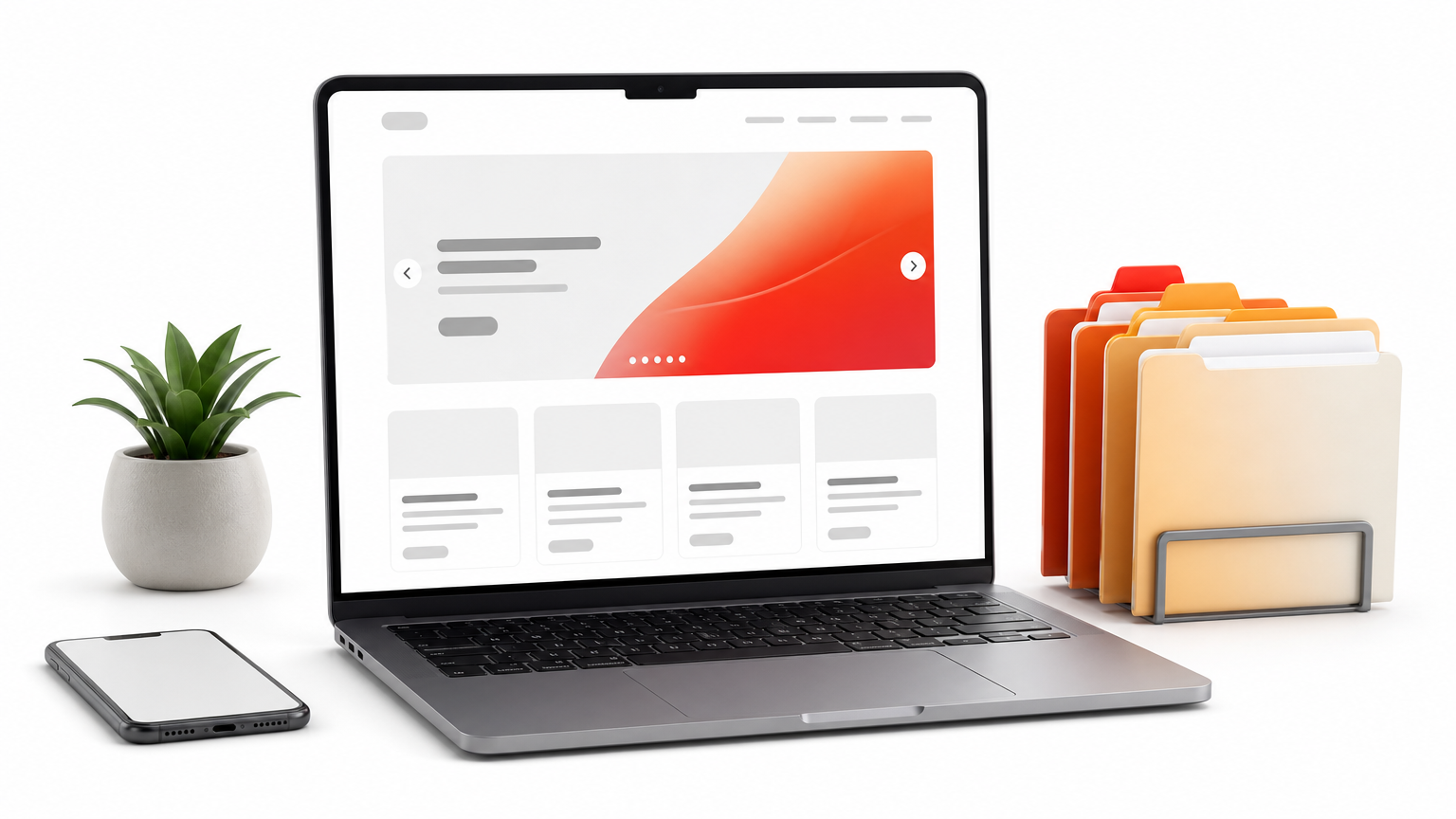
Category pages are where most free packs fall short, yet they often rank and collect traffic. Elegant Themes covers this with a free category page template for its Blogger layout pack and five free Theme Builder template packs.
What you get
Each of the five Theme Builder packs includes a post category archive layout, plus matching global header, footer, post, product and 404 templates. The Blogger category template matches the Blogger pack exactly, so the archive looks like the rest of the site.
The archive layouts rely on a few modules:
- The Blog module, set to show posts for the current page, so each category lists only its own posts
- A Post Slider for featured posts in that category
- A Post Title module that fills in the category name dynamically
A category archive built with dynamic modules gives every topic its own landing page instead of a bare list of links.
Who it suits and what to watch
These templates suit blogs with five or more categories, where readers browse by topic. They also let you add an intro paragraph above each list, which avoids thin pages that offer Google nothing beyond titles.
The watch-out is assignment. A category template does nothing until you assign it to category archive pages in Theme Builder. Also, the five packs come as a complete site kit, so importing one will also bring in header and footer templates you may not want.
5. Independent free layout directories
Third-party Divi developers and directories publish free layouts of their own. This is where you find visual variety that Elegant Themes does not offer, especially for magazine-style blogs.
What you get
Scale varies a lot. One directory lists 400+ free layouts, with 83 of them filed under blog and magazine. One developer offers 50+ free packs containing 300+ page templates and 1,000+ section layouts, each importable in a single step.
Before you import anything, run this check:
- Does it say it works with Divi 5, Divi 4 or both?
- Is the license clear about client sites?
- Is it a post template, a blog page, or only a section?
- Is the file a .json you can import directly?
- When was it last updated?
A free layout is only free if the license lets you use it on the site you are building.
Who it suits and what to watch
Directories suit designers who want to browse examples before committing, and anyone hunting for Divi blog layouts free to use in a style the official packs lack. Previewing demos side by side beats guessing from names.
Quality varies, and many listings are blog pages rather than true post templates. Some ask for an email address first, and support comes from the developer, not from Elegant Themes. Test each file on a staging site before it touches a live blog.
6. A custom blog post template in Theme Builder
Building your own is free, built into Divi, and often faster than rescuing a mismatched pack. A basic post template takes about as long as importing and restyling someone else’s.
What you get
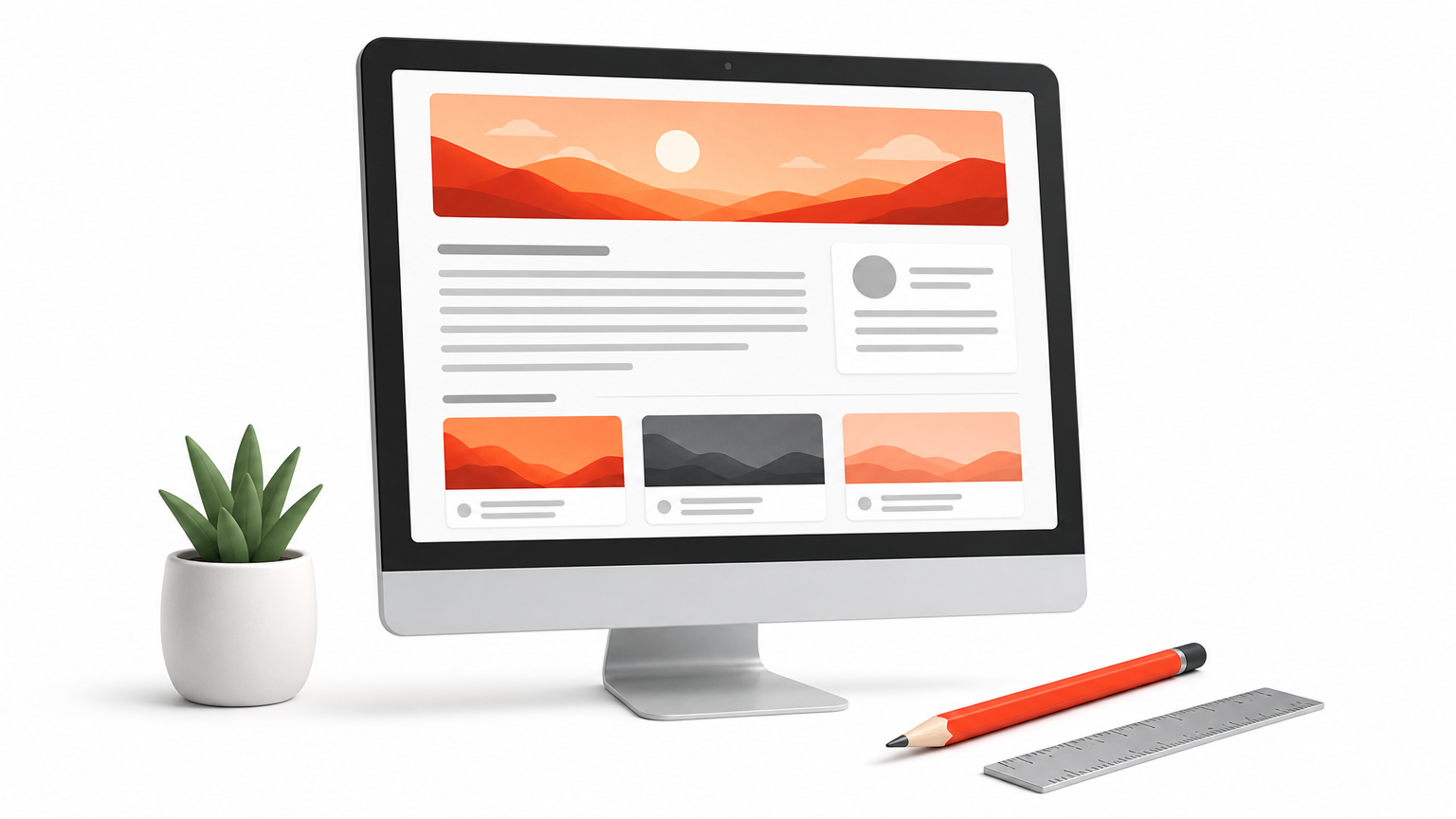
You get complete control, with nothing to unpick. The core build looks like this:
- In WordPress, go to Divi > Theme Builder.
- Add a new template and assign it to All Posts.
- Drop in a Post Title module and a Post Content module, which pulls in what you write in the editor.
- Add Comments and Post Navigation modules below.
- Use dynamic content for the date, author and categories, then save.
From there, add an author bio box and a related-posts section showing four posts from the same category. Those two blocks carry the most weight in the free templates above, so they are worth copying.
Assign the template to All Posts once, and every future article inherits the design automatically.
Who it suits and what to watch
This route suits people who already work comfortably in Divi and want a post design no one else has. It is also the safest choice for client sites, because there are no license questions to answer.
The cost is your time. Your first template will take longer than an import, and you must test mobile spacing yourself. Many designers start from a free template, then rebuild it piece by piece until it is fully their own.
How to import and assign a free blog layout
Post templates and archive templates go through Theme Builder, while page layouts go through the Divi library. Using the wrong door is the most common reason an imported layout seems to do nothing.
Import a template set into Theme Builder
Follow these steps for any set or post template saved as a .json file:
- Go to Divi > Theme Builder in the WordPress dashboard.
- Click the plus icon at the top right to open the Template Sets Library.
- Click the two arrows icon, choose the .json file from the ZIP, and click Import Theme Builder Library Templates.
- Open the kebab menu on the new set and choose Use This Set.
- If the set holds several post templates, uncheck Override Existing Assignments, then import.
- Assign each template. Red titles mean it is unassigned. Click Save Changes.
| File type | Where it goes | Assign it to |
|---|---|---|
| Post template | Theme Builder library | All Posts, or one category or tag |
| Category archive template | Theme Builder library | Category archive pages |
| Blog page layout | Divi library or page builder | A page set as your posts page |
Importing a template does nothing until you assign it. Red titles in Theme Builder mean unassigned.
Pair your blog with a full site layout
A blog template is only one part of a site. Divi Hat’s free layouts, such as Business, Freelancer, Consultant, Portfolio and eBook, work with Divi 5 and Divi 4 and import through the Divi Library Import & Export tool as JSON files. They are one-page designs, not blog templates, so use them for the home and services pages, and one of the six sources above for your posts.
Because the designs stay fully editable in the Visual Builder, you can match fonts and colors across both in a few minutes. Divi Hat designs need the Divi theme or Divi Builder from Elegant Themes, which is licensed and sold separately.
Pick one source and publish
Start with the source that matches your biggest gap. Choose the industry template sets for a fast post design, a standalone template for sidebar and author box extras, library blog pages for a posts list, archive templates for categories, and a Theme Builder build when you want full control. Whichever you choose, check the license, test on staging, and assign the template.
Once the blog is sorted, the rest of the site needs the same care. If you build Divi sites for clients or for yourself, the Divi Hat membership gives you layouts, hero sections, wireframes and child themes for unlimited sites.