The best event landing page templates do one job: they turn a visitor into a registrant. A good pick has a hero with the date and place, a short registration form, a layout that holds up on a phone, and an editor you can use without a developer. If you build on Divi, Divihat’s hero and CTA layouts are the fastest route. Marketers running paid ads suit Unbounce, and designers who want full control suit Webflow. HubSpot teams should start in the HubSpot marketplace, and anyone who needs a free design file should open Figma. Envato Elements covers a large paid library, and ConvertFlow gives you a free template to launch quickly.
The problem is that every template site calls its pages high converting. A gallery of attractive pages tells you nothing about hosting, cost, licensing, or whether you can edit the page yourself. You can lose a full day comparing options before you write a single line of event copy.
This guide covers seven sources, each broken down by what you get, who it suits, and what it costs and limits. A comparison table and a customization checklist follow. Divihat sells Divi design assets, so it comes first, and we say plainly where it fits and where it does not.
1. Divihat Divi layouts for event pages
Among event landing page templates, Divihat suits you best when your site already runs on Divi. You assemble the page from ready-made sections instead of editing one fixed template, so you control the final layout.
What you get
Start with one of the 75+ Divi 5 hero sections for the event name, date, and register button. Add a Divi CTA layout for a repeat sign-up prompt lower on the page. Use a Divi accordion for the agenda and FAQ. The wireframe layouts help you plan the section order before you style anything.
Everything edits in the Divi Visual Builder, so you change colors, fonts, and images without code. Divihat also offers free landing page layouts through its email opt-ins, which is a low-risk way to test the approach.
A strong event page is a hero, a form, and proof, so a few well-made sections beat one rigid template.
Who it suits
Freelancers and agencies get the most from it. The membership allows unlimited website usage, including client projects, with royalty-free images. You can build one event page for a client and reuse the same sections for the next event.
Business owners with their own Divi site benefit too. The event page lives on your domain next to your blog and email list, not on a rented subdomain.
Cost and limits
Access comes through the Divihat membership, which unlocks the full library. A 30-day money-back guarantee lowers the risk of trying it. Limits to know:
- It needs WordPress and the Divi theme.
- It does not include ticketing. Use Divi’s contact form module for free registrations, or embed a ticketing widget for paid events.
2. Webflow event landing page templates
Webflow is the right source when you want designer-grade control and a CMS behind your event pages. Its event landing page templates are responsive HTML5 designs that you customize in Webflow’s own site builder.
What you get
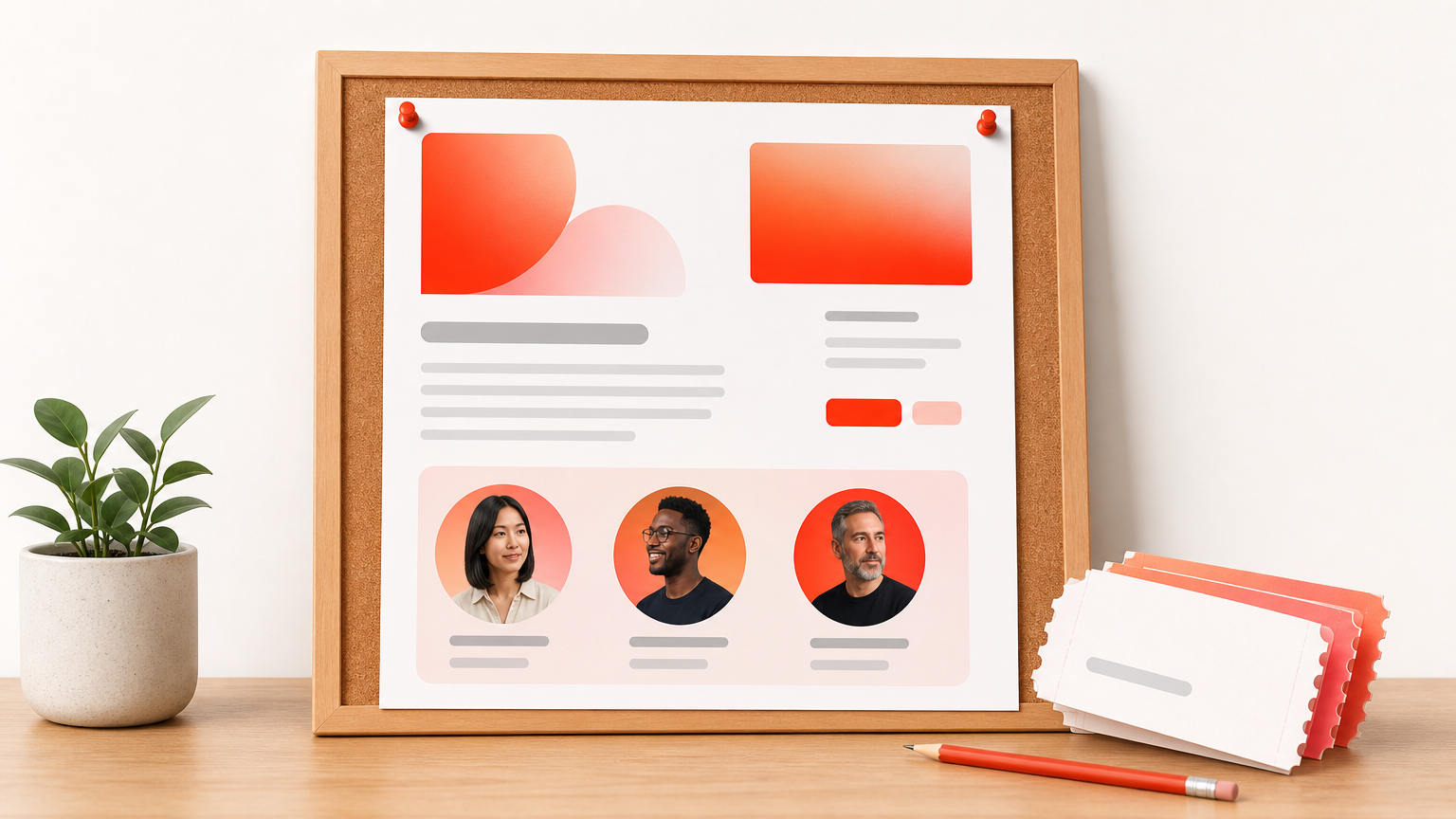
You get a complete page design with sections for hero, speakers, schedule, and tickets. The CMS lets you store speakers and sessions as structured items, so you update a bio once and it changes everywhere it appears.
Because you edit visually, you can adjust spacing, type, and animation without touching code. That matters when your event brand has strict visual rules.
Who it suits
Designers and small studios who already work in Webflow will move fastest. It also suits organizers who run a recurring event, since you can duplicate a finished page for next year’s edition and swap the CMS content.
Complete beginners may find the editor steep at first. Plan an afternoon to learn the layout model before you promise a deadline.
Cost and limits
Templates can be free or paid, so check each listing before you commit. To publish on your own domain, you also need a Webflow hosting plan, which is a separate cost from the template.
A Webflow template is cheap to buy but tied to Webflow hosting, so price the whole setup, not just the file.
3. Unbounce event landing page templates
Unbounce is the best fit when event registration depends on paid traffic. It publishes dedicated event landing page templates for conferences, webinars, and any event where the goal is higher attendance.
What you get
You get a drag-and-drop builder made only for landing pages, with templates already structured around one conversion goal. Forms, buttons, and sections move freely on the canvas, so changes are quick.
It also supports A/B testing, which lets you compare two headlines or two hero images against real traffic. That is the feature that separates it from most template marketplaces.
Who it suits
Marketers who send ad clicks or email traffic to a single registration page get the most value. If you want to test the offer, tweak the headline, and publish without waiting on a developer, this fits that workflow.
It suits less well if you want a full multi-page event website with its own navigation and blog.
Cost and limits
Unbounce runs on subscription plans, and pricing changes, so check the current plans before you decide. Treat it as a tool for one page at a time. If you run many events a year, cost per page matters, so count your pages first.
4. HubSpot marketplace event page templates
HubSpot’s marketplace is the right place to look if your forms and contacts already live in HubSpot. It lists dozens of event landing page templates and themes from third-party developers, and you can filter by free or paid and sort by reviews.
What you get
Each listing shows a preview, the developer, and reviews, which helps you separate polished themes from rushed ones. Templates are built for HubSpot’s CMS, so forms connect to your contact records and your follow-up emails without extra wiring.
That connection is the real payoff. A registrant lands in your CRM the moment they submit the form.
Who it suits
Marketing teams on HubSpot CMS Hub benefit most. Registration data, email nurture, and reporting stay in one system, which saves manual exports after the event.
If you do not use HubSpot, skip it. The templates will not help outside that ecosystem.
Cost and limits
Prices vary by developer, from free to paid. Because quality differs, read the reviews, look at how recently the template was updated, and test the preview on a phone before you buy.
On HubSpot, the template matters less than the CRM connection, so choose it only if you already live in HubSpot.
5. Figma community landing page templates
Figma is the best free starting point when you need a design, not a finished site. Its community library offers free, editable landing page design templates that you can adapt for event landing page layouts.
What you get
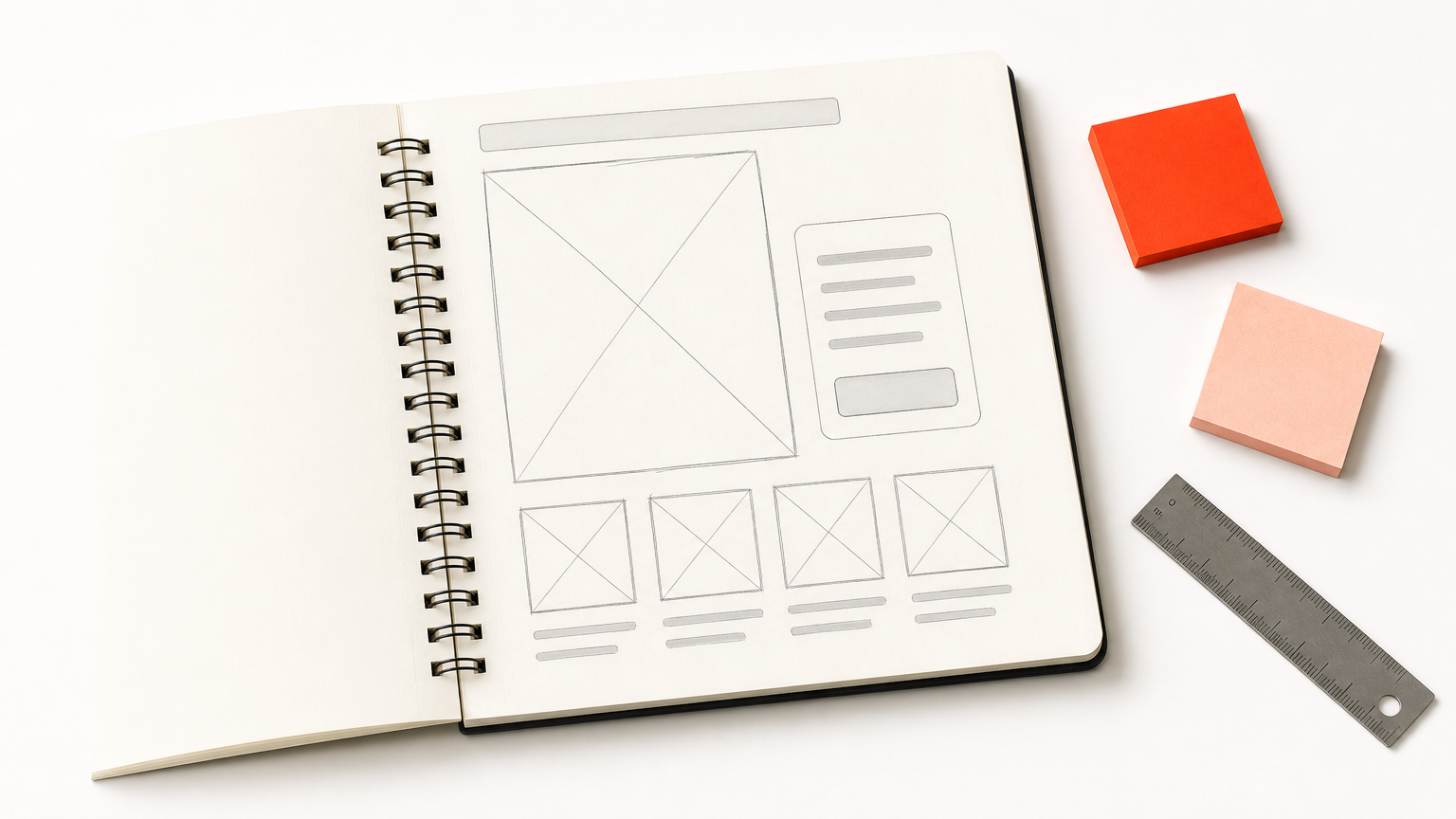
You receive a design file with frames for desktop and mobile, text styles, and components you can change in minutes. It is an excellent way to settle structure, copy, and visual direction before anyone builds.
You can duplicate the frame, change the event name and date, and share a link for feedback from your team or client.
Who it suits
Designers, in-house teams, and agencies that present concepts to clients will use it most. It also helps if you plan to build in a tool like Divi, because you can approve the layout first and then recreate it with ready-made sections.
If you need a live page today, Figma alone will not get you there.
Cost and limits
Community files are free, but check the license note on each file before you use it for client work. The main limit is that a design file does not collect registrations. You still need a builder, a form, and hosting to publish it.
6. Envato Elements web templates
Envato Elements is the best option when you want a very large choice of premium event landing page templates under one subscription. Its landing page collection is described as professionally made and selected by Envato’s staff.
What you get
You get access to responsive templates across many styles, from conference pages to webinar sign-ups. Formats vary, so before you download, check whether the file is plain HTML, a WordPress kit, or a design file.
Browsing is fast, and you can try several styles against your event theme before you settle.
Who it suits
Freelancers and developers who build many pages and want variety suit it well. If you already pay for Envato Elements for other assets, its templates add value without a new bill.
A one-off event organizer with no web skills may struggle, because many files assume you can host and edit code.
Cost and limits
Access comes through a subscription, so you pay for the library, not per template. Read the license terms before you use a file for a client, since rules for commercial and client use apply. Also budget time to adapt the template, because you still need a host and a working form.
A big library saves browsing time, but it does not save the work of hosting, forms, and editing.
7. ConvertFlow free event landing page template
ConvertFlow is the quickest route when you want a free event landing page template and a hosted page with no site to build. It provides a ready event template that you brand and publish.
What you get
The template comes pre-filled with example copy and the key elements of an event page, such as date, location, and a registration form. You add your branding, hit Preview to check for typos and image sizing, then press Launch to get a unique URL.
The platform also lets you set the page title and description and toggle search indexing, and you can add the Facebook Pixel to retarget visitors who did not sign up.
Who it suits
Marketers and small teams promoting a webinar, workshop, or one-off conference will like the speed. It suits you if you have no website to place the page on, or no wish to edit your main site.
Cost and limits
You can start with a free account and no credit card. Check the plan limits before you promote heavily, since volume and features may sit behind paid plans. The page also lives on ConvertFlow, so you give up some control compared with a page on your own domain.
How to choose and customize an event landing page template
Choose the template that matches your tool and your goal, then customize only what drives registrations. Start from where your site and data already live, not from which design looks best.
Side-by-side comparison
This table sets the seven sources next to each other. Check pricing on each site, because plans change.
| Source | Type | Cost model | Best for | You also need |
|---|---|---|---|---|
| Divihat | Divi layouts and sections | Membership | Divi sites, agencies | WordPress, Divi theme |
| Webflow | Live site templates | Free or paid template | Designers, recurring events | Webflow hosting plan |
| Unbounce | Landing page builder | Subscription | Paid ad traffic, A/B tests | Paid plan |
| HubSpot | CMS themes | Free or paid | HubSpot CRM users | HubSpot CMS |
| Figma | Design files | Free community files | Mockups and concepts | A builder to publish |
| Envato Elements | Mixed formats | Subscription | Variety and volume | Host, form, editing skill |
| ConvertFlow | Hosted funnel page | Free to start | Fast launches | ConvertFlow account |
Elements every event page needs
Whatever you pick, confirm the template has places for these items, and cut anything that does not help someone register:
- Event name, date, time, and location or platform, visible in the hero
- One clear call to action, such as "Register now"
- A short form asking for only what you need, usually name and email
- Speakers or hosts, with photos
- An agenda or schedule
- Social proof, such as past attendee quotes or logos
- An FAQ for logistics
- A mobile layout that loads quickly
Customization mistakes to avoid
Many event pages fail because organizers change too much. Keep the template’s structure, then swap colors, fonts, and images to match your brand. Rewrite the headline to state the benefit of attending, not just the event name.
Add friction only where it pays. Every extra form field lowers sign-ups, so ask for the minimum and collect the rest by email later. Before launch, preview on a phone, proofread the date and time twice, and click every button. A wrong date on a live page costs more than any design flaw.
Pick one template and ship the page
Your template matters less than your page’s focus. Choose the tool that fits your site, whether that is Divi, Webflow, HubSpot, or a hosted builder. Keep one call to action and a short form, and check the page on a phone before you share it.
If you build with Divi, start with ready-made sections instead of a blank canvas. The Divihat membership library gives you hero sections, CTA layouts, wireframes, and child themes to assemble an event page quickly, with unlimited website usage for your own and client projects.