You searched for Divi and probably landed on a mix of results that don’t match. That’s normal. The name belongs to more than one product, and search engines blend them together. Here is how to tell them apart in under a minute.
Most people mean one of two things. Divi the WordPress theme is a visual website builder from Elegant Themes, used to design sites with drag-and-drop modules instead of code. Divi the hair care brand is a scalp care and hair growth line sold as devices and topicals. They share a name and nothing else. If you want to build a website, you want the theme. If you want to treat thinning hair, you want the brand.
This article covers both, plus what each one does, who it suits, and whether it’s worth the money. We spend our days with the theme at DiviHat, where we build premium Divi layouts and child themes, so you’ll get the most detail on the WordPress side, with honest notes on what to check before you buy.
Why the name Divi points to different things
Divi is a short, easy-to-say word, and that is why several businesses claimed it. Companies in unrelated industries picked the same name on their own. Nobody copied anyone. They landed on the same four letters and had no reason to compete.
The meanings you will run into most often
Here are the most common things people mean when they type the word. The first two cover most searches.
| Divi | What it is | Who searches for it |
|---|---|---|
| WordPress theme and builder | A visual page builder from Elegant Themes | Freelancers, agencies, site owners |
| Hair care brand | Scalp care and hair growth products | People dealing with thinning hair |
| Divi Resorts | A Caribbean resort brand, best known in Aruba | Travelers |
| "Divi" as slang | Short for dividend, used by income investors | Stock and ETF followers |
The WordPress meaning has the longest track record in web design. Elegant Themes launched the Divi theme in 2013 and later added the standalone Divi Builder plugin, so you can use the same visual editor on other themes. Today the name covers a whole ecosystem of themes, plugins, layouts, and child themes built around that editor. We cover the smaller meanings in a later section.
Why one name can serve unrelated products
Trademarks protect a name inside a category of goods or services. A software theme and a scalp serum sit in different categories, so each company can hold rights to the name in its own field. Nothing prevents the overlap unless one brand is likely to confuse customers about the other.
A trademark protects a name inside one category, not across the whole world.
The word itself also helps. It echoes "divine" and "divide", which sound premium and a little aspirational. A hair brand wants that feeling, and so does a design tool that promises polished results. Two teams chasing the same impression can easily end up with the same word.
Why search results blend them
Search engines match words first and guess your intent second. A one-word query like "divi" gives them very little to work with, so they show a mix. You might see the Elegant Themes homepage next to a hair product page and a resort listing. The fix is almost always one extra word, which tells the engine which meaning you want.
Use these pairings to get a clean result:
- WordPress: "divi theme", "divi builder", or "divi layouts"
- Hair care: "divi hair" or "divi scalp"
- Travel: "divi resorts aruba"
- Investing: "divi dividend" or "divi stock"
If you skip the extra word, your own search history also nudges the results. A web designer will see more theme pages, and someone who recently searched for hair loss will see more product pages. That is why two people can search the same word and get different pages. Next, you will sort out which one is yours.
How to tell which Divi you are looking for
Sorting this out takes less effort than it sounds. Your goal decides the answer, and a few clues on any page confirm it. Run through the checks below before you buy, sign up, or book anything.

Start with your goal and the words on the page
Begin with what you want to get done. Building or redesigning a website points to the WordPress theme. Treating thinning hair points to the hair care brand. Then confirm it with the vocabulary on the page you landed on:
- Modules, layouts, child theme, builder, Elegant Themes: the WordPress theme
- Scalp, serum, follicles, growth, device: the hair care brand
- Rooms, beach, booking, Aruba: the resort brand
- Yield, payout, ex-date, ETF: the investing slang
The words on the page tell you which Divi you found: modules and layouts mean the theme, scalp and follicles mean the hair brand.
If the page mixes signals, close it. A page that cannot tell you what it sells in the first screen is not the one you want.
Check who is selling it
Always look at the seller. The WordPress theme comes from Elegant Themes, and you should buy the core license from them. Hair care products should come from the brand’s own store or an authorized retailer, because marketplace listings can be old stock or imitations.
Third-party shops add one more layer. Stores like DiviHat sell layouts, hero sections, and child themes that run on top of the theme. They are add-ons, not replacements, so you still need an active Divi license to use them. Knowing that up front keeps you from paying for the wrong thing, and it makes the rest of this guide easier to use.
Why Divi matters for WordPress site builders
For WordPress professionals, Divi matters because it replaces a pile of separate tools with one visual system. You design pages, headers, and footers in the same place, and you see each change as you make it. That speed is why freelancers and agencies keep choosing it for client work.
What you can build without writing code
Visual editing is the core idea. You click on a page, drag modules into place, and style them in a side panel. Text, buttons, galleries, forms, and sliders are all modules, so moving a section never means opening a template file.
Beyond single pages, the Theme Builder lets you design headers, footers, and post templates visually. You then apply them to the whole site or to specific page types. That used to be developer work, and now you can do it in an afternoon.
Where it fits in a client workflow
Divi earns its place in repeatable work. Once you save a style or section, you can reuse it on the next project instead of rebuilding it. A typical agency flow looks like this:
- Start from a layout or child theme that is close to the client’s brand.
- Set the logo, colors, and fonts through global settings.
- Edit copy and images in the visual builder.
- Save strong sections to the Divi Library for the next job.
That loop is also where add-ons pay off. Ready-made layouts shrink the first step from hours to minutes, and we come back to that later in this guide.
Trade-offs to know
Be honest with yourself about the costs. Divi is not the lightest option, and the builder has a learning curve because it offers many settings. Pages carry more markup than hand-coded ones, so caching and image compression belong in your launch checklist.
Lock-in is the bigger issue. Divi stores content in its own structure, so switching to another builder later usually means rebuilding pages by hand. Weigh that before you commit a whole client portfolio to it.
Divi pays off most when you build many sites on one system you know well.
If you build one site and never touch it again, the learning curve may not be worth it. If you ship several sites a year, the time savings add up quickly.
How to get started with the Divi theme and builder
Getting started takes about 20 minutes if WordPress is already running. You need a Divi license from Elegant Themes and a working WordPress site. Use a fresh install or a staging copy so you can test without risking a live domain.
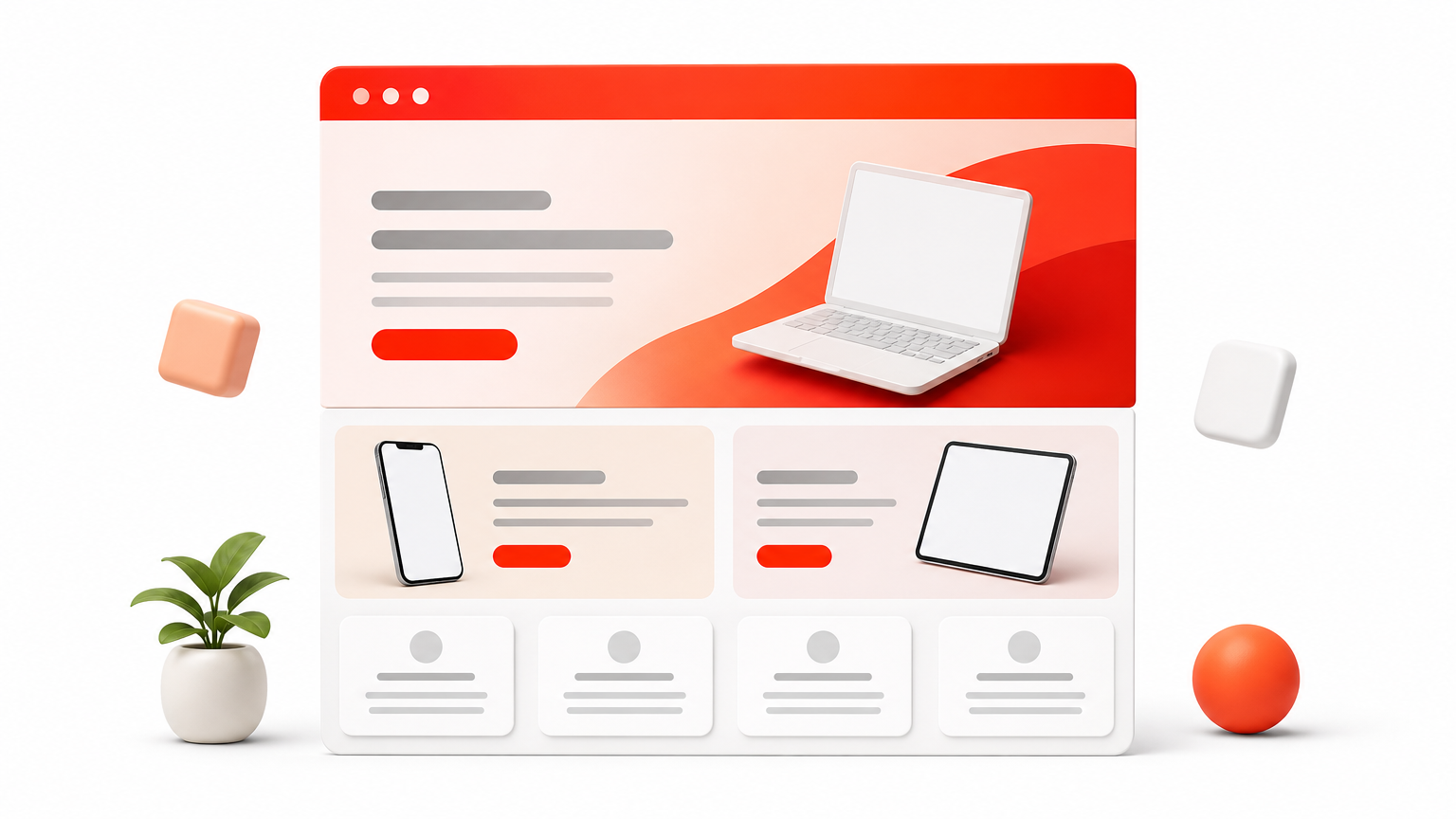
Install and activate the theme
Download the theme ZIP from your Elegant Themes account. Do not unzip the file, because WordPress expects the archive as is. Then follow these steps:
- In WordPress, go to Appearance, then Themes, then Add New, then Upload Theme.
- Choose the ZIP file, install it, and click Activate.
- Open Divi, then Theme Options, then Updates.
- Enter your Elegant Themes username and API key, then save.
Skipping step four is the most common mistake. Without the API key you cannot receive updates, so security fixes and new features never reach your site, and support access can be blocked too.
Learn the building blocks
Every Divi page is built from three layers. A section is a full-width band, a row sets the column layout inside it, and modules hold the content, such as text, images, and buttons. Once you see that hierarchy, any page in the builder makes sense.
Open a page and launch the Visual Builder. You edit directly on the live page and see each change instantly. Hover over a section to find the settings gear, the duplicate icon, and the plus icon for adding rows. Spend your first hour duplicating and rearranging blocks, because that builds the muscle memory faster than any tutorial.
Learn sections, rows, and modules first, and the rest of the builder follows.
Build your first page
Start from a pre-made layout instead of a blank canvas. Choose Load From Library, pick a layout, and replace the text and images. Swapping content in a finished design teaches you how good pages are spaced and stacked, which is why we recommend it over building from scratch.
After that, set your global colors and fonts so changes carry across the site. A reliable first project is a home page plus a contact page. Keep it small, publish it, and check it on your phone before you add anything else.
That gets you a working site. Next, you will see what changed in the newest version of the builder.
Why Divi 5 and Divi AI change the workflow
Two updates reshape how you work in Divi: a rebuilt builder engine and built-in AI. Together they cut the repetitive parts of a project, like restyling and first drafts. Here is what matters in practice, not the full release notes.
What Divi 5 changes in the builder
Divi 5 moves the builder to a new framework. The practical result is a faster Visual Builder on long pages and more modern layout controls. The biggest shift for daily work is design variables, which let you store a color, font, or spacing value once and reuse it everywhere.
| Feature | What it does | Why you care |
|---|---|---|
| Design variables | Stores colors, fonts, and numbers once | Rebrand a site by editing one value |
| Presets | Saves styling for modules and groups | Buttons and headings stay consistent |
| Flexbox and nesting | Gives you modern row and group controls | Less custom CSS |
| Faster interface | Loads and saves long pages more quickly | Less waiting while you edit |
Divi 5 turns site-wide styling into a settings change instead of a rebuild.
What Divi AI adds
Divi AI works inside the builder. You can ask it to write copy, generate images, or produce code snippets without leaving the page. It can also draft a layout from a short prompt, which gives you a starting point to refine.
Treat the output as a first draft. AI text tends to read generic, and you still need to confirm facts and match the client’s voice. Divi AI is also a separate Elegant Themes offering, so check current pricing and what your plan includes before you count on it in a quote.
How to approach upgrading existing sites
Upgrade with care. A live client site is not the place to test a major version. Clone the site to staging first, then run through this short checklist:
- Back up the files and the database.
- Update on the staging copy and open your key pages in the builder.
- Check forms, sliders, and any third-party modules or plugins.
- Test mobile layouts at each breakpoint.
- Push to production only after everything looks right.
New projects are the easy win. Start them on the latest version so you learn variables and presets from day one. For older builds, there is no rush if the site runs well. Add-ons matter here too, so confirm that any layouts or child themes you use are compatible with the version you run. Next, you will see how those add-ons save the most time.
How to speed up Divi projects with layouts and child themes
Speed in Divi comes from never starting at zero. Two kinds of add-ons do most of the work, layouts and child themes. Used well, they turn a multi-day build into an afternoon draft you can show a client before the contract is signed.
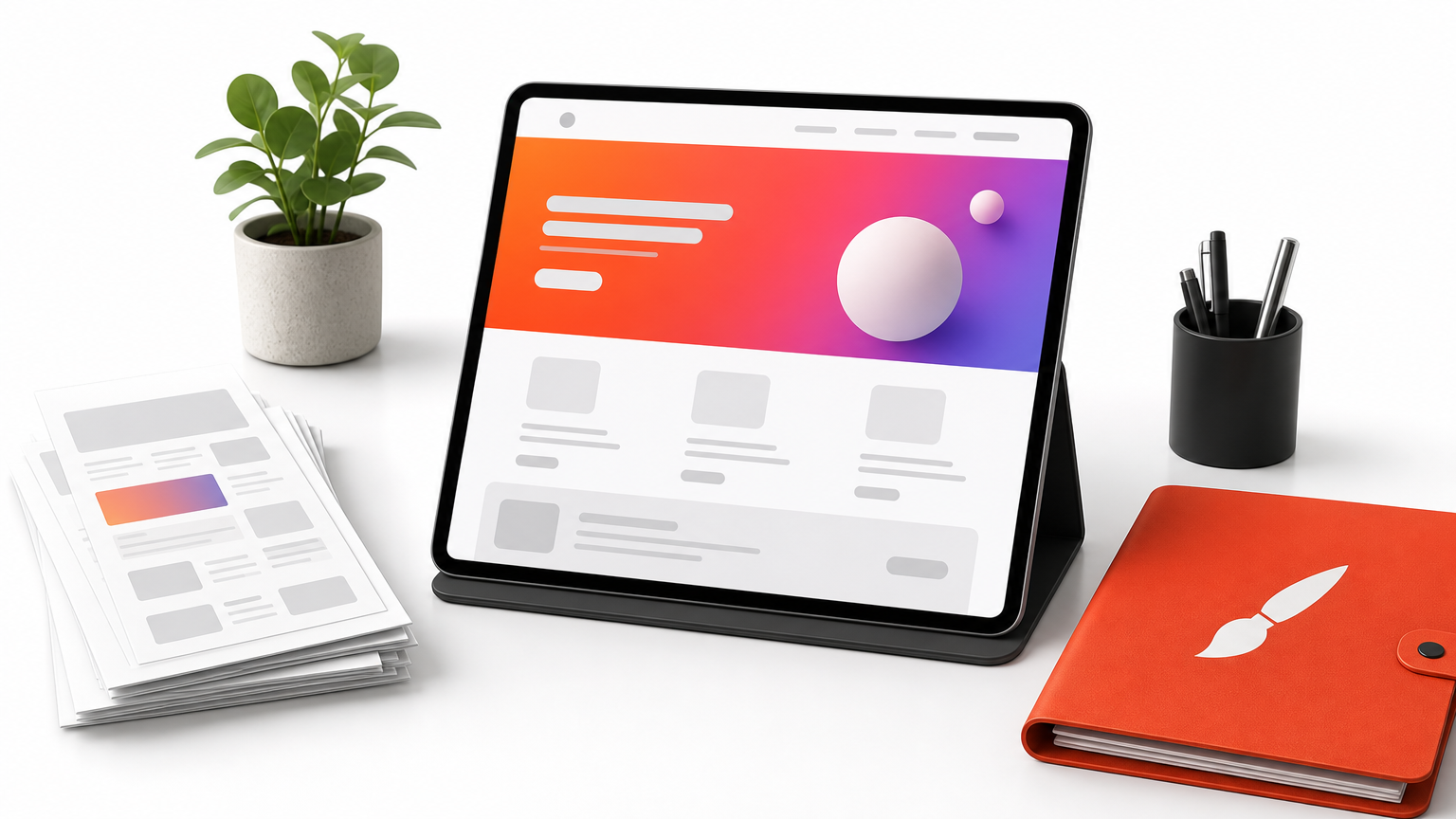
What each asset does
A layout is a pre-designed page you import into the builder. A hero section is a finished header area with a headline, button, and background. A child theme goes further. It changes the look of the whole site while leaving the parent theme’s files untouched, so updates will not overwrite your design.
| Asset | Best for | Typical use |
|---|---|---|
| Page layout | Fast single pages | Home, about, services |
| Hero section slider | Above-the-fold impact | Swap into an existing page |
| Child theme | A complete site look | New client site from scratch |
A faster workflow with ready-made assets
Pick the biggest asset first and work down. That order keeps you from restyling the same thing twice. Here is the sequence we use:
- Choose a child theme close to the client’s industry and tone.
- Import the page layouts you need and delete the rest.
- Swap in a Divi hero section if the default header is not strong enough.
- Replace the copy and images, then set global colors and fonts.
Most of your time should go into step four. Editing finished designs is faster than building them, and it keeps spacing and hierarchy consistent. Clients also react better to a real draft than to a wireframe, which means fewer revision rounds.
What to check before you buy
Licensing comes first. If you build for clients, confirm the terms allow use on unlimited sites, including client projects. Check the images too, because layouts with unlicensed photos create problems after launch. Also look for a refund policy, since you cannot judge a layout until you load it in your own builder.
Buy for compatibility and license terms first, and for looks second.
Compatibility matters just as much. Confirm the asset works with your version of Divi, and test it on staging before it touches a live site. At DiviHat, the membership covers 100+ layouts, hero sections, and child themes, with unlimited website usage and a 30-day money-back guarantee. Whatever shop you use, ask for the same terms.
Is Divi worth it? Hair care brand vs. WordPress theme
"Worth it" means something different for each product, so judge them separately. The theme is a business tool you can measure in hours saved. The hair care line is a personal purchase where results vary from person to person. Here is how to weigh each one.
The WordPress theme: worth it if you build often
Divi pays back fastest when you ship several sites a year. One license covers unlimited websites, so your cost per project drops with every client you add. Check current pricing on the Elegant Themes site, since plans change. A single hobby site is a weaker case, because the learning curve and heavier pages can cost more than they return.
Divi is a good fit if you:
- Build for clients or run several sites
- Prefer visual editing to writing code
- Want layouts and child themes to shorten each build
Judge the theme by hours saved per project, not by the license price.
Add-ons raise the return further. A membership like DiviHat turns the first draft into an afternoon job, and its 30-day money-back guarantee lets you test that claim on a real project. Skip Divi if you need the leanest possible page speed or plan to switch builders soon.
The hair care brand: worth it depends on your goal
Hair loss is a health topic, not just a shopping decision. Thinning has many causes, including genetics, hormones, stress, and nutrition. See a dermatologist first so you know what you are treating, because no scalp product fixes every cause.
Before you buy, look for independent evidence beyond before-and-after photos. Confirm the seller is the brand or an authorized retailer, and read the return policy. Treat any promise of guaranteed regrowth as a warning sign. If you try a device or topical, give it the full trial period the brand recommends, and stop if your scalp reacts.
Quick verdict
| WordPress theme | Hair care brand | |
|---|---|---|
| Worth it if | You build several sites | A professional has confirmed the cause |
| Main risk | Learning curve and lock-in | Unproven or slow results |
| Safety net | Staging site and refund terms | Doctor’s advice and return policy |
Both purchases reward the same habit. Test before you commit, and keep your expectations tied to evidence, not marketing.
Other Divi meanings and common questions
Beyond the two big meanings, a few smaller ones show up in results. They are easy to rule out once you know what they look like, and the quick answers below cover what people ask most about the theme.
Smaller meanings you may run into
The divi-divi tree is a wind-bent tree that became a symbol of Aruba, and it lends its name to the resort brand you saw earlier. Travel pages with room rates and beach photos belong to that meaning, not to the theme or the hair line.
Investors use divi as shorthand for dividend, as in "divi stocks." There is also a cryptocurrency project that goes by Divi, so a finance page may not be about dividends at all. Look for tickers or payout language to tell them apart. Divi is also used as a personal name, which explains the odd social profile in your results.
Quick answers about the WordPress theme
- Is Divi a theme or a plugin? Both. The theme includes the visual builder, and the standalone Divi Builder plugin adds the same editor to other WordPress themes.
- Is Divi free? No. Elegant Themes sells paid licenses, so check current pricing on their site. Some third parties give away free layouts, and we do too at DiviHat, but those still need an active Divi license to run.
- Do I need to code? No. Visual editing covers most work. Basic CSS helps when you want a custom tweak.
- Will Divi slow my site down? It can if you stack heavy modules and oversized images. Caching and image compression fix most of it.
- Can I use add-on layouts on client sites? That depends on the seller’s license. Our DiviHat membership allows unlimited websites, including client projects.
A Divi add-on never replaces the Divi license, so buy the core theme first.
If your question isn’t covered here, the same test applies. Check what the page sells, who sells it, and what the refund terms say before you pay.
Choosing the right Divi
Divi means different things, and the right one depends on your goal. Building a website points to the WordPress theme, and treating thinning hair points to the hair care brand. Resorts and dividend talk are the smaller meanings. Check the words on the page and the seller before you pay, and test before you commit whichever one you choose.
For site builders, the theme earns its cost when you ship several sites a year. Divi 5 and Divi AI trim repetitive work, and layouts and child themes shrink a first draft to an afternoon. Just remember that add-ons need an active Divi license, and confirm license terms and compatibility on a staging site first.
If that sounds like your workflow, start with the membership at DiviHat. You get 100+ layouts, hero sections, and child themes, with unlimited website usage and a 30-day money-back guarantee, so you can try it on a real project with little risk.