The Divi theme is a premium WordPress theme from Elegant Themes that combines a full theme framework with a visual drag-and-drop page builder. You design pages directly on the live front end instead of filling in settings panels. There is no free version of the theme. You buy it as a yearly or lifetime license that covers unlimited websites, and it is worth the money if you build several sites or want design control without writing code.
This guide covers why Divi matters, how to install it on WordPress, what is inside it, what it costs, and how to build faster with layouts and child themes. You get a straight view of where it shines and where it does not, so you can decide before you pay.
Divihat sells design assets for Divi, and our team has built websites with the theme for about ten years. That experience shapes the advice below, including the downsides.
Why the Divi theme is worth considering
What sets Divi apart from a standard theme
Divi replaces the usual split between a theme and a page-builder plugin. One license covers both the theme and the builder, so your layout, header, footer and page content all come from the same system. A typical WordPress theme offers a few customizer options and leaves the rest to the block editor or an extra plugin.
In Divi you click a section on the page, change it, and see the result immediately. The Visual Builder works on the live page, and the Theme Builder extends that to headers, footers, blog post templates, archives and 404 pages. That is why agencies standardize on it: every site gets built the same way.
Divi gives you one tool for the whole site, not a theme plus a stack of plugins.
Who gets the most value
Divi pays off fastest when you repeat the same work. The groups below benefit most:
- Freelancers and agencies reuse one workflow across many client sites under a single license.
- Small business owners can edit their own pages without calling a developer.
- Designers who avoid code control spacing, fonts, colors and animation visually.
Where Divi falls short
Divi has real tradeoffs. Switching away is painful. On Divi 4 sites, deactivating the theme leaves shortcodes scattered through your content, and cleaning them up takes time. Choose Divi only if you plan to stay with it.
The learning curve is also steeper than with a simple block theme, because the builder has many settings. Divi 5 was rebuilt to be faster and more modern, but a full builder still loads more than a minimal theme does. If you want the lightest possible blog, a lean theme is the better call.
How to install the Divi theme on WordPress
Installation steps
You install the Divi theme on WordPress like any premium theme, then connect your license. After you buy, download the theme file from your Elegant Themes account and follow these steps:
- In your WordPress dashboard, go to Appearance, then Themes, then Add New.
- Click Upload Theme and select the Divi zip file.
- Install it and click Activate.
- Open the Divi theme options, go to the Updates tab, and enter your Elegant Themes username and API key.
Entering the API key is the step people skip. Without it, you get no updates and no access to the premade layout library inside the builder.
First moves after activation
Start with the global settings. Set your brand colors and fonts once, so every module you add inherits them. Then build your header and footer in the Theme Builder before you touch a single page, because they appear everywhere.
Divi 5 is the current major version, and new sites should start on it. If you are updating an older Divi 4 site, test the update on a staging copy first. A live site is the wrong place to find a layout that shifted.
Set colors, fonts, header and footer first. Pages go much faster after that.
What the Divi theme includes
Core tools at a glance
The Divi WordPress theme ships with a toolset that covers most site types without extra plugins. This table shows the main pieces.
| Tool | What it does |
|---|---|
| Visual Builder | Edit pages on the live front end with drag and drop |
| Modules | Dozens of content elements such as sliders, forms, galleries and accordions |
| Theme Builder | Design headers, footers, post templates and archive pages |
| Premade layouts | Full-page and section layouts you import in one click |
| Divi AI | Optional assistant for text, images and layout help |
Divi 5 and what changed
Divi 5 rebuilds the framework under the builder. The goal is speed and a more modern editing experience, with better handling of global design settings. If you buy now, you get Divi 5, and the layouts you pick should be labeled as compatible with it.
Check which plan includes Divi AI before you count on it. Treat AI as a bonus, not the reason to buy. The core builder is what you will use every day.
The builder and Theme Builder carry the value. Everything else is a bonus.
Divi theme pricing and the free question
What Divi costs
Elegant Themes sells Divi as a yearly subscription or a one-time lifetime license, and both allow use on unlimited websites. A 30-day money-back guarantee has long been part of the offer. Prices change, so confirm current rates on the Elegant Themes site before you commit.
The choice comes down to how long you will use it. If you will build sites for several years, lifetime usually works out cheaper than renewing each year. If you are testing whether Divi suits you, start yearly and use the refund window.
Why free downloads are a bad idea
Searches for a free Divi download lead to pirated copies. Avoid them. These "nulled" files often carry hidden malware, and they cannot update, so your site stays exposed to known security holes. Divi is also sold by Elegant Themes directly, not through marketplaces like ThemeForest.

The only safe Divi is the one you license, because updates and security depend on it.
Layouts and child themes that speed up Divi
Layouts, wireframes and child themes compared
Divi is the theme, so the best theme for the Divi Builder is Divi itself. What you add on top are design assets. A layout is an importable page or section. A child theme inherits Divi’s code and gives you a complete site design for a niche. Our current catalog, which works only with the Divi theme:
| Product | Price | What you get |
|---|---|---|
| Divi Hero Section | $19.99 | 75+ hero sections for Divi 5 |
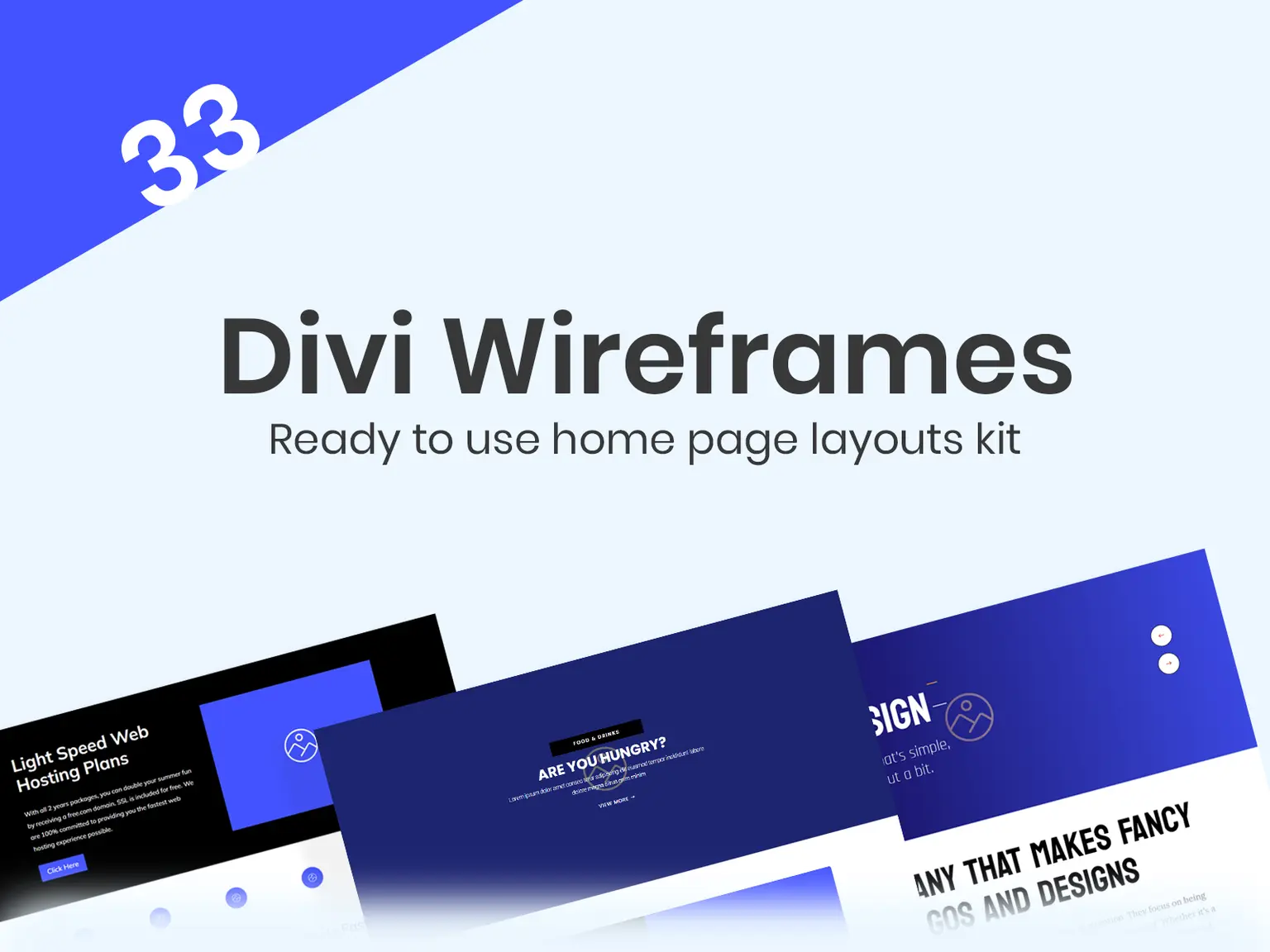
| Divi Wireframe Layouts Kit | $29.99 | 33 premade wireframe layouts |
| Divi Layouts | $29.99 | Ready-made layouts for Divi 5 |
| Divi Photography Theme | $29.99 | Child theme for photographers |
| Divi Restaurant Theme | $39.99 | Child theme for restaurants and cafes |
| Divi Web Agency Theme | $39.99 | Template for web agencies |
All of them allow unlimited website use, including client sites.
Buying one by one or by membership
Say you buy hero sections ($19.99), the wireframe kit ($29.99) and the layouts ($29.99). That totals $79.97. The Standard Yearly Membership costs $79.95 a year and covers all products, including future releases. A freelancer who needs three or more items saves money with the membership. The Agency Lifetime Membership is $297.95 once.
Buy a single item if you need one thing. Join the membership once you need three.
Is the Divi theme right for you?
Divi is a strong choice if you build several sites, want visual control, and accept some lock-in. Skip it if you want a bare-bones theme or plan to switch builders later. Start with the official license, install it, set up your global styles, and then lean on premade layouts so you are not designing every page from scratch.
When you are ready to build faster, the Divihat membership gives you every layout, hero section, wireframe and child theme in one place. It includes unlimited site use, priority support and a 30-day money-back guarantee.