Divi Layouts Extended is a WordPress plugin from the developer Divi Extended that adds a library of more than 3,500 prebuilt sections and full pages to the Divi theme. You preview a layout in a panel inside the plugin, import it into your Divi Library with one click, and edit it in the Divi Builder like anything you built yourself. It needs a licensed Divi theme to run, and it is listed at $99 on the Divi Marketplace.
This guide covers why a layout plugin like this saves real time, how to install it and import your first layout, what it costs, and where its limits sit. We also compare it with the other ways to get Divi layouts, so you can decide whether it deserves a place on your site.
Divi Hat sells Divi layouts, hero sections and child themes, and we have built websites with Divi for about 10 years. We judge this plugin as practitioners who know what a layout library has to deliver. Where another route fits better, we say so.
Why Divi Layouts Extended is worth a look
Divi Layouts Extended is worth a look if you build Divi pages often and want section-level variety without designing every block yourself. Its value is breadth. Instead of a few full-site templates, you get hundreds of options for each part of a page.
The problem it solves
Most Divi projects stall on the same repetitive blocks: a header, a footer, a hero, a pricing table, a testimonial strip. Each one takes time to build and more time to style. The plugin supplies 300 header layouts and 230 footer layouts, plus 110 hero sections and 95 call-to-action layouts. You pick one, import it, and change the text, colors and images.
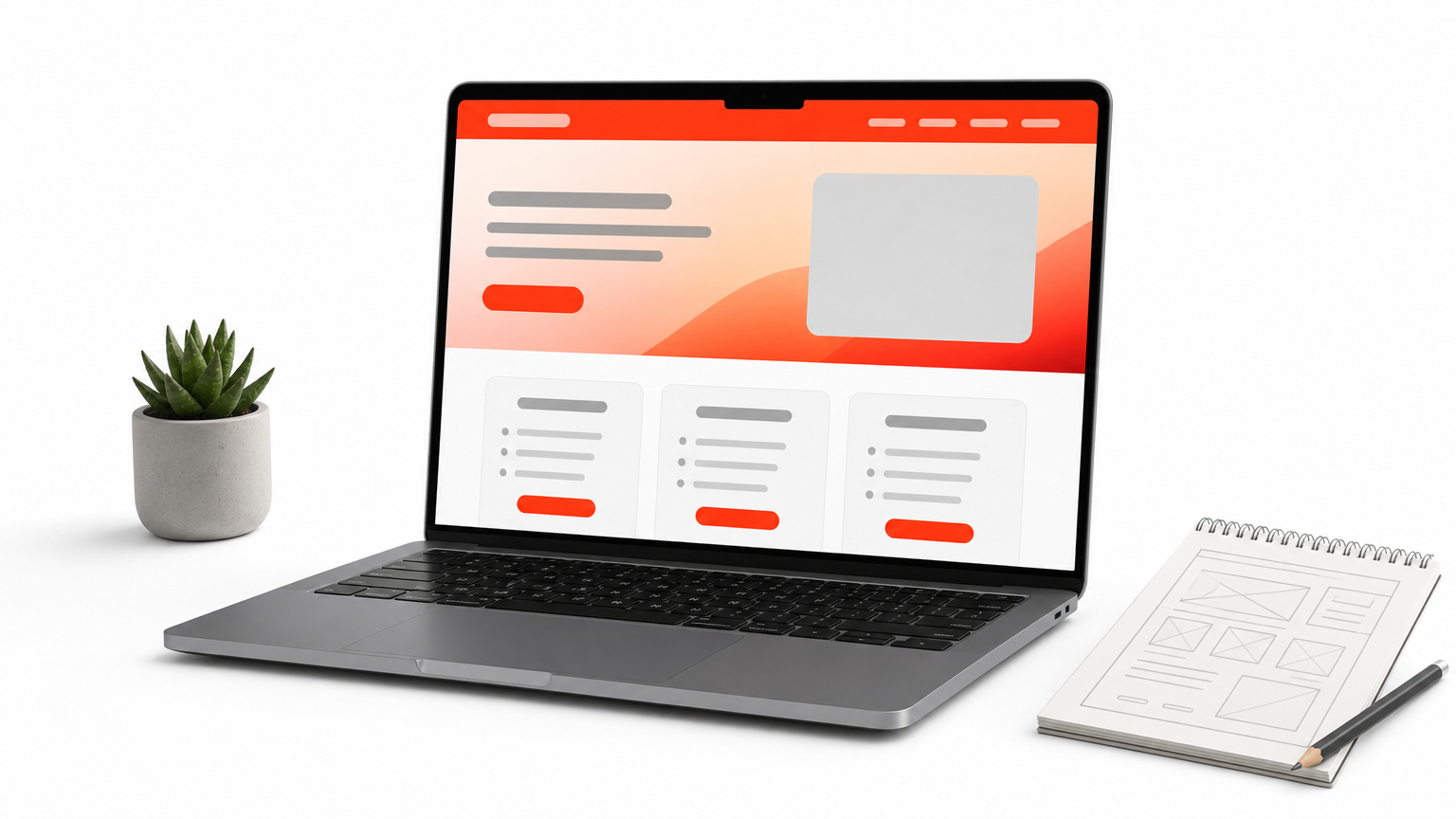
The layouts are built with Divi’s native modules and design settings, with some JavaScript and CSS for effects. That means you edit them in the Divi Builder as usual. You do not learn a second page builder, and you do not depend on a separate framework to change a headline.
A section-level library lets you assemble a page from proven blocks instead of designing each block from zero.
Who gets the most from it
The plugin pays off fastest for people who repeat the same kind of work.
- Freelancers and agencies who build several Divi sites a year and need fresh options for each client.
- Small business owners who run their own Divi site and want one strong pricing table or contact form without hiring a designer.
- WooCommerce store owners, who get 135 store sections plus shop, product, cart and checkout page layouts.
It is a weaker fit if you run one small site and need only two or three sections. A free layout pack may cover that. It is also no use if your site is not built on Divi, because the plugin works only with a licensed Divi theme from Elegant Themes.
What the library covers
The vendor advertises 3,500+ layouts across its pages. Older FAQ text on the same site still mentions 1,700, so treat the exact total as a number that keeps growing. The counts below come from the vendor’s category lists.
| Group | What you get | Layout counts |
|---|---|---|
| Navigation | Headers, footers, top bars | 300, 230, 100 |
| Conversion | Hero, CTA, pricing tables, email opt-ins, countdown timers | 110, 95, 105, 85, 90 |
| Trust and content | Testimonials, about, team, FAQs, client logos | 100, 110, 80, 70, 70 |
| Store | WooCommerce sections, product, shop, cart, checkout pages | 135, 70, 50, 25, 25 |
| Utility pages | Landing, coming soon, 404, thank you, contact | 56, 35, 20, 20, 25 |
The library also includes tabs, accordions, timelines, galleries, portfolios, sliders and business hours layouts. The plugin has a search and sort function with pagination, which matters when you browse thousands of designs.
How to install and use Divi Layouts Extended
Install the plugin like any other WordPress plugin, open its layout panel, preview a design and import it into your Divi Library. The whole process takes a few minutes once Divi is running.
Requirements before you install
Check these points first, because most failed installs come from one of them.
- WordPress with a licensed Divi theme installed and active. Other themes do not work.
- The Divi Builder updated to its latest version.
- WooCommerce installed, but only if you plan to use the store layouts.
- Compatibility with both Divi 4 and Divi 5, as the vendor lists it.
A Divi child theme is not required. If you already run one, the plugin works alongside it.
Install and import a layout
Follow these steps on a staging copy of your site if you can.
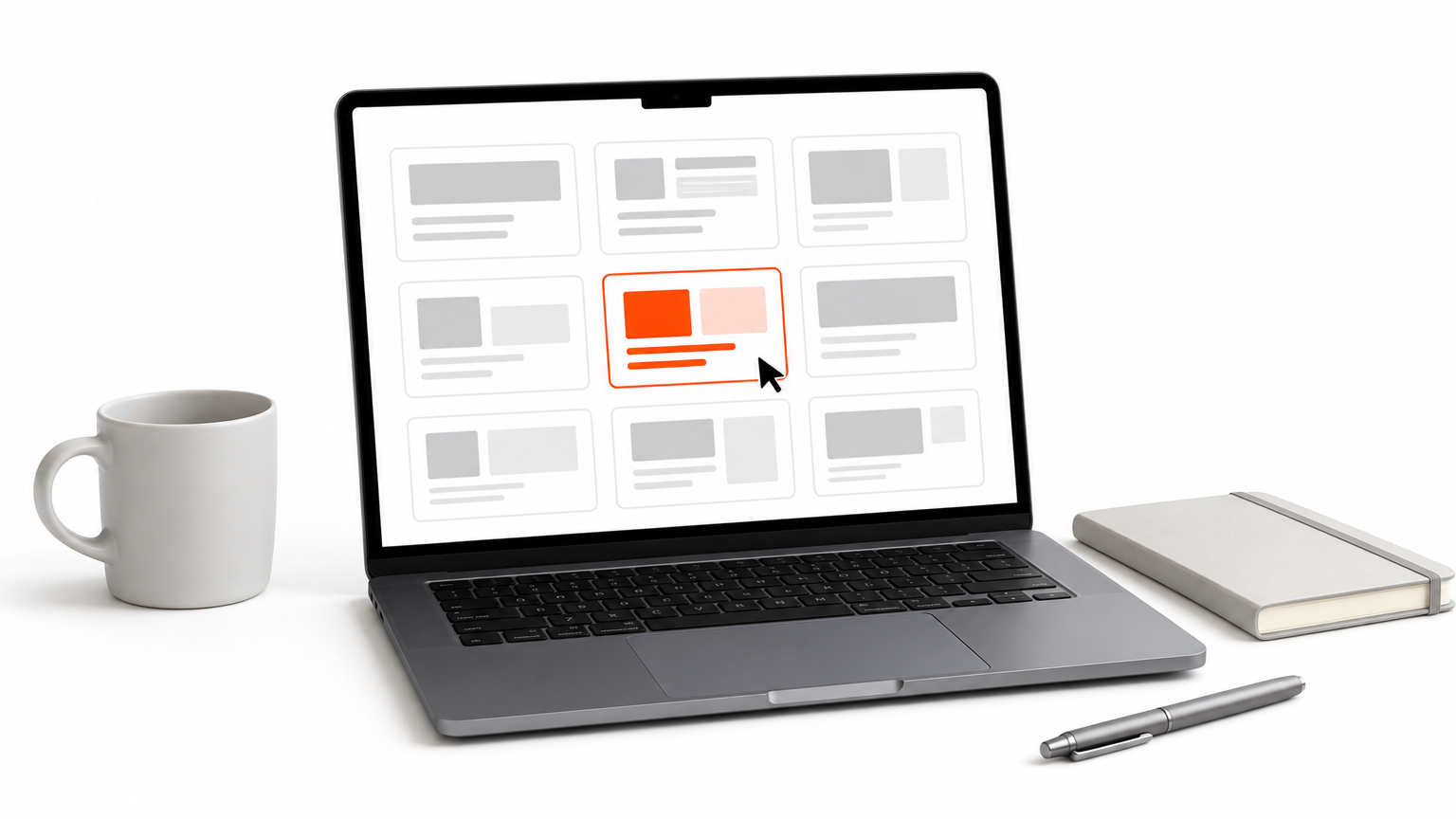
- Purchase the plugin and download the zip file from your account.
- In WordPress, go to Plugins, choose Add New, upload the zip and activate it.
- Open the plugin’s layout panel and browse by category, or use the search box.
- Preview a layout, then import it. It lands in your Divi Library.
- Open the page in the Divi Builder and add the layout from the library.
- Replace the text, images, colors and links, then check the mobile view.
You can import one layout or many. You do not have to download the full library to use the plugin.
Import only the layouts you will use, preview them on mobile first, and treat each one as a starting point, not a finished design.
Fix installation errors
If the upload fails, update the Divi Builder first. Outdated builders cause most compatibility errors. If it still fails, your host’s upload limits are probably too low. Ask your hosting provider to raise them, or add values like these where your host allows it:
upload_max_filesize = 64M
post_max_size = 64M
After the change, retry the installation.
Imported layouts sit in the Divi Library and load only when you place them on a page. They use Divi’s core options, so a large collection does not slow your site by itself. Page speed depends on what you add: heavy images, sliders and countdown timers cost more than a plain text block. Keep your design consistent by picking one header, one footer and a small set of section styles per site, then reusing them.
Price, license and limits to check before buying
The plugin is listed at $99 on the Divi Marketplace with unlimited website usage, one year of support and updates, and a 30-day money-back guarantee. Check the current listing before you buy, because prices and license terms change.
What you pay
| Option | Price | What it includes |
|---|---|---|
| Divi Marketplace listing | $99 | Unlimited sites, 1 year of support and updates, 30-day money-back guarantee |
| Divi Extended store membership | $499 lifetime | The vendor’s full store, including 19 premium Divi plugins, 160+ child themes and 4,000+ layouts |
Divi VIP members get 10% off Divi Marketplace purchases. The vendor’s own store also describes yearly and lifetime license options. If a yearly license lapses, the plugin keeps working, but you lose updates and support. That matters in a fast-moving ecosystem like Divi 5.
Can you deactivate it after importing?
The vendor’s pages disagree here. The Marketplace FAQ says you may disable the plugin once your layouts are in the Divi Library. The vendor’s own site says you cannot deactivate or uninstall it, because the layouts depend on the plugin being active.
Do not assume either answer. Test it on a staging site: import a layout, build a page, deactivate the plugin and see what changes. If the page breaks or loses styling, plan to keep the plugin active and renewed. That test takes ten minutes and prevents a nasty surprise on a live client site.
Other limits to know
A few practical limits apply.
- No FAQ schema. The FAQ layouts use native Divi modules, and Divi has no FAQ schema module. Add FAQ markup with your SEO plugin if you want it.
- Plugin dependency. Your layouts live inside a third-party plugin’s ecosystem, so its update schedule affects you.
- Breadth over curation. With thousands of layouts, quality and style vary. Browse widely, then commit to a few.
Test one import and one deactivation on staging before you build a client site on any layout plugin.
How Divi Layouts Extended compares with other options
Divi Layouts Extended is the largest option when you want individual sections. Other routes trade size for curation, price or completeness. The right choice depends on how many sites you build and what you need besides sections.
Four ways to get Divi layouts
| Option | Best for | Trade-off |
|---|---|---|
| Divi Layouts Extended | Section variety across many sites | Plugin dependency, uneven style across a huge library |
| Divi’s own premade layouts | Quick starts on a first site | Smaller choice per section type |
| Free layout packs | Testing a design cheaply | Quality and support vary |
| Membership library, such as Divi Hat | Full pages, hero sections, wireframes and child themes in one place | Fewer total layouts, 100+ curated assets |
Divi Hat’s membership is $79.95 per year or $297.95 for a lifetime, with unlimited site usage including client sites, royalty-free images, priority support and a 30-day money-back guarantee. You can also buy single products, such as the Divi Layouts collection at $29.99 or the 33-layout Wireframe Layouts Kit at $29.99.
A worked cost example
Say you are a freelancer who builds 6 client sites in a year. At $99, Divi Layouts Extended works out to $16.50 per site for the first year. A $79.95 yearly Divi Hat membership works out to about $13.33 per site. Both licenses allow unlimited sites, so the per-site cost falls as you build more.
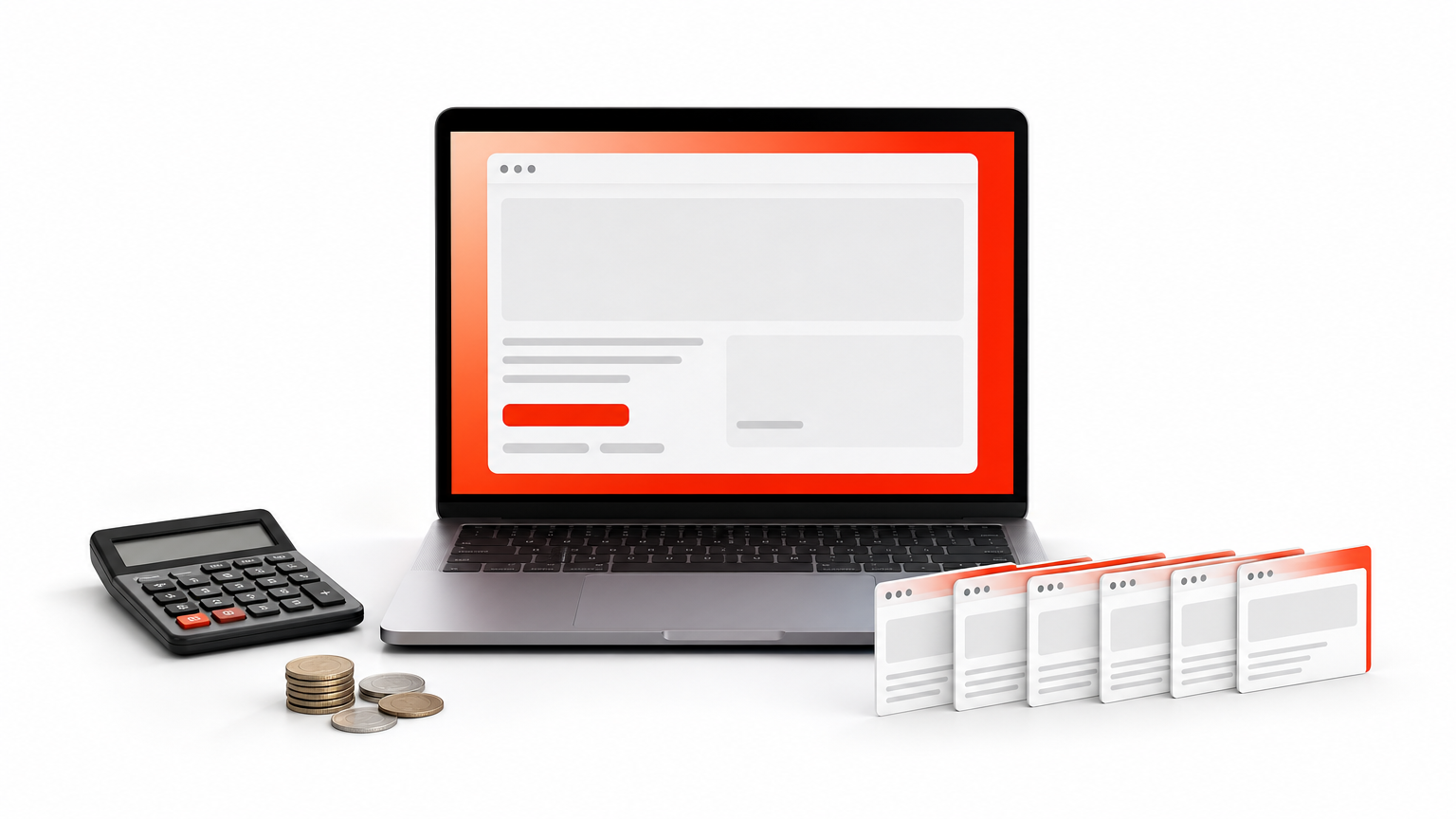
The numbers only compare cost, not content. If you need 300 header variations, the plugin gives you that range. If you want complete page designs, hero sections and child themes you can show a client quickly, a smaller curated library may serve you better.
How to choose
Choose the plugin when you need the widest possible choice of single sections, you build WooCommerce stores, or you want to request a custom layout from the vendor, which it offers. Choose a membership library when you value consistent styling, ready-made hero sections, wireframes and child themes, and a lower yearly price. Many agencies use both: a broad plugin for rare blocks and a curated library for most client work.
Is Divi Layouts Extended right for you?
Divi Layouts Extended is a large, section-level library that imports into Divi in one click. It suits you if you build many Divi sites, run WooCommerce, or want plenty of choice for headers, footers, pricing tables and landing pages. Check the deactivation behavior on staging, keep your license current for updates, and import only what you will use.
If you would rather work from a smaller, curated set of full designs, hero sections, wireframes and child themes, the Divi Hat membership gives you access to the whole library for unlimited sites and comes with a 30-day money-back guarantee.