The best Divi landing page layouts come from one of four places. A premium library suits you if you build pages often. Divi’s built-in layout library is a free start. Free layout kits work for testing an idea. A custom build fits you if you would rather not touch the builder. Freelancers and agencies get the most from a premium library with unlimited site usage. Business owners launching one page usually do fine with free layouts. Anyone short on time can hand the job to a designer.
The problem is that a layout that looks great in a preview often falls apart once you add your own headline, photos, and offer. Starting from a blank page is slow, and a full-site layout carries sections a landing page does not need. A landing page has one job, so the layout needs fewer sections, one clear action, and nothing that lets visitors wander off.
This article compares four options on the same criteria: what you get, who it suits, and what it costs. We build and sell Divi design assets at Divi Hat, so we list our own first. We are also straight about when a free option is enough. After the four options, you will see how to turn any layout into a Divi theme landing page that converts.
1. Divi Hat layouts, hero sections, and CTA packs
Divi Hat sells section-level packs that you stack into a landing page, plus a membership that unlocks all of them. A landing page rarely needs a full demo site, so the pieces matter more than one giant template. Divi Hat has 10 years of experience building websites with the Divi theme.
What you get
You assemble the page from a Divi hero layout, a call-to-action block, and a few content sections. Every pack imports into the Divi Builder and is customized by editing text, colors, and images.
| Pack | What it covers | Price |
|---|---|---|
| Divi Hero Sections | 75+ Divi 5 hero sections for the top of the page | $19.99 |
| Divi CTA Layouts | 58 banners, boxed offers, and promotional sections | $39.99 |
| Divi Layouts | Ready-made layouts for different industries | $29.99 |
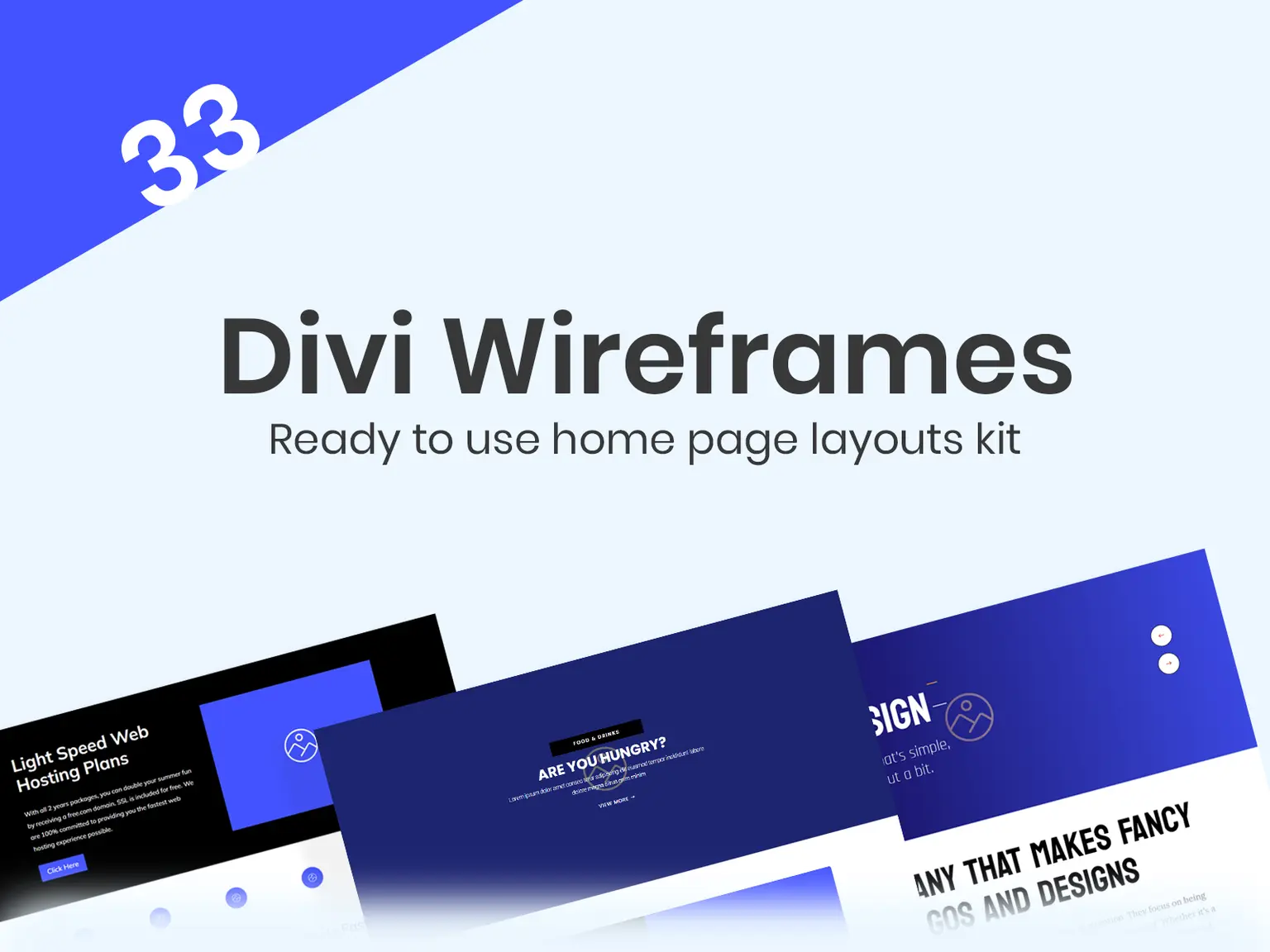
| Divi Wireframe Layouts Kit | 33 wireframes to plan page structure | $29.99 |
A landing page is a hero plus one strong call to action, so buy the pieces, not a whole site.
Who it suits
Freelancers and agencies get the most from it. You can reuse the same hero and CTA structure across client pages and show a working draft in the same afternoon. Priority support by chat or email helps when a deadline is close. Business owners who build their own pages can use the packs too, since customizing takes no code.
Cost and licensing
The Standard Yearly Membership costs $79.95 per year. It covers all products, compatible with Divi 5, for unlimited sites, including client sites. It includes priority support and all future products. A 30-day money-back guarantee backs the purchase.
Here is a worked example. Buying a hero pack, the CTA pack, and the layouts pack separately costs $19.99 + $39.99 + $29.99 = $89.97. The membership is $79.95 and also covers everything else in the library. If you only need one hero, buy that single pack.
2. Divi’s built-in layout library
Divi’s own library is the free starting point, and it costs nothing beyond your Divi license. You open it from the builder and import a full page in a few clicks. If you already own Divi, try this before you pay for anything.
What you get
Divi ships with premade layout packs for many industries. Many packs include a landing page next to the home and about pages. You load a layout into a page, then edit it module by module in the Visual Builder.
The upside is consistency, since the layouts are built for the theme and keep up with it. The downside is that many sites start from the same packs. Swap the demo images and rewrite every line of copy so your page does not look like everyone else’s.
Who it suits
It suits beginners and small business owners who want a decent page fast without extra spending. It also works for agencies in a hurry that plan to restyle the layout heavily.
The built-in library gets you to a first draft for free. Your copy and images make it yours.
Cost and licensing
There is no extra charge. The layouts come with your Divi license and run on any site covered by it. Check your Divi license terms for how many sites you can use it on. You still pay for your own photos, fonts beyond the defaults, and any form or email plugin.
3. Free layout kits and freebies
Free kits are the cheapest way to test a landing page idea before committing to a design. They vary a lot in quality, so a quick check before importing saves hours later. Elegant Themes, the company behind Divi, publishes a free landing page layout kit with 23 components. Other designers release free packs too, and Divi Hat shares free layouts through email opt-in freebies, including free Divi landing page templates.
What you get
Expect a handful of sections, not a polished system. A kit may give you a hero, a feature grid, a testimonial block, and a form section. That is enough for a simple lead page or a waitlist.
Who it suits
It suits one-off projects and experiments. If you are validating an offer or running a small campaign, a free kit lets you publish quickly. If you will build many pages, a paid library saves more time.
Cost and licensing
The price is zero, but the risk is real. Run this checklist before you import any free pack:
- Divi version: confirm it works with the version you run, including Divi 5.
- Images: check whether the photos are licensed for commercial use.
- Sections: make sure it has a clear hero, an action area, and proof.
- Source: download only from the maker’s own site.
A free layout is only free if it imports cleanly and you can legally use every image.
4. A custom landing page built by a Divi designer
Hiring a designer makes sense when you have an offer and copy but no time to build. You get a page designed around your offer instead of a template adapted to it. The trade-off is cost and a short briefing on your side.
What you get
Divi Hat’s Divi Web Design Landing Page service costs $199. It includes one page built with Divi, a slider with 3 slides, and up to 5 sections. Five sections is a sensible limit for a landing page: a hero, benefits, proof, the offer or form, and a closing action. Divi Hat also offers Divi Layout Installation, where designers install and customize a layout for you.
Who it suits
It suits busy owners, consultants, and agencies that want a finished page without learning the builder. It also helps when you have bought a layout but do not want to edit it yourself.
Cost and licensing
The landing page package is $199. For installation, you supply your Divi license and your WordPress or hosting credentials. Prepare your copy, logo, images, and a single goal for the page before you start. The clearer the brief, the fewer revision rounds you need.
Pay a designer for the build, but write the offer yourself, because you know it best.
How to turn any layout into a page that converts
A layout becomes a converting page when you cut it down to one goal and one action. The steps below apply to every option above, whether you bought the layout or imported it free.
Cut it down to one goal
Decide what you want visitors to do, then remove everything that does not support it. Keep the hero headline specific, and repeat one call to action in the same wording. If you collect leads, ask only for what you need, since short forms get filled out more often. Add proof near the action, such as a testimonial or client logos.
Set it up as a Divi theme landing page
Remove distractions. In the page attributes, choose the Blank Page template, which hides the header and footer. Or use Divi’s Theme Builder to assign a stripped template to that page. Without a full menu, visitors have fewer ways to leave.
Test on mobile and check speed
Open the page on a phone before you publish. Make sure the button sits in the first screen, text stays readable, and the form works with a thumb. Compress images and drop sections you do not need, since extra modules slow the page.
- Set one goal.
- Rewrite the hero headline and button text.
- Remove unneeded sections.
- Hide the header and footer.
- Test on mobile.
Every section you delete makes the remaining call to action easier to see.
Pick one and publish the page
The right option depends on how often you build. Use Divi’s library or a free kit for one page. Choose a premium library when pages are part of your regular work. Hire a designer when your time is better spent elsewhere. Whatever you pick, trim the layout to one goal and test it on mobile before you publish.
If you build landing pages regularly, Divi Hat’s yearly membership gives you the hero sections, CTA layouts, and layouts in one place, with unlimited site usage and a 30-day money-back guarantee.