The best Divi header layouts free download options share three traits. They match your Divi version, they import cleanly into the Theme Builder, and they stay fully editable afterward. For Divi 5 sites, Elegant Themes’ free Flexbox pack has the most headers (20). For a ready-made zip with plenty of variety, Divi Pixel’s 10-layout pack is the easier pick. If you want a transparent header that sticks on scroll, Divi Lover’s single layout does exactly that. And if you want a full page with its top section already designed, Divi Hat’s free layouts fit best.
Building a header from scratch eats hours: menu, logo, buttons, sticky behavior, and a mobile version that does not break. Free header layout packs skip that work, but they are not all equal. Some are Divi 5 only, some ask for your email before the download, and some give you a full set while others give you one file. Picking the wrong one means an import that fails or a header you rebuild anyway.
This guide covers five free sources, in the same order for each: what you get, who it suits, and the cost and catch. You will also find a comparison table and a short import walkthrough with fixes for the problems that trip people up most. Whether you call them header templates, a header layout pack, or a header UI kit, the import steps are the same.
1. Divi Hat free layouts with ready-made top sections
Divi Hat’s free layouts are complete one-page designs rather than standalone header packs. They suit you when you want the header area and the rest of the page designed together.
What you get
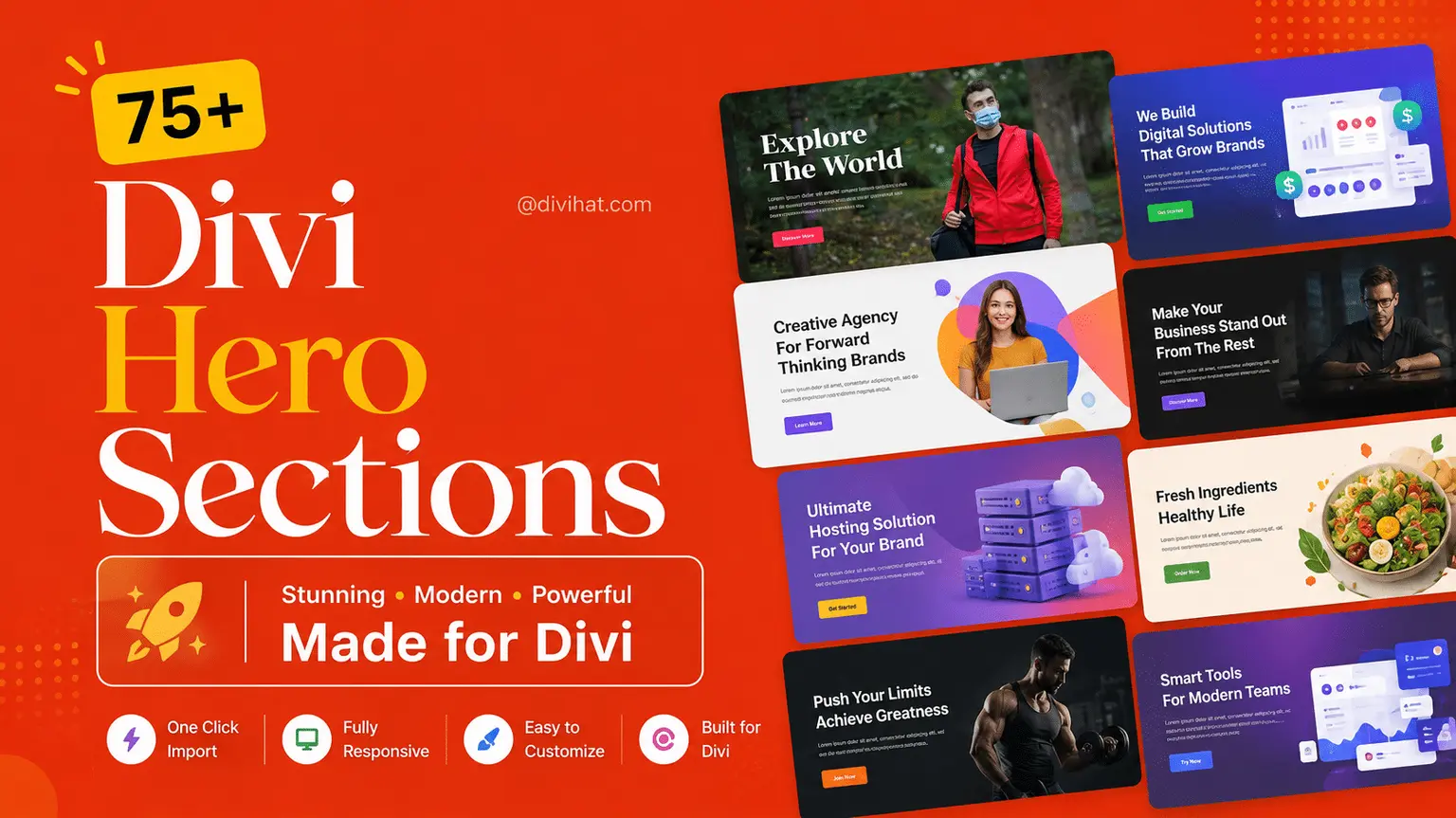
The free set includes Business, Web Design Agency, Technology, Portfolio, Consultant, Real Estate and Portfolio V2 layouts. Each one is listed for Divi 5 and Divi 4. They import into the Divi Library and stay fully editable in the Visual Builder, so you can restyle the top section or reuse it elsewhere.
A header that arrives with its page is easier to match than one you bolt on later.
Who it suits
Freelancers and small business owners who want one consistent starting point. If you build client demos, importing a whole layout and swapping text and images is faster than assembling a header, then a hero, then the sections below.
Cost and catch
These layouts are not a nav-bar pack, so check each preview for the header style you need.
- Free layouts: $0, and a Divi license is required (sold separately by Elegant Themes).
- Paid step up: the Divi Hero Section pack has 75+ responsive hero sections for Divi 5 at $19.99 (regular $34.99), with unlimited website usage.
- Hero sections are the header-area designs. The layouts above are the free route.
2. Elegant Themes Flexbox headers for Divi 5
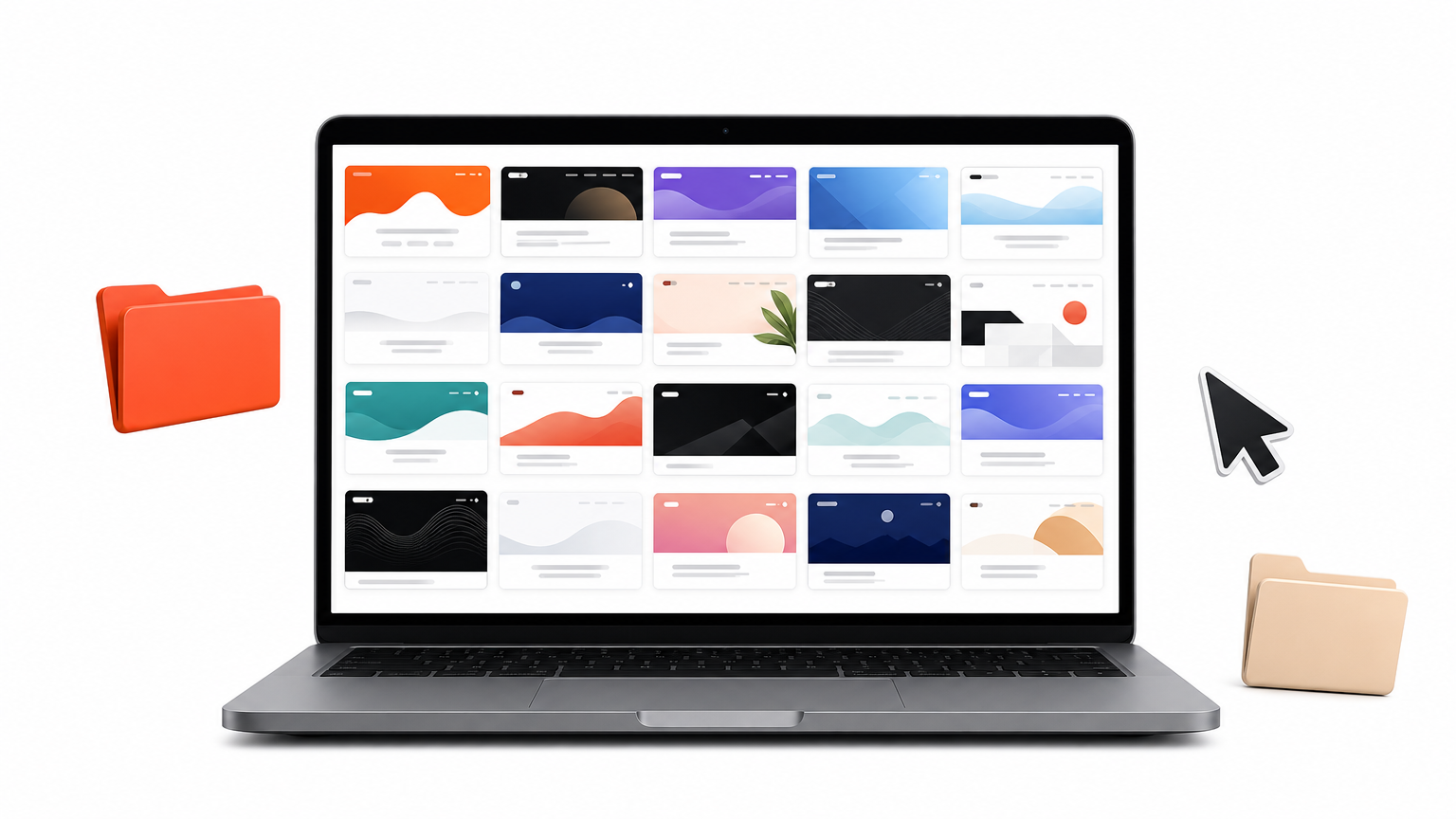
Elegant Themes’ Flexbox pack is the biggest free header set for Divi 5. It gives you 20 headers built on Divi 5’s Flex layout system, so alignment and responsive behavior come from the layout engine.
What you get
The download holds 42 exports, because every header comes in two versions. Default headers inherit your global styles, so your brand colors, fonts and button styles apply automatically. Prestyled headers carry inline styling and look exactly like the previews.
- Default, individual headers: 20 files
- Default, all headers: 1 file
- Prestyled, individual headers: 20 files
- Prestyled, all headers: 1 file
Who it suits
Divi 5 users who have already set up global styles should pick Default. Builders who want the previewed look right away, or who are testing ideas, should pick Prestyled. Because the pack is built for Divi 5’s Flex system, it is not a fit for Divi 4 sites.
Choose Default if your global styles are ready, and Prestyled if you want the preview look today.
Cost and catch
The pack is free, but you get it by joining the Divi newsletter. Import the files in Divi → Divi Library, then open Divi → Theme Builder, create or open a header template, and use Add Layout → Saved Layout.
The headers still need work after import. Add your social links, build a menu under Appearance → Menus, and turn on Show Search Icon in the Menu module’s Content → Elements, because it is hidden by default.
3. Elegant Themes Smooth header templates
Smooth is a free header template pack in the Divi Marketplace with 15 templates, and its listing says more will be added. Every template uses a "smooth submenus" effect for dropdowns.
What you get
Fifteen header designs that share one signature behavior: submenus that open with a soft animation instead of snapping into place. That shared effect makes the pack consistent, so you can try several templates and keep the same feel across your site.
Who it suits
Sites with real menu depth benefit most, such as service businesses with grouped pages, agencies, or shops with categories. A one-page site with four anchor links gets little from animated submenus, so pick one of the other packs.
Smooth earns its place when your menu has dropdowns, and adds little when it does not.
Cost and catch
The pack is free. Read the marketplace listing for the Divi version it supports before you download, since the listing is the source for that detail. After import, open every dropdown on a phone, because animated submenus are the part most likely to need small adjustments on mobile.
4. Divi Pixel free header layout pack
Divi Pixel’s pack gives you 10 header layouts in one zip, aimed at portfolios, agencies, blogs, company sites and shops. It is the quickest way to get a broad set of ready-to-use designs from a single download.
What you get
Each layout is fully responsive across desktop, tablet and mobile. You can change colors, fonts and elements to match your brand, and no coding is needed. The zip is organized so you can try layouts one by one, or mix elements from several.
Divi Pixel also offers a free footer layout pack and a mega menu UI kit as separate downloads. If you want a matching header and footer pack, you can pair them.
Who it suits
Designers who want variety without browsing multiple sites. If you are not sure whether a minimal or a feature-rich header suits the project, this pack lets you compare 10 in one sitting.
A pack of 10 beats a single layout when you are still deciding on a style.
Cost and catch
The pack is free, but the download sits behind a newsletter signup. Import works through the Theme Builder: Add Global Header → Build Global Header, then the Portability icon, the Import tab, and Import Divi Builder Layout. Adjust the design and save.
5. Divi Lover transparent sticky header
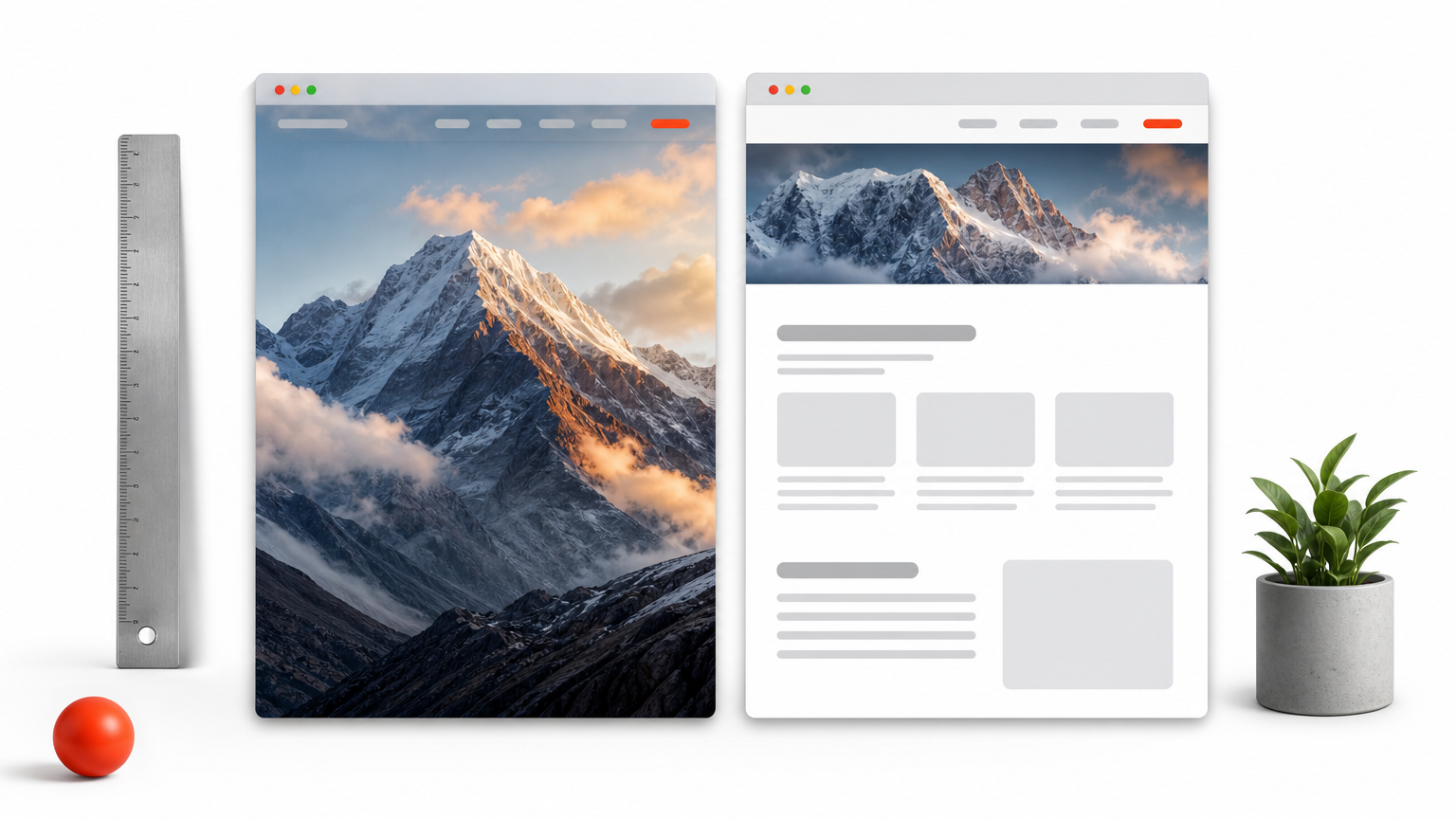
Divi Lover’s free layout is one header, built for one job. It sits transparent over your hero image, sticks to the top on scroll, and turns white with dark links and a colored logo.
What you get
The zip holds a single JSON file, Sticky_Header_Theme_Builder_Layout.json, and a ReadMe. The header uses Sticky Position set to Stick to Top. Its background turns #ffffff when sticky, the menu links go from white to black, and a white logo fades out as a colored logo fades in.
A short CSS rule pulls your page content under the header: div#et-main-area { margin-top: -76px; }, and -40px below 980px.
Who it suits
Sites that open with a full-width hero photo or video, such as photographers, restaurants and agencies. It works in Divi 5, which converts the file on import, and in Divi 4.23 and up.
If your header is taller or shorter than 76px, change the CSS value, or your content will gap or hide.
Cost and catch
The layout is free, and it imports inside a Theme Builder header, not into the Divi Library. After import, point the Menu module at your own menu, since the layout references the author’s demo menu, and replace both logos. If you have submenus, give the dropdown and mobile menu a background color, because the Menu module’s background is transparent.
6. How to import and fix a free Divi header layout
Import the file the way the pack’s instructions say, because two methods exist: Theme Builder import for some files and Library import for others. Then fix the logo, menu and spacing.
Which pack fits your setup
This table puts the five sources side by side.
| Source | What you get | Divi version | Import route | Catch |
|---|---|---|---|---|
| Divi Hat free layouts | Full one-page layouts | Divi 5 and 4 | Divi Library import | Not a standalone header pack |
| Elegant Themes Flexbox | 20 headers, 42 exports | Divi 5 | Library, then Theme Builder | Newsletter signup |
| Elegant Themes Smooth | 15 templates | Check listing | Follow listing | Check mobile dropdowns |
| Divi Pixel | 10 layouts | Check pack page | Theme Builder Portability | Newsletter signup |
| Divi Lover | 1 sticky header | Divi 5 and 4.23+ | Theme Builder header only | Adjust CSS height |
Import through the Theme Builder
Unzip the download first. Then go to Divi → Theme Builder, click Add Global Header, and choose Build Global Header. Open the builder’s import option (the Portability icon in Divi 4, or the gear menu in Divi 5) and select the JSON file. Save the header, then save the Theme Builder. If a file only imports into the Library, use Add Layout → Saved Layout inside the header instead.
Fix the usual problems
Most issues come from demo content that the layout carries over. These checks cover nearly all of them:
- Select your own menu in the Menu module.
- Replace every logo, including a hidden sticky-state logo.
- Add real links to buttons and social icons.
- Preview tablet and phone sizes before publishing.
Start with the header that matches your Divi version
Every option here is free, so the real decision is fit. Use the Flexbox pack for Divi 5 with global styles, Smooth for deep menus, Divi Pixel for variety, and Divi Lover for a transparent sticky header. Divi Hat’s free layouts work best when you want the top section designed together with the page.
If free headers get you partway and you want a full library of consistent designs, hero sections, child themes and layouts for client work, the Divi Hat membership covers all of it under one plan, with a 30-day money-back guarantee.