The best coming soon landing page templates do three things. They load fast on mobile, they collect an email address in a single field, and they let you swap in your own logo, colors and launch message in under an hour. Divi Hat suits people who build with Divi. Canva suits non-technical founders who want a hosted page today. Wix suits people already on Wix. SeedProd suits any WordPress site. Envato Elements suits developers who want raw HTML, and Dribbble suits anyone who needs ideas before building.
Search for this topic and you get a wall of thumbnails. Many are mood boards, not files you can install. It is hard to tell which ones you can publish, what they cost, and where the page will actually live. That uncertainty is how people lose a weekend to a page that only needs to say "we launch soon, leave your email."
This guide goes through six sources, each judged the same way: what you get, who it suits, and what it costs or limits. Divi Hat, our own library, comes first because we know its details best, and we state its limits plainly. After the six picks you will find a guide to formats (HTML, Word, builder-based) and a checklist for the page itself.
1. Divi Hat
What you get
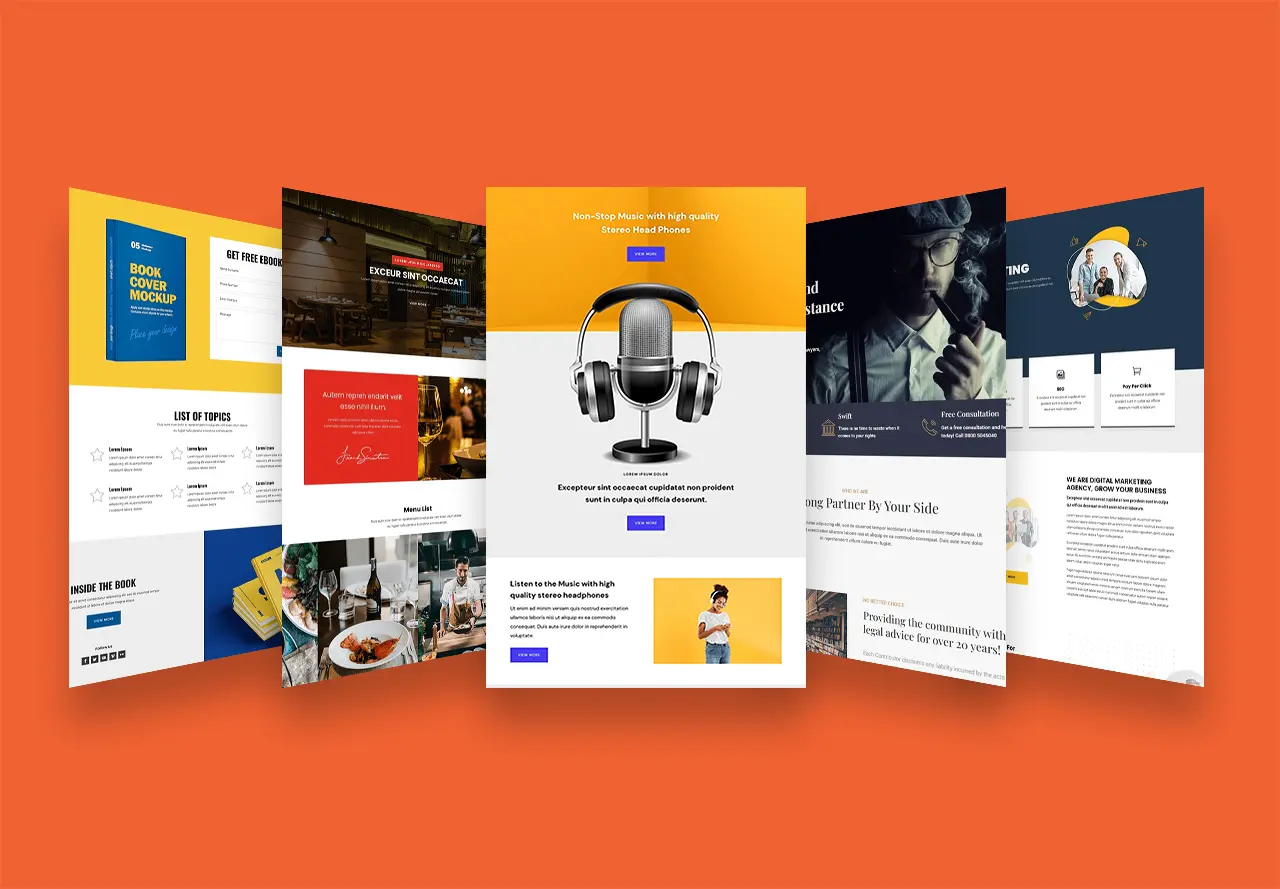
Divi Hat is a library of ready-made Divi design assets: 75+ hero sections, 33 wireframe layouts, 58 CTA layouts, 26+ one-page layouts and 8 child themes. A coming soon page appears among the free layouts we give away for joining our email list, next to hero layouts, child themes, landing pages and 404 pages. Check the site for what is available now.
Building from the paid parts works just as well. Use a hero section for the headline and signup area, then add a CTA layout below it as a banner. Every design imports as a JSON file through Divi Library Import & Export, stays fully editable in the Visual Builder, and works with Divi 5 and Divi 4.
If your site runs on Divi, build the pre-launch page in Divi and skip a second tool.
Who it suits
This pick is for people who already own a Divi license. Divi comes from Elegant Themes and is sold separately, and Divi Hat is independent of Elegant Themes. Without Divi, these files do nothing for you.
Freelancers and agencies get the most from it. Unlimited website usage, including client projects, means one purchase covers every pre-launch page you build, and the images are royalty-free. Beginners can import a design, replace the text and images, and publish without code.
Pricing and limits
Single products cost less than a typical template bundle, with regular prices shown for comparison:
- Divi Hero Section pack: $19.99 (regular $34.99)
- Divi Layouts: $29.99 (regular $34.99)
- Divi Wireframe Layouts Kit: $29.99 (regular $34.99)
- Divi CTA Layouts: $39.99 (regular $54.99)
A coming soon page built from the hero pack plus CTA layouts comes to $59.98 against $89.98 at regular prices, and it is reusable on every site you build. Lifetime access is listed at $159 as a single payment. A 30-day money-back guarantee applies. You may not resell the design files.
2. Canva
What you get
Canva’s coming soon collection lists 19 website templates, in styles from dark futuristic to pastel gradients and photo-led layouts. You edit in a drag-and-drop builder, add your logo, type your message and rearrange blocks. Space for a headline, a countdown and signup elements is part of the pitch.
Beyond layout, you can add teaser photos, videos and animations from Canva’s design library. Teammates can edit the same page, which helps when a founder, a designer and a copywriter all want a say. Treat the template as a starting point and strip it down to one message and one action.
Who it suits
Canva fits non-technical founders, event organizers and small shops that need a page live the same day. You do not need WordPress, a host or any code.
It is a weaker fit if your real site will be built on WordPress. The page lives inside Canva, so moving to your own platform later means rebuilding the page there. For a launch that is a few weeks away, that is a fair trade.
Pricing and limits
You can publish for free, or buy a custom domain so the page lives at your own address. Canva also offers built-in Website Insights, which show traffic and engagement from your audience, so you can tell whether the buzz is real before launch day.
Pick Canva when speed matters more than owning the hosting.
The limit to plan around is portability. Your page, your analytics and your signup flow sit on one platform. If you collect emails there, confirm where those addresses go and how you export them before you promote the page.
3. Wix
What you get
Wix offers a free coming soon template in its one-page category, and says all of its templates are fully customizable with drag and drop. You start from a finished layout, edit text and images in place, and publish from the same editor. There is no plugin to install and nothing to configure on a server.
When you pick a design, check three things before committing. Does it include a signup form you can edit? Does the mobile preview hold up? Can you change the headline without breaking the layout? A template that fails the mobile test costs you signups, since most pre-launch traffic comes from social links opened on phones.
Who it suits
Wix suits people who already have a Wix account or plan to build their full site there. In that case the coming soon page becomes the first page of the real site, and you grow it into the homepage at launch instead of replacing it.
If your final site will live on WordPress or Divi, Wix adds a platform switch. You would build the page twice and move your domain once. That is only worth it if you have no technical help at all.
Pricing and limits
The template is free to start with. What matters is the plan you need to connect your own domain, and Wix sets those terms on its own pricing page, so check them before you promise a launch date.
A free template is only free if the domain and plan limits fit your launch.
Also check how email signups are stored and exported. A pre-launch list is your most valuable asset on launch day, so confirm you can download it, or connect it to the email tool you will use for your launch announcement.
4. SeedProd
What you get
SeedProd is a WordPress plugin with a dedicated Coming Soon mode and a Maintenance mode, plus a library of coming soon templates. The builder is drag and drop, and it includes 20+ pre-made color palettes if you do not want to pick colors yourself. A Connect tab links the signup form to email marketing services.
Setup is short. Install the plugin under Plugins » Add New, go to SeedProd » Landing Pages, click Set Up a Coming Soon Page and pick a template. Customize it, connect your email service, then toggle Coming Soon Mode to Active. Visitors who are not logged in see the page, and you keep working on the real site behind it.
Who it suits
It suits WordPress owners who do not use Divi and want a page that hides an unfinished site. The access controls let you create a bypass link, which helps when a client needs to preview progress without logging in.
If you build with Divi, SeedProd is a second page builder sitting beside the one you already use. You can do the job in Divi with less on your plate, but SeedProd’s mode switch is a tidy convenience if you want it.
Pricing and limits
The Pro version uses a license key you enter under SeedProd » Settings, and current plans are on SeedProd’s pricing page. Check what your plan includes for email integrations before you buy.
A coming soon plugin earns its place by hiding the unfinished site, not by its templates alone.
Remember that a plugin is one more thing to update and, eventually, to deactivate. Put "turn off coming soon mode" on your launch checklist, and test the live site in a private window afterward so you see what visitors see.
5. Envato Elements
What you get
Envato Elements carries coming soon page templates built as responsive HTML, with countdown timers, email capture and launch-page layouts. You download the files, edit them in a code editor and upload them to your own hosting. The result is a page that belongs entirely to you.
Because the files are static, the form needs something behind it. Many HTML templates ship with a signup form that must be connected to a mail service. Read each template’s documentation before you pick it, since a countdown and a pretty hero are no use if the form posts nowhere.
Who it suits
This route is for developers and freelancers who are comfortable with FTP or a hosting file manager. It also suits agencies that already pay for a subscription and want unusual layouts that builder libraries do not offer.
If you have never edited an HTML file, start elsewhere. A single misplaced tag can break the layout, and troubleshooting costs more time than choosing a builder in the first place.
Pricing and limits
Envato Elements is a subscription that offers unlimited downloads, so it makes sense when you will use many assets across projects. For a single coming soon page, it is more than you need unless you also want fonts, photos or video from the library.
Pay for HTML templates only when you will use the subscription for more than one page.
Read the license terms for client work before delivering a page built from a subscription template. The rules on projects and registration decide whether you can hand the page to a client legally, and that is worth five minutes of reading.
6. Dribbble
What you get
Dribbble is a design showcase, not a template shop. Its coming soon page tag holds 486 designs from designers worldwide, including a long run of Daily UI #048 coming soon challenge entries. You see layouts, countdown treatments, hero compositions and signup form styles in one scroll.
A few shots are labeled as templates. One example is a free coming soon website template, and another is a Framer coming soon template. Most shots are concepts without a file attached, so treat the site as a source of direction, not a download library.
Who it suits
Dribbble suits designers and founders who want to decide on a look first. If you cannot yet say whether your page should be minimal, photo-led or illustrated, scrolling a few dozen shots answers that faster than trying templates one by one.
It also helps when you are briefing a freelancer. Save three shots, point at what you like in each, and you will get a closer first draft than from a written description.
Pricing and limits
Browsing costs nothing, though the page carries ads and sign-up prompts. Anything you decide to hire or buy happens through the designer or a linked template page, not through Dribbble itself.
Use Dribbble to choose a direction, then build it with a tool that gives you files.
A workable routine: pick three shots, write down the layout pattern each uses (for example "headline, single email field, countdown below"), then rebuild that pattern in Divi, Canva or Wix. Copy the structure, not the artwork, because the designs belong to their creators.
HTML, Word and free templates: which format fits
Side-by-side comparison
Your format decides your hosting, your editing skills and your launch speed, so choose it before you choose a design. This table puts the six sources side by side:
| Source | Where the page lives | Best for | Cost model |
|---|---|---|---|
| Divi Hat | Your WordPress site with Divi | Divi users, client work | Free opt-in layout, paid packs from $19.99, Divi license separate |
| Canva | Canva-hosted website | Fast, no-code launches | Free to publish, custom domain extra |
| Wix | Wix site | People already on Wix | Free template, check plan for domain |
| SeedProd | WordPress plugin | Any WordPress site | Pro license, see its pricing page |
| Envato Elements | Your own hosting | Developers | Subscription |
| Dribbble | Not applicable | Design direction | Free to browse |
HTML and Word templates
HTML coming soon landing page templates are plain files you host yourself. They load quickly and give you full control, but you wire up the email form, the domain and the hosting. They are the right choice for developers and a poor one for anyone who wants to edit by clicking.
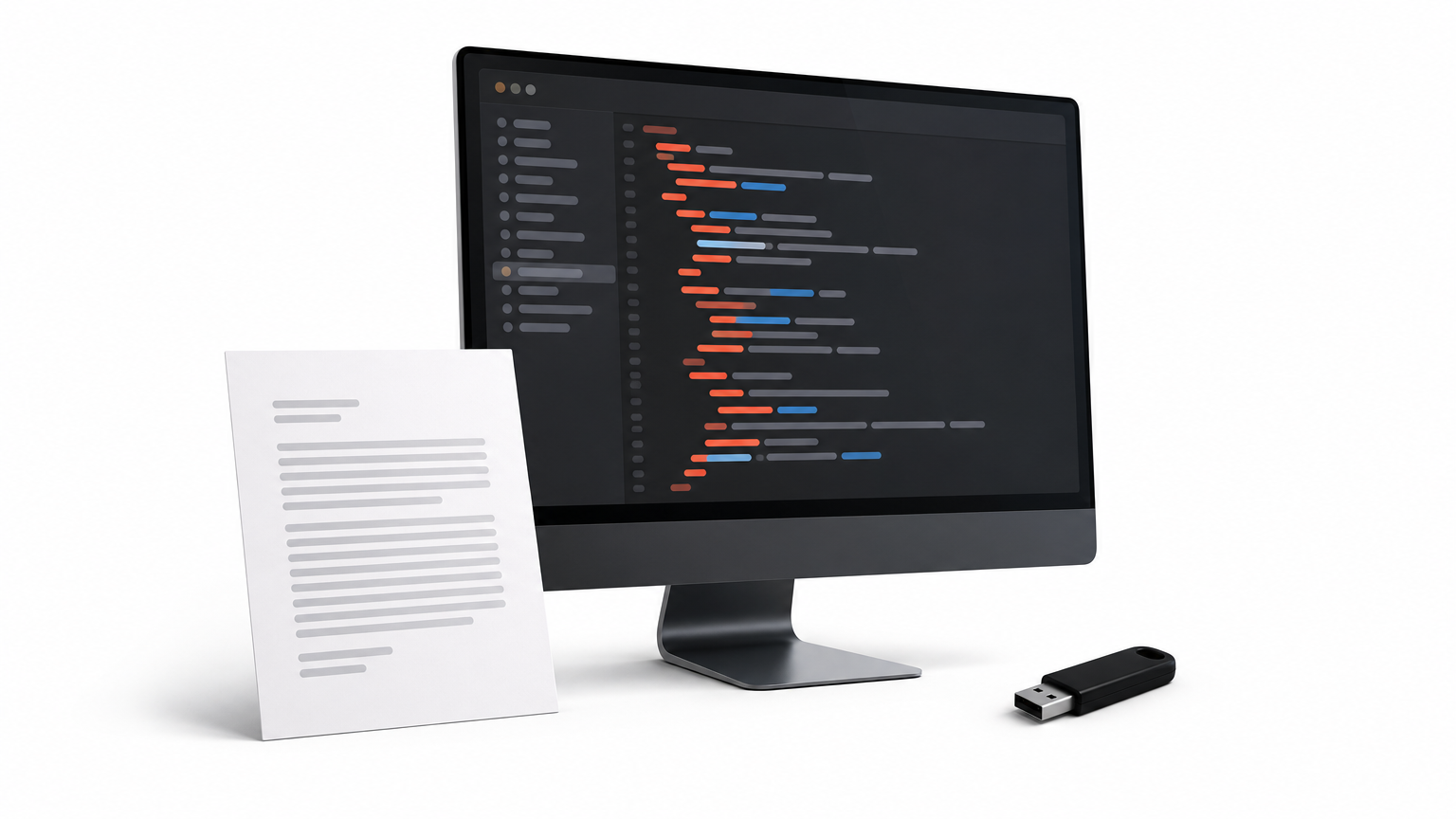
Word templates are a different thing. A Word file produces a document, not a live web page, so it cannot collect signups or show a countdown. Use Word only for a printed or PDF teaser, and use a builder or HTML file for the page itself.
Free or paid
Free options exist at every level. Canva and Wix give you free templates, and Divi Hat gives away a coming soon layout to email subscribers. Free is enough for a page with a headline, a short promise and a signup form.
Pay when the page has to carry client work, a custom design or reuse across many launches. At that point a paid pack with unlimited site usage costs less than the hours you would spend rebuilding the same page each time.
What to put on your page before you publish
The content that earns signups
A coming soon page has one job: turn a visitor into a contact you can reach on launch day. Keep every element pointed at that action. Here is what a page needs:
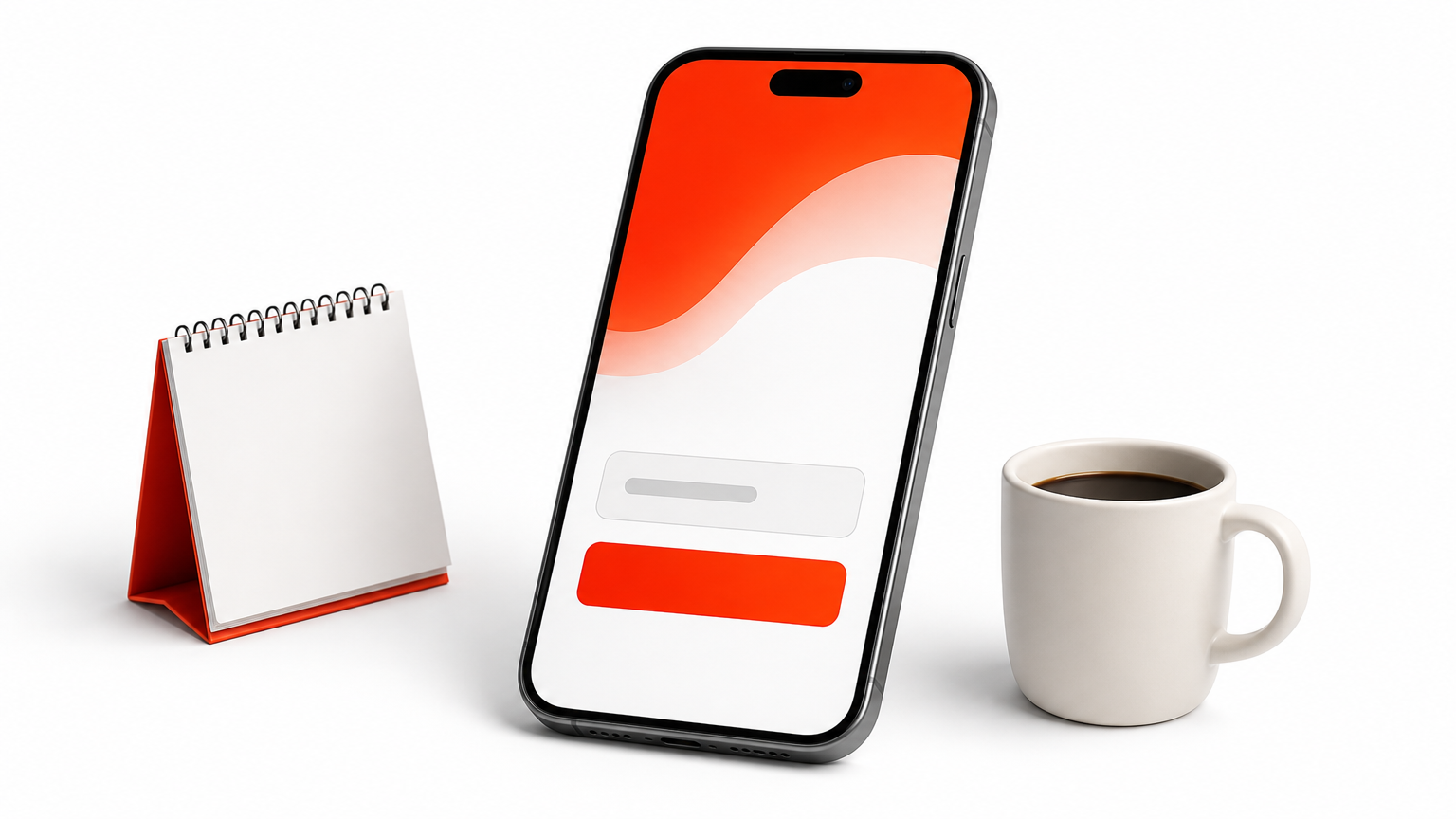
- A headline that says what is coming, not just "Coming soon."
- A one-sentence promise about the benefit.
- One email field and a button that names a benefit, not "Submit."
- A launch date or countdown if the date is firm.
- Social links, so visitors can follow along.
- A link to your privacy policy wherever you collect emails.
Extra form fields add friction and reduce signups, so ask for the email address and nothing else. An incentive, such as early access or a launch discount, gives people a reason to sign up now rather than later.
Technical checks and launch day
Before you share the link, open the page on a phone and in a private window. Check that the form submits, that the confirmation message appears and that the address lands in your email tool. A form that silently fails is the most common reason a pre-launch list stays empty.
On WordPress, make sure the setting that discourages search engines is off at launch, and switch off coming soon mode so the real homepage shows. Keep the page on the same address your site will use, so links shared during the pre-launch period still work after you go live.
Test the signup form yourself before you send a single visitor to it.
Pick one and publish this week
Choose by where your site will live. Divi users should build in Divi, WordPress users without Divi can use SeedProd, and everyone who wants a hosted page today can use Canva or Wix. Developers can pick HTML files from Envato Elements, and Dribbble helps you decide on a look first. Keep the page short, ask for one email address and test the form before you share the link.
If you build with Divi, browse the Divi Hat membership for hero sections, CTA layouts and wireframes that turn a blank page into a launch page in an afternoon.