
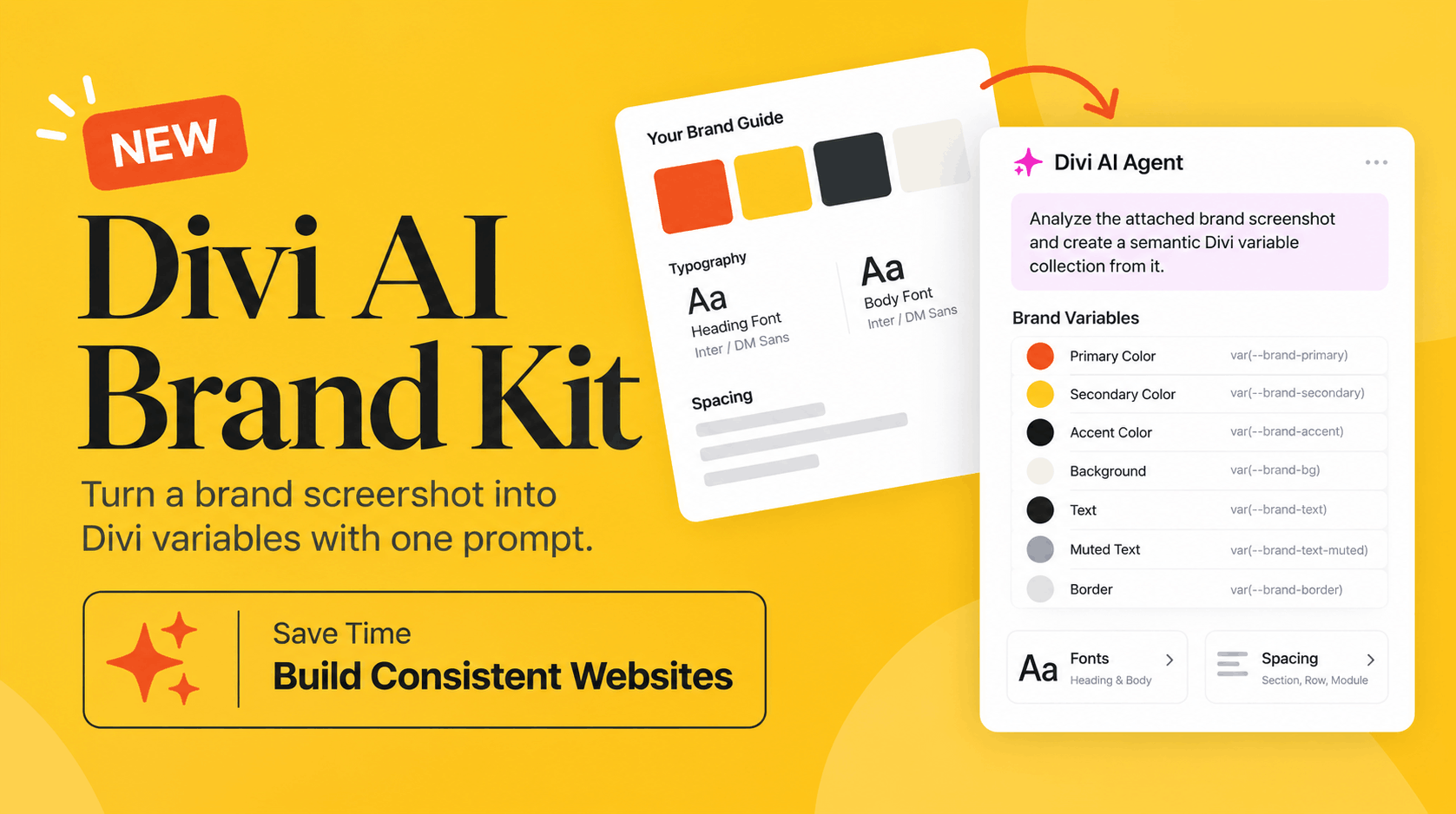
Yes. One of the most useful new ways to use Divi AI Agent is to give it a screenshot of your brand guide and ask it to turn the visual information into reusable Divi variables.
Instead of manually checking color codes, creating global colors, setting fonts, and repeating spacing values throughout your website, you can give the AI Agent your brand reference and let it organize those design choices for you.
For designers, freelancers, and agencies building websites in Divi 5, this could save a surprising amount of setup time.
What is the new Divi AI Agent brand kit prompt?
The idea behind the new prompt is simple.
You upload a screenshot containing your brand colors, typography, and other visual guidelines. Divi AI Agent analyzes what it can confidently identify and turns those values into a semantic variable collection.
Here is the prompt you can test:
Analyze the attached brand screenshot and create a semantic Divi variable collection from it. Include primary, secondary, accent, background, surface, text, muted text, and border colors. Add clearly repeated font and spacing values when they can be identified confidently. Name every variable according to its purpose rather than its visual value.
The important part here is that the variables are organized according to their purpose.
For example, instead of creating a variable with a name such as “Dark Blue,” the Agent can use a meaningful name such as “Primary.” That makes your design system much easier to understand and maintain later.
How does Divi AI Agent create brand variables from a screenshot?
Divi AI Agent can use images and screenshots as context. Elegant Themes also documents support for Global Variables inside the Agent, including colors, fonts, numbers, gradients, images, links, and text.
This means your brand screenshot can become more than just a visual reference.
Imagine receiving a brand guide from a client containing:
Primary color
Secondary color
Accent color
Background colors
Heading font
Body font
Text colors
Border colors
Common spacing values
Normally, you would review the guide and manually recreate these settings inside your website.
With the AI Agent workflow, you can attach the screenshot and explain what you want created. The Agent can analyze the reference and use the information to help establish your Divi design system.
Why are semantic Divi variables important?
A good website should not be filled with random color values and spacing numbers.
For example, imagine using #EB411D directly across dozens of modules. If the brand color changes later, managing all those individual values becomes unnecessarily difficult.
A better approach is to create a variable called something like:
Primary
Your modules can then reference that variable.
The same idea applies to secondary colors, backgrounds, text colors, fonts, and commonly used spacing values.
Semantic names also describe what a value is meant to do rather than simply what it looks like.
That makes the website easier to understand when you return to it months later or hand the project over to another developer.
Can Divi AI identify colors from a brand guide?
A screenshot can be used as visual context by Divi AI Agent. The new workflow takes advantage of that ability by asking the Agent to identify the important brand colors and organize them into useful roles.
For example, you might end up with variables representing:
Primary
Secondary
Accent
Background
Surface
Text
Muted Text
Border
This creates a much cleaner starting point than adding colors one by one while designing.
There is an important detail in the prompt, though: it asks the Agent to add values only when they can be identified confidently.
That is a smart approach.
AI should not be encouraged to invent brand rules that are not clearly visible in the reference. Always review the resulting colors, fonts, and spacing against the original brand guide before using them throughout a production website.
Can it identify fonts and spacing too?
The prompt is not limited to colors.
It also asks Divi AI Agent to identify repeated font and spacing values when there is enough visual information to do so.
That could be particularly useful when working with a detailed design system or style guide.
For example, if a brand reference clearly demonstrates the same heading font throughout the design, that value could become part of your reusable system. Likewise, repeated spacing patterns can potentially be organized into variables instead of entering individual values again and again.
The quality of the result will naturally depend on the quality and clarity of your reference image.
Why is this useful for web design agencies?
This workflow becomes especially interesting when you build websites for multiple clients.
A new client may send you a brand guide before development begins. Previously, one of your first jobs would be translating that document into your website builder.
Now the workflow can look more like this:
Receive the client's brand guide → Take or export a clear screenshot → Attach it to Divi AI Agent → Run the brand variable prompt → Review the generated variables → Start building.
That reduces repetitive setup and lets you spend more time on the actual website design.
It can also help keep a project consistent when several designers or developers are working on the same website.
Can this help keep a Divi 5 website consistent?
Yes, and consistency may be a bigger benefit than speed.
If every module is styled independently, small differences eventually appear. One section might use a slightly different gray. Another might have a different spacing value. Buttons may start using similar but not identical brand colors.
A variable-based design system gives those decisions a central structure.
Elegant Themes also documents that the AI Agent can work with existing design systems, including replacing hard-coded values with reusable variables.
So the AI Agent is useful not only when starting a new website. It can also help organize an existing Divi website that has accumulated inconsistent styling.
What if I already have a Divi website?
You do not necessarily need to start from scratch.
For an existing website, you could first use the Agent to inspect the design system and identify the colors, fonts, and spacing values already being used.
Elegant Themes provides examples of using the Agent to scan pages for hard-coded color and spacing values and convert them into Global Variables.
That opens up another useful workflow.
You could create your semantic brand variables first and then gradually replace hard-coded styling with those variables.
This can make an older website much easier to maintain.
Is a screenshot enough to create a complete design system?
It is a useful starting point, but it should not replace human review.
A screenshot may show the colors and typography clearly, but it might not communicate every rule behind the brand.
For example, it may not explain when an accent color should be used, which font weights are approved, how much spacing should appear between particular components, or accessibility requirements for different color combinations.
Think of the AI Agent as helping you translate visible brand information into a structured Divi setup.
You should still check the results before applying them across an entire website.
How can I get better results from the prompt?
Use the clearest brand screenshot you have.
If possible, make sure the reference clearly displays the primary and secondary colors, typography, text colors, backgrounds, and spacing examples.
The more obvious the visual hierarchy is, the less the Agent has to interpret.
Elegant Themes' own prompting guidance recommends giving the Agent a clear outcome, defining its scope, providing specific context, and stating what should not be changed.
You could therefore expand the prompt for a real client project by adding instructions such as:
“Do not create variables for values that cannot be identified confidently, and do not modify the current page layout.”
That gives the Agent clearer boundaries.
Does this make Divi 5 better for building branded websites?
It certainly gives designers another useful workflow.
The interesting part of Divi AI Agent is not simply that AI can generate something. It can work directly with actual Divi elements and design systems inside the Visual Builder. Elegant Themes says the Agent can build and edit real Divi sections, rows, modules, content, and styles rather than returning only static mockups or generated code.
Combining that capability with screenshots and Global Variables makes brand setup much more practical.
Instead of telling AI to “make this website look professional,” you can give it an actual brand reference and ask it to create a structured foundation for the design.
That is a much more useful application of AI for professional website building.
Should Divi designers try this prompt?
If you regularly build websites from client brand guides, this is definitely a workflow worth testing.
Upload a clear screenshot of your brand kit, run the prompt, and carefully review the variables it creates.
You may still want to adjust a few values manually, but getting colors, typography, and repeated design values organized at the beginning of a project can remove a lot of repetitive work later.
Divi 5 is increasingly moving toward a workflow where your design system, reusable variables, and AI-assisted website building work together.
And for agencies managing several client websites, that can mean less time setting things up and more time actually designing.