
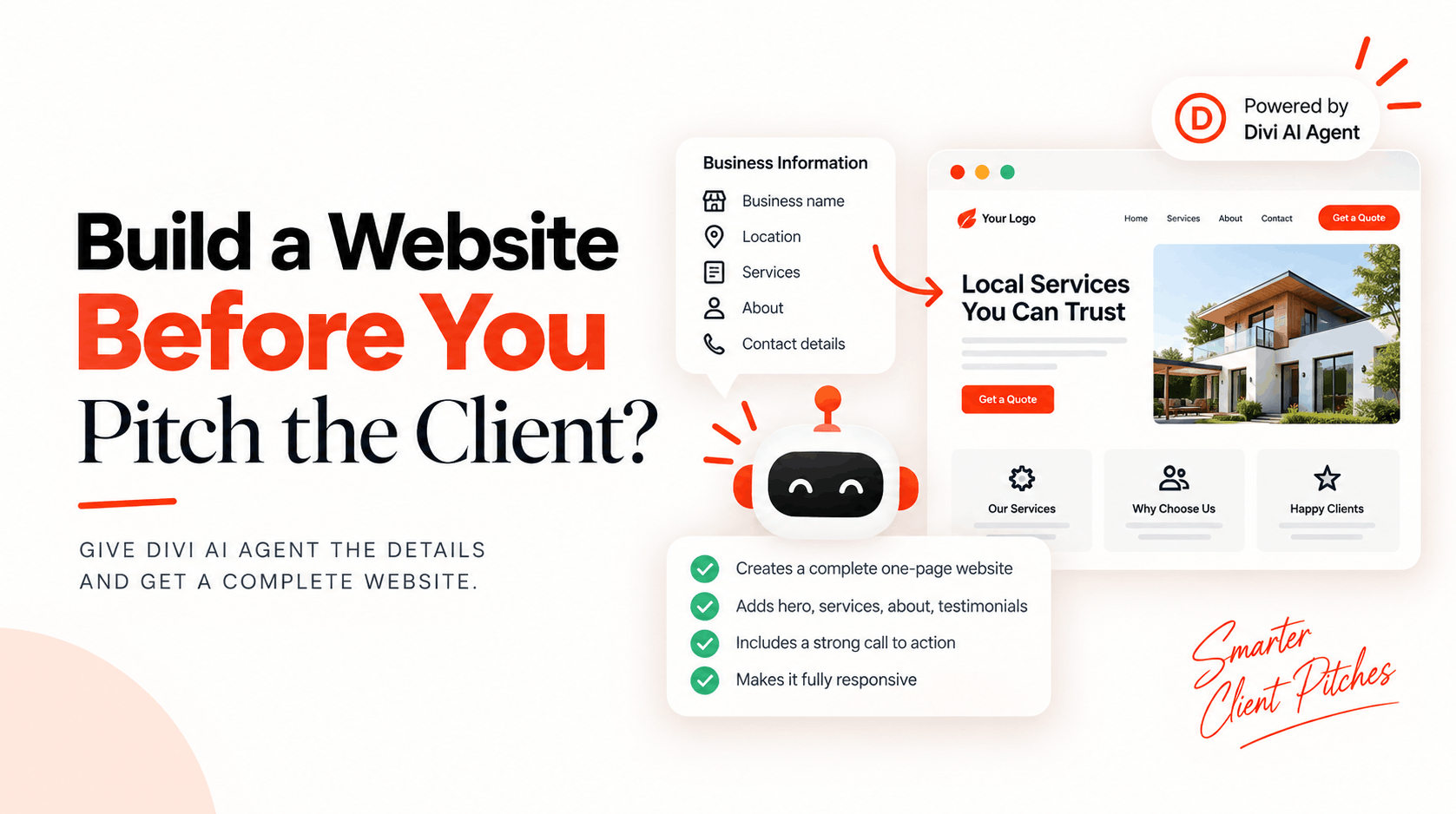
Can You Build a Website Before Pitching the Client With Divi AI Agent?
Imagine contacting a local business and instead of saying, “I can build you a new website,” you actually show them one.
That is where the Divi AI Agent can make things interesting for freelancers and web designers.
Elegant Themes recently shared a useful way to use Divi AI Agent: give it basic information about a local business and ask it to create a complete one-page Divi 5 website.
The idea is simple. Find a local business that has an outdated website or no website at all. Collect publicly available details about the business, such as its services, location, contact information, and other important facts. Then give those details to Divi AI Agent.
You can use this prompt:
Using the business information below, build a complete one-page Divi 5 website for this local business. Include a hero, services, trust signals, about section, testimonials, primary CTA, and contact section. Use only the supplied facts, write concise local-business copy, and make the complete page responsive. Business information: [Paste details here]
Divi AI Agent can then turn that information into a complete page inside Divi 5.
Why Is This Useful for Freelancers?
Cold outreach is difficult because businesses receive plenty of emails from people promising better websites, better SEO, or more leads.
Showing something is much stronger than simply making another promise.
Instead of writing:
“I noticed your website could use an update. I can redesign it for you.”
You could approach the business with a working concept and say that you created an example of what their new website could look like.
Now the business owner has something real to look at.
They can see the proposed hero section, services, calls to action, business information, and overall design before deciding whether they want to work with you.
Divi AI Agent Can Speed Up the First Draft
Creating a custom demo for every potential client manually would normally take too much time.
That is what makes this use of Divi AI Agent particularly useful.
You provide the facts and direction, while the AI Agent helps create the initial page structure and content. You can then review the page, improve the design, fix anything that feels generic, and add your own creative touch before presenting it.
AI does not have to replace your design skills. It can simply help you get to the first working version much faster.
A Better Way to Pitch Local Businesses
This approach could work particularly well for businesses such as restaurants, dentists, lawyers, plumbers, electricians, cleaning companies, gyms, salons, real estate agents, consultants, and other local service providers.
For example, imagine finding a local plumbing company with no proper website.
You gather its real business details, give those facts to Divi AI Agent, and create a responsive one-page concept. Instead of sending a long sales email explaining what you could build, you can show the owner what their website could actually look like.
That completely changes the conversation.
Just Make Sure the Information Is Accurate
The most important part of this workflow is the instruction: “Use only the supplied facts.”
Do not let AI invent awards, customer reviews, years of experience, prices, certifications, addresses, or other business claims.
If you do not have real testimonials, for example, remove that section from the final demo or clearly use it as a placeholder rather than presenting made-up customer feedback as real.
The AI Agent can help build the page, but you should still review everything before showing it to a potential client.
Divi 5 Is Becoming More Than a Page Builder
Features like Divi AI Agent also change how freelancers can use Divi 5 in their day-to-day business.
You are not limited to asking AI to rewrite a heading or generate a small section. You can give the Agent a larger goal and use it to help create an entire page.
For freelancers and agencies, that could mean faster prototypes, quicker client demos, and a much more visual sales process.
Instead of pitching first and designing later, you can experiment with doing it the other way around:
Build something worth showing, then start the conversation.
If you want to experiment with this workflow, try the prompt above with a real local business and see how far Divi AI Agent can take the first draft.
What kind of local business would you build a website for first?