
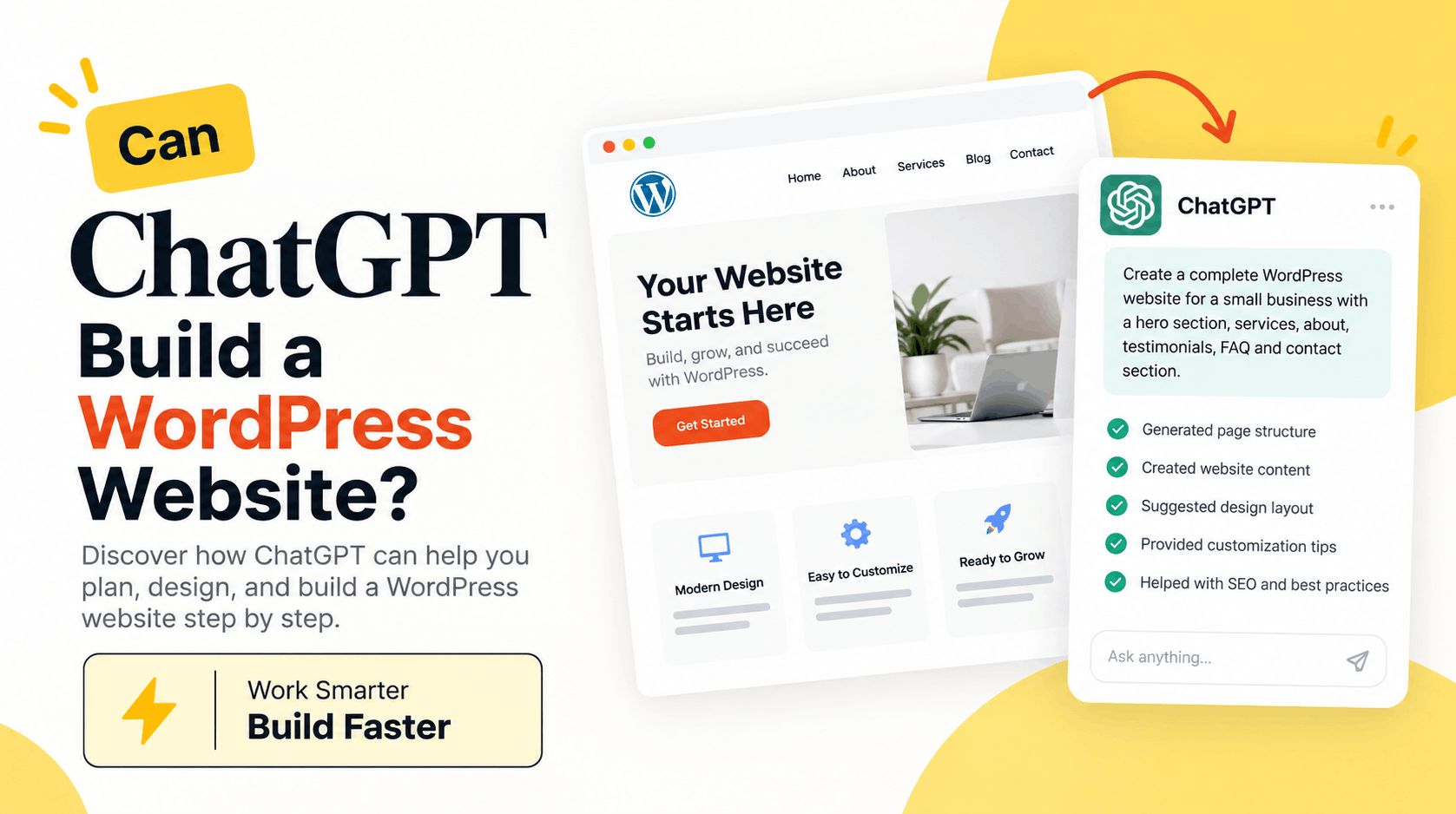
Can ChatGPT Build a WordPress Website?
Yes, ChatGPT can help you build a WordPress website, but there is an important difference between helping you build a website and building everything automatically.
ChatGPT can help with website planning, page structure, content, design ideas, WordPress code, CSS, SEO, troubleshooting, and even instructions for creating individual sections. If you are using a WordPress page builder such as Divi 5, you can also use ChatGPT to plan layouts and generate ideas or code that you can use inside the builder.
So, if you are wondering whether you can use ChatGPT to create a WordPress website, the short answer is yes. The amount of work ChatGPT can handle depends on your WordPress setup and the tools you are using.
How Can ChatGPT Help Build a WordPress Website?
Think of ChatGPT as a website-building assistant.
Instead of starting with an empty WordPress installation and figuring everything out yourself, you can explain what kind of website you want to create.
For example, you could ask:
“Create a structure for a one-page website for a digital marketing agency. I need a hero section, services, about section, testimonials, pricing, FAQ, call to action, and contact section.”
ChatGPT can then help you organize the page, decide what information belongs in each section, and write the content.
You can take things further by asking for headlines, calls to action, FAQs, service descriptions, SEO content, CSS, HTML, JavaScript, or WordPress-related code.
This can save a lot of time, especially during the early stages of a website project.
Can ChatGPT Create an Entire WordPress Website?
ChatGPT can help create most of the pieces required for a complete WordPress website, but what it can directly change on the live site depends on the tools and integrations available to it.
For a typical website, ChatGPT can help you create:
Homepage content
About page content
Service pages
Landing pages
Contact page structure
FAQ sections
Blog content
Navigation ideas
Calls to action
SEO titles and descriptions
Schema markup
Custom CSS
HTML
JavaScript
PHP and WordPress code
Responsive design suggestions
The actual WordPress setup may still require you to install WordPress, configure your hosting, install a theme or page builder, and add the generated content or code.
That is why it is better to think of ChatGPT as part of the website-building workflow rather than simply pressing one button and expecting a finished website.
Can I Build a WordPress Website With ChatGPT Without Coding?
Yes. You do not necessarily need to know how to code.
This is especially true when ChatGPT is combined with a visual WordPress builder.
For example, you can describe the website you want and ask ChatGPT to create the page structure and copy. You can then build those sections visually using your preferred WordPress builder.
If you run into a design problem, you can ask ChatGPT for help.
You might say:
“My hero section has too much space on mobile. What settings should I check?”
Or:
“I want these three cards to have equal height. Can you give me the CSS?”
This makes ChatGPT useful even if you are not an experienced WordPress developer.
Can ChatGPT Design a WordPress Website?
ChatGPT can help with the design process, although design involves more than simply generating code.
You can use it to plan colors, typography, spacing, page hierarchy, section layouts, conversion paths, and calls to action.
For example, you could describe your business and ask:
“Give me a clean and modern homepage structure for an accounting company. The website should feel professional and trustworthy.”
ChatGPT can suggest how the page should flow from the hero section to services, trust signals, testimonials, FAQs, and the final call to action.
You can then turn that plan into a real design inside WordPress.
Can ChatGPT Write WordPress Code?
Yes. This is one of the areas where ChatGPT can be particularly useful.
It can generate and explain HTML, CSS, JavaScript, PHP, WordPress hooks, shortcodes, and other code commonly used when customizing WordPress websites.
For example, you could ask ChatGPT to create CSS for a button hover effect or help you understand why a particular WordPress function is not working.
However, AI-generated code should be reviewed and tested before using it on a production website. A small mistake in PHP, JavaScript, security logic, or a WordPress configuration can cause unexpected problems.
Always keep a backup before making significant changes to a live website.
Can ChatGPT Help With WordPress SEO?
Yes, and you can use it for much more than simply inserting keywords into an article.
ChatGPT can help research search intent, organize headings, generate question-based sections, improve readability, create internal linking ideas, write meta titles and descriptions, suggest structured data, and identify topics that may be missing from a page.
For example, instead of repeatedly using the keyword “WordPress website with ChatGPT,” you can naturally answer related questions such as:
Can ChatGPT create a WordPress website?
Can ChatGPT design a website?
Can ChatGPT write WordPress code?
Can I use ChatGPT with WordPress?
Can ChatGPT build a website without coding?
Can ChatGPT help with WordPress SEO?
Answering closely related questions gives search engines and AI-powered answer systems more context about the subject of the page while also making the content more useful to readers.
What Is the Best Way to Use ChatGPT With WordPress?
A practical approach is to divide your project into smaller tasks.
Start by telling ChatGPT about the business, audience, website goals, required pages, preferred design style, and important actions you want visitors to take.
Then work through the website section by section.
For example, start with the sitemap. Next, create the homepage structure. Then write the hero section, services, about section, testimonials, FAQs, and calls to action.
Once the content is ready, move on to design and development.
This approach usually gives you more control than asking AI to “build me a website” without providing any context.
What Are the Limitations of Building a WordPress Website With ChatGPT?
ChatGPT can speed up the process, but human review still matters.
AI does not automatically understand your brand, customers, competitors, products, or business goals unless you provide that information.
Generic instructions can therefore produce generic results.
There are also technical areas that deserve extra attention, including website security, accessibility, payment processing, backups, performance, privacy, plugin compatibility, and custom code.
The best results usually come from combining AI assistance with human decisions.
You decide what the website should accomplish. ChatGPT helps you get there faster.
Is ChatGPT Good for WordPress Beginners?
It can be very useful for beginners because you can ask questions in normal language.
Instead of searching through several tutorials to understand one setting, you can describe the problem you are facing.
For example:
“Why does my WordPress website look good on desktop but have too much spacing on mobile?”
ChatGPT can explain common causes and give you steps to investigate them.
This is also useful when you encounter unfamiliar WordPress terminology. You can ask for an explanation in simple words and then request step-by-step instructions.
Can Web Designers and Agencies Use ChatGPT?
Yes. ChatGPT is not only useful for beginners.
Freelancers, developers, designers, marketers, and WordPress agencies can use it to reduce repetitive work.
It can help prepare website briefs, sitemaps, first drafts of client copy, FAQs, SEO metadata, code snippets, testing checklists, and troubleshooting ideas.
For agencies working on several websites, saving even a small amount of time on each task can make a noticeable difference.
Will ChatGPT Replace WordPress Developers?
ChatGPT changes how some WordPress work can be done, but building a successful website still involves decisions that go beyond generating text or code.
A developer may need to think about performance, security, databases, integrations, maintainability, accessibility, hosting, custom functionality, and what happens when something goes wrong.
A designer needs to understand visual hierarchy, usability, branding, and the needs of real visitors.
AI can make both jobs faster, but the quality of the final website still depends heavily on how the tools are used.
Can ChatGPT Build a WordPress Website From Scratch?
It can guide you through nearly every stage of the process.
You can start with nothing more than an idea and use ChatGPT to develop the sitemap, page structure, website copy, design direction, SEO strategy, FAQs, calls to action, and custom code.
You can then combine this work with WordPress, a suitable theme or page builder, and your hosting environment to turn the plan into a working website.
The key is to give ChatGPT clear information.
Instead of saying:
“Build a website for my company.”
Try something more specific:
“Help me plan a five-page WordPress website for a local roofing company. The goal is to generate quote requests. Create the sitemap and homepage structure with a hero section, services, why choose us, recent projects, testimonials, FAQs, and a quote request CTA.”
The more useful context you provide, the more useful the output is likely to be.
Final Thoughts
So, can ChatGPT build a WordPress website?
Yes, ChatGPT can play a major role in building one.
It can help you move from an initial idea to a structured website by assisting with planning, content, SEO, design direction, coding, and troubleshooting.
However, you should still review the content, test the website, check generated code, and make sure the finished site represents the actual business rather than looking like a generic AI-generated website.
For beginners, ChatGPT can make WordPress easier to understand. For experienced designers and developers, it can reduce repetitive work and speed up the development process.
The better way to look at it is not “Can AI replace the entire website-building process?”
A more useful question is:
“How much of my WordPress workflow can ChatGPT help me complete faster?”
For many WordPress projects, the answer is quite a lot.