The best blog layouts for Divi cover all three parts of a blog: the blog page, the single post, and the archive. They also import without breaking your fonts or spacing. If you want a full child theme to start from, begin with the Divi Hat library. For free options, use Divi’s built-in layout library or Theme Builder. If you want hundreds of ready-made variations, look at the paid bundles from the Divi Marketplace or Divi Extended.
The problem is that Divi’s default blog output looks the same on every site, and building a post template from scratch takes hours. Search results also mix layout packs, plugins, and tutorials, so it is hard to tell what you actually get for your money or your time.
This article compares six sources by what you get, who each one suits, and what it costs to set up. We build and sell Divi designs at Divi Hat, so our own library comes first and we say plainly where it fits and where it does not. The other five are described from their public listings, so check current prices before you buy.
What a Divi blog layout includes
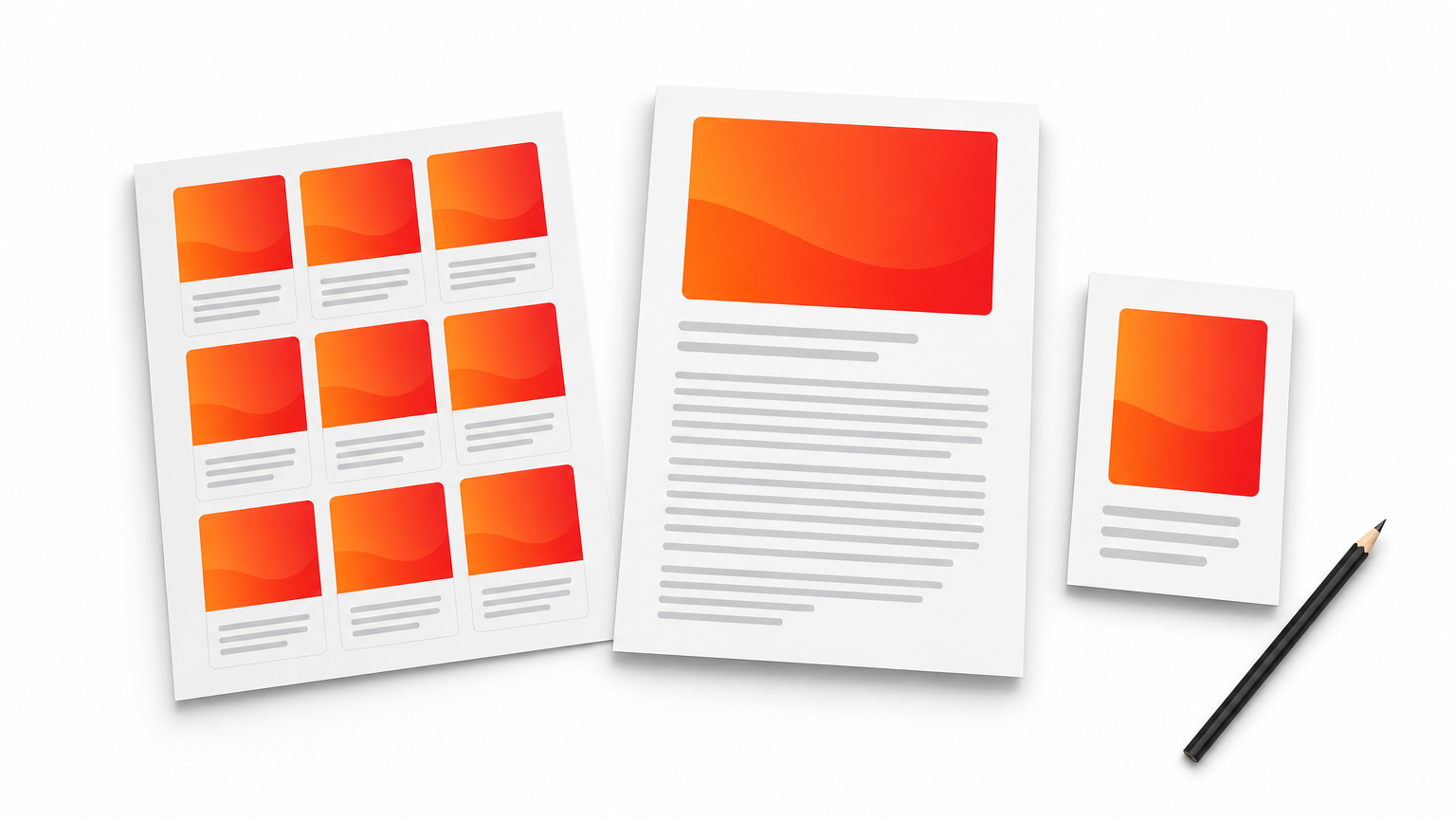
A Divi blog layout is a saved design for one of three things: the page that lists your posts, the template that styles every single post, or the card style inside the Blog module. Divi has no separate blog feature. A blog is a set of WordPress posts that Divi displays through the Blog module and Theme Builder templates.
The three layout types
Knowing which type you need keeps you from buying a pack that solves the wrong problem. The table shows where each one applies.
| Layout type | Where it applies | How it is built |
|---|---|---|
| Blog page layout | The page that lists posts, such as /blog | Blog module inside the Visual Builder |
| Post layout | Every single post | Theme Builder template with Post Title and Post Content modules |
| Module layout | The card style inside either of the above | Blog module Grid or Fullwidth setting |
The Blog module ships with two layouts, Grid and Fullwidth. Grid is the better default for scanning because it places posts in cards with thumbnails and excerpts. Fullwidth suits a short list of long stories.
What to check before you import
A good pack passes a few quick checks. Run through this list before you commit to any source.
- The listing says Divi 5, Divi 4, or both.
- The pack includes a blog page and a single post template, not only one of them.
- Post content sits in a single column about 700 to 900px wide, with body text at 18 to 20px.
- The license allows use on client sites if you build for others.
Then preview the layout with a short post, a long post, and an image-heavy post. A template that only looks good with the demo content will disappoint you in week two.
Pick the layout type first, then the source, because a blog page pack will not restyle your single posts.
1. Divi Hat child themes and layout library
Divi Hat is a membership library of Divi designs that includes child themes, layouts, hero sections, and wireframes.
What you get
The membership includes 8 child themes, 26+ one-page layouts, 75+ hero sections, 33 wireframe layouts, CTA layouts, and FAQ templates. It is a general design library, not a blog-only pack. Open each child theme’s page list and confirm it includes a blog archive and a single post template before you rely on it.
Everything imports into the Divi Library and stays fully editable in the Visual Builder. Designs work with Divi 5 and Divi 4.
- Four free layouts to test the import workflow: Business, Portfolio, Portfolio V2, and Web Design Agency.
- Wireframes for planning your blog page structure before you style it.
- Hero sections for a blog homepage header.
Check a child theme’s page list for a blog archive and single post template before you buy.
Who it suits
Freelancers and agencies get the most from it. Unlimited site usage, including client projects, with royalty-free images, means one membership covers every blog you build.
It is a weaker fit if you need dozens of blog card variations for a single site. The designs also need the Divi theme or Divi Builder, which Elegant Themes licenses and sells separately.
Cost and setup
The Standard Yearly plan costs $79.95 a year (regular $129) and renews yearly, with cancellation anytime. The Agency Lifetime plan costs $159.95 once (regular $297) and includes all future products. At a constant $79.95, two years of Standard cost $159.90, so lifetime wins from year three. A 30-day money-back guarantee applies.
- Log in at divihat.com/login and download the design.
- Go to Divi, then Divi Library, then Import & Export.
- Import the JSON file and apply it to a page or Theme Builder template.
- Replace the text and images.
2. Divi’s built-in layout library
Divi’s own layout library is the fastest free way to get a blog page into your builder.
What you get
The library sits inside the builder and holds layout packs that include several page templates each. Many packs ship a blog page and a post page, so search the library for "blog" and preview the results. You need no download, no upload, and no extra account.
- A ready blog page with a post grid.
- A sample post page you can copy sections from.
- Matching header and footer styling within the same pack.
A layout loaded onto a page styles that page only, so copy it into Theme Builder to style every post.
Who it suits
Beginners and small business owners with a simple blog will be fine here. It also suits anyone testing a direction before paying for a pack.
Quality varies from pack to pack. Check that the pack includes a post design, not only a blog listing, since the listing alone leaves your single posts on the default look.
Cost and setup
The library is included with your Divi license from Elegant Themes, so there is no extra cost.
- Create a new page called Blog.
- Open the Visual Builder and choose the option to browse layouts.
- Search for blog, preview a pack, and load the blog page.
- Set the page as your posts page in WordPress under Settings, then Reading.
3. Theme Builder post templates
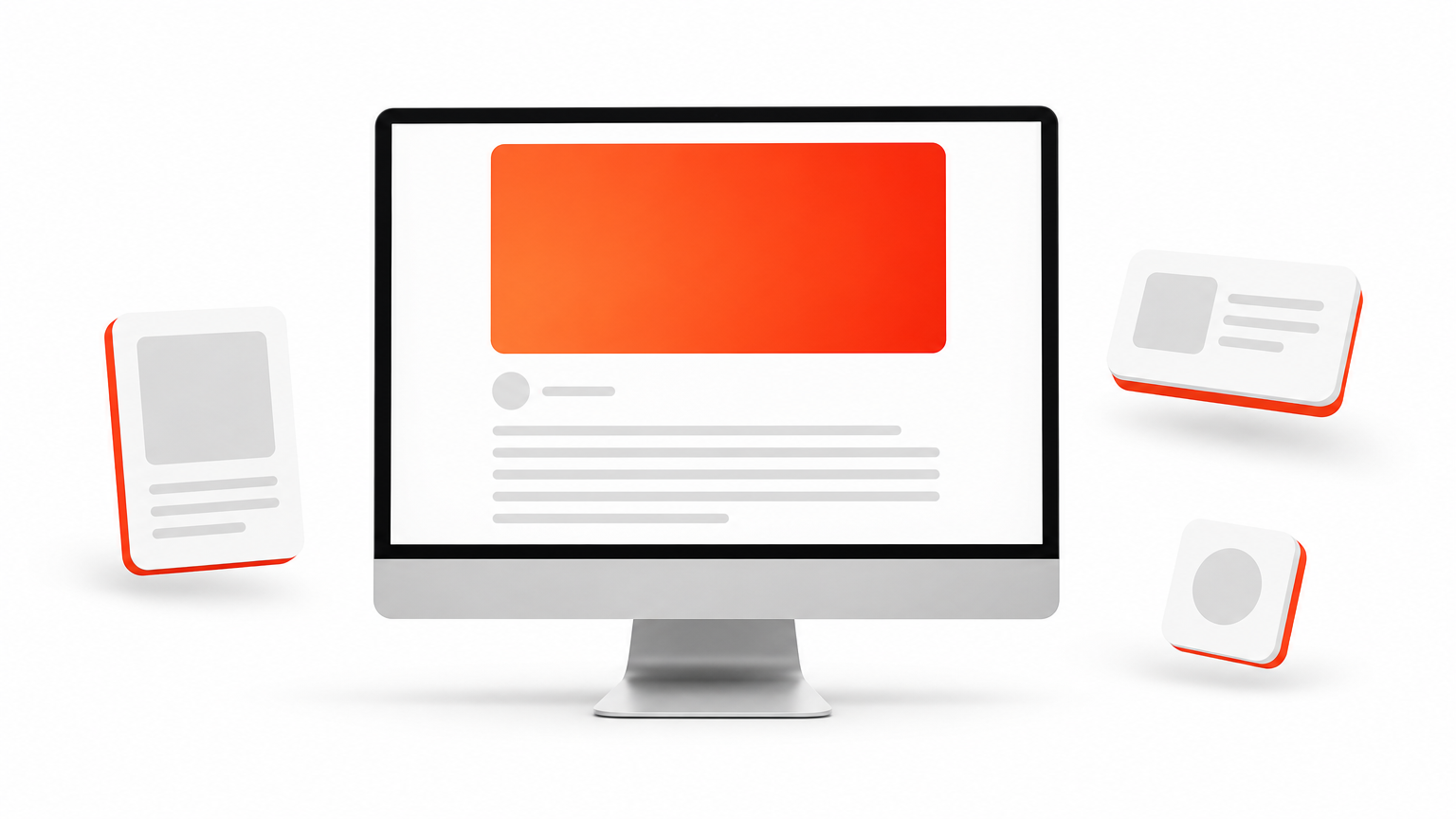
Theme Builder lets you design one post template that applies to every post, which makes it the right tool for single-post layouts.
What you get
You design once and the template pulls each post’s title, image, and content automatically. Start under Divi, then Theme Builder, then Add New Template, then Build New Template, and choose All Posts. You can also target a category, such as tutorials, or a tag, such as Featured.
Build the template from a short set of modules.
- Post Title set to H1, with the featured image enabled.
- Post Content for the body.
- Blog module filtered by category for related posts.
- Comments or Email Optin module at the end.
Build your post template once in Theme Builder, and every future post inherits it.
Who it suits
It suits designers who want a unique look and are comfortable with modules. It also works well as the second step after importing a pack, because you can paste a pack’s sections into the template.
Expect a few hours for a polished first version. A single-column body is the safest choice for readability.
Cost and setup
Theme Builder costs nothing beyond your Divi license. Give the template a descriptive name, such as Main Post Template, so it stays manageable as you add category templates. Before publishing, preview it against posts of different lengths and media types.
4. Elegant Themes Marketplace blog bundles
The Divi Marketplace lists paid blog and post layout bundles, including an Ultimate Blog Layouts collection that advertises over 70 designs.
What you get
These bundles cover blog pages and single post layouts in one purchase. Because the collection is large, you can compare several styles, such as magazine, minimal, and card-based, before choosing.
- Multiple blog page styles.
- Matching single post layouts.
- Designs made for Divi’s native modules.
Who it suits
It suits buyers who want variety from one vendor and prefer the official marketplace to independent shops. If you only need one clean blog, a bundle this size is more than you need.
A large bundle only pays off if you will use more than one or two of the designs.
Cost and setup
Marketplace products are sold individually and prices vary, so check the listing before you buy. Confirm the Divi 5 label as well. After purchase, you download the files, unzip them, and import the JSON through the Divi Library, the same way as in item 1.
5. Blogy by Divi Extended
Blogy is a paid layout pack from Divi Extended built entirely around blogs.
What you get
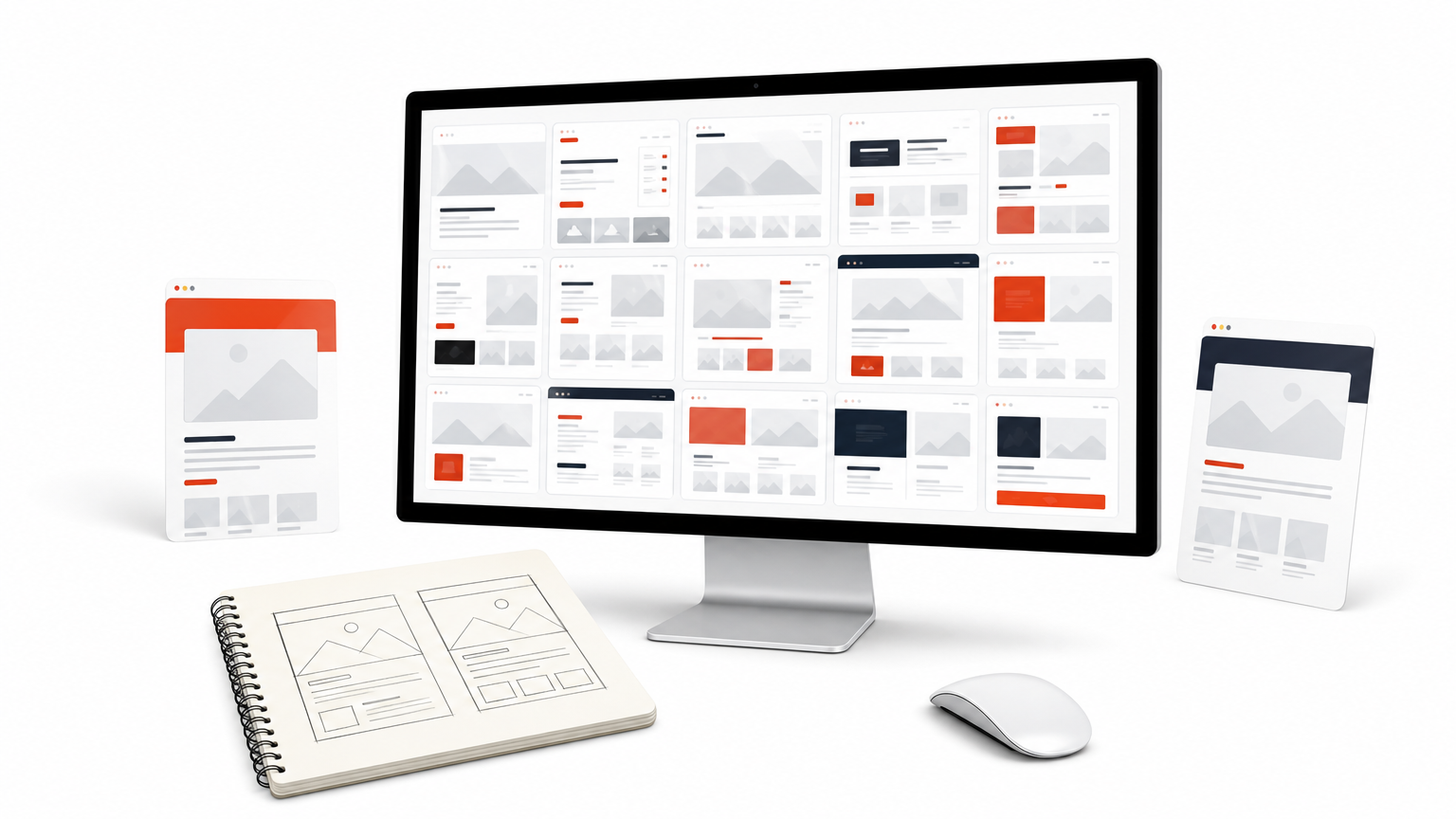
The listing advertises 90 blog page layouts and 40 post layouts, plus search page layouts. That is 130 blog-specific designs in one pack, which makes it the deepest option here for pure blog work.
- Dozens of blog page styles.
- Single post templates in varied structures.
- Search result layouts that match the blog design.
Who it suits
Agencies and blog-heavy sites that need variety benefit most. Different clients can get different looks without a new purchase each time.
For one personal blog the pack is too much. Pick two or three layouts, ignore the rest, and treat the remainder as spare options for later projects.
With 130 layouts in a pack, choosing two and sticking with them saves more time than browsing all of them.
Cost and setup
It is a paid product, and the price on the listing is what counts, so check it first. Import follows the standard method. Add the blog page layout to a page through the Divi Library, then place the post layout into a Theme Builder template for All Posts.
6. Free community packs and blog module plugins
Free layout packs and Blog module plugins fill the gaps when a native layout is too plain.
What you get
DiviFlash offers 50+ free layout packs with 300+ page templates and 1000+ section layouts. Not every pack includes a blog, so filter for blog pages and post templates. DiviGear sells a Blog module plugin that extends the native module with extra layouts and customization options.
- Free packs for a zero-cost start.
- A plugin for card styles beyond Grid and Fullwidth.
- Section layouts to patch a single weak spot.
Who it suits
Budget-conscious builders will like the free packs. The plugin suits people who like Divi’s modules but want more control over how posts display.
A plugin adds a dependency, so deactivating it later can break the layouts that rely on it.
Cost and setup
Free packs cost nothing and import as JSON files. The plugin installs like any WordPress plugin, and its price is on the product page. Before you commit, test it on a staging site, and keep a backup if the layout depends on the plugin.
Choosing the right Divi blog layout
Match the source to the job. Use the built-in library or a free pack to get a blog page live today. Use Theme Builder for the single post template. Choose a large paid pack only if you will really use the variety.
For several client sites, one library usually beats separate packs. The Divi Hat membership gives you child themes, layouts, and wireframes, with unlimited site usage and a 30-day money-back guarantee, so you can test a blog structure on a real project before the refund window closes.